Your online calendar, ready for clients
Share your booking link and let clients pick a service, day and time. No phone calls, no back-and-forth messages.
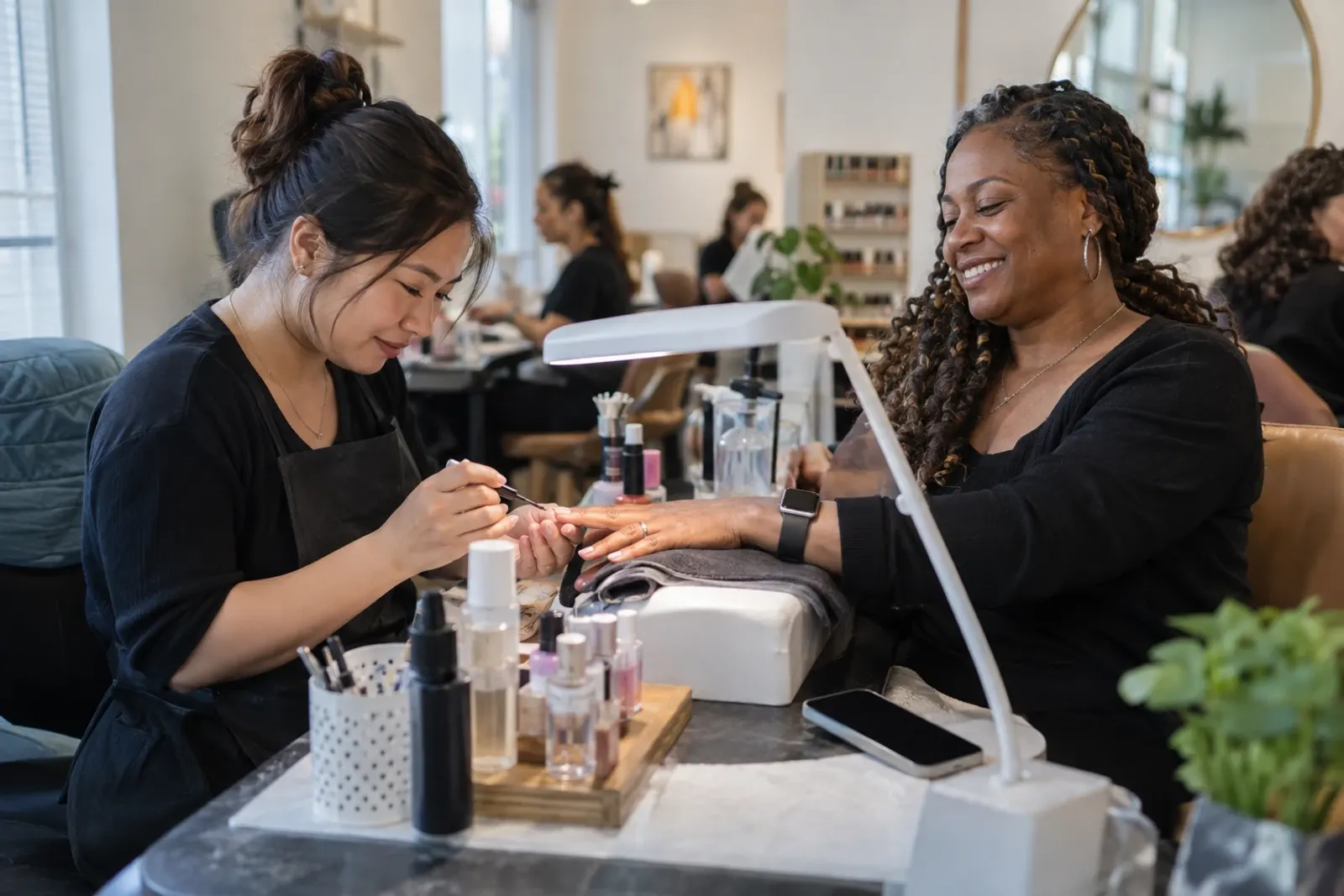

Your calendar, ready in minutes
Name, length, price, location and buffer time between appointments.
Your week, your breaks and your days off, all in your time zone.
In your link in bio, your stories or an automated DM.
This is how easy it is to book with you
No accounts to create, nothing to download. Works on any phone.
They only see open slots, in their own time zone.
An email with the details and an event ready for Google, Apple or Outlook.
With their personal link, without calling you. You get notified.
Everything under control
Your calendar lives in SocialMaker alongside your automations and your link in bio.
See who’s coming, when and for which service.
Block a day, an afternoon or a whole week in one tap.
Get an email every time someone books or cancels.
Decide how far in advance people can book and how far ahead.
Your logo on every booking
Upload your logo once and your clients see it all the way through: when they pick a time, on their appointment page and in every email, which arrives in your business’s name.
- On your booking pageYour logo at the top, before they choose a service.
- In every email to your clientsConfirmations, changes, cancellations and reminders arrive with your logo, from your business.
- Looks good on any backgroundWe trim empty edges and, if your logo is white, we place it on a dark background.
Pro · MaxIncluded in the Pro and Max plans.See pricing

Connected to your link in bio and your DMs
Your bookings don’t live on their own: they plug into the rest of SocialMaker.
- “Book” button on your link in bioDesigns with a calendar come with the button ready.
- Bookings from a DM“Comment BOOK” and people get your booking link instantly.
- Already use another calendar?Put your own Calendly or other booking link on the button.

Questions about bookings
Do my clients need an account?
Does it work with clients in other countries?
Can I charge for the booking?
Does it sync with my Google Calendar?
What if a client needs to change the time?
Can I add my business logo?
Your next customer is already commenting.
Let SocialMaker reply while you do what you love.
No credit card · Ready in minutes