AI image carousels
Write your idea and SocialMaker designs the whole carousel with AI-generated images, all editable.
In Create with AI, you write your request and SocialMaker designs the whole carousel: a design director plans every slide (text, fonts, colors) and an image model paints the imagery. Everything you get is editable: the text is real text, not letters baked into the image.
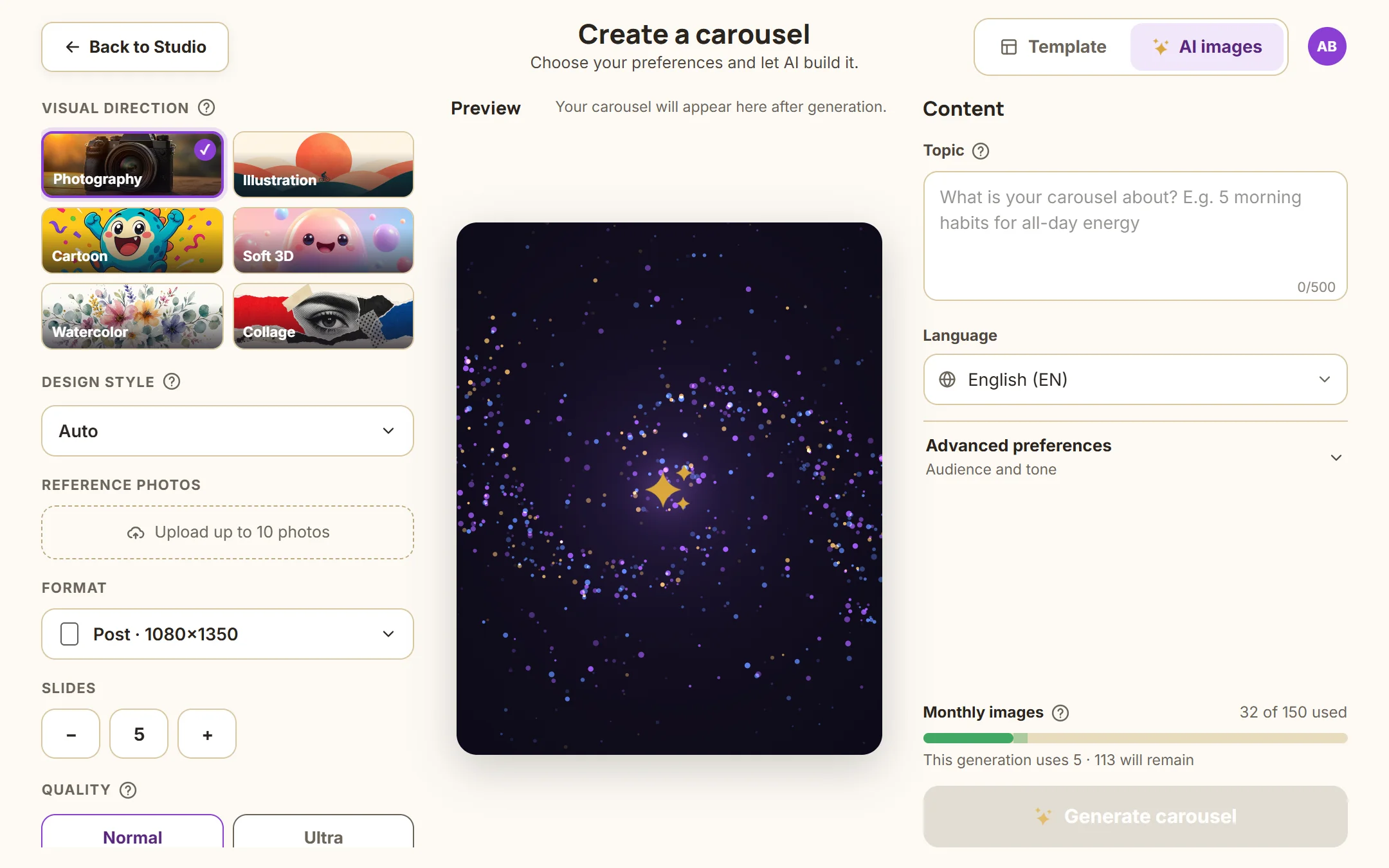
Auto or a fixed design
- Auto lets the director pick whichever design best fits your topic. It's the recommended option.
- If you want a specific look, pick a card from the design gallery and every slide comes out in that style.
Quality
- Normal is recommended for social media: it looks great and costs 1 credit per image.
- Ultra uses the model's most detailed mode. It uses more credits; save it for special pieces.
What to expect
Generation takes between 1 and 3 minutes. When it's done, it opens in the editor, where you can move, fix and polish any detail. The generated images stay in your Files so you can reuse them.
Was this article helpful?
You might also like
How to write your requestThe formula for asking the AI for a carousel: topic, who it's for, one concrete detail, and the final action. No expert prompts needed.Image creditsHow much each AI generation uses, how to check your balance, and what happens if a generation fails.Download as PNG, PDF or videoHow to download your designs to publish or print them, and which format to choose for each case.