Create a QR code
Create a QR code for a link, your WhatsApp, your Wi-Fi or your contact info, customize its colors, and download it ready to print.
In QR codes, you create a QR code, choose its colors and style, and download it. It stays saved so you can reuse it.
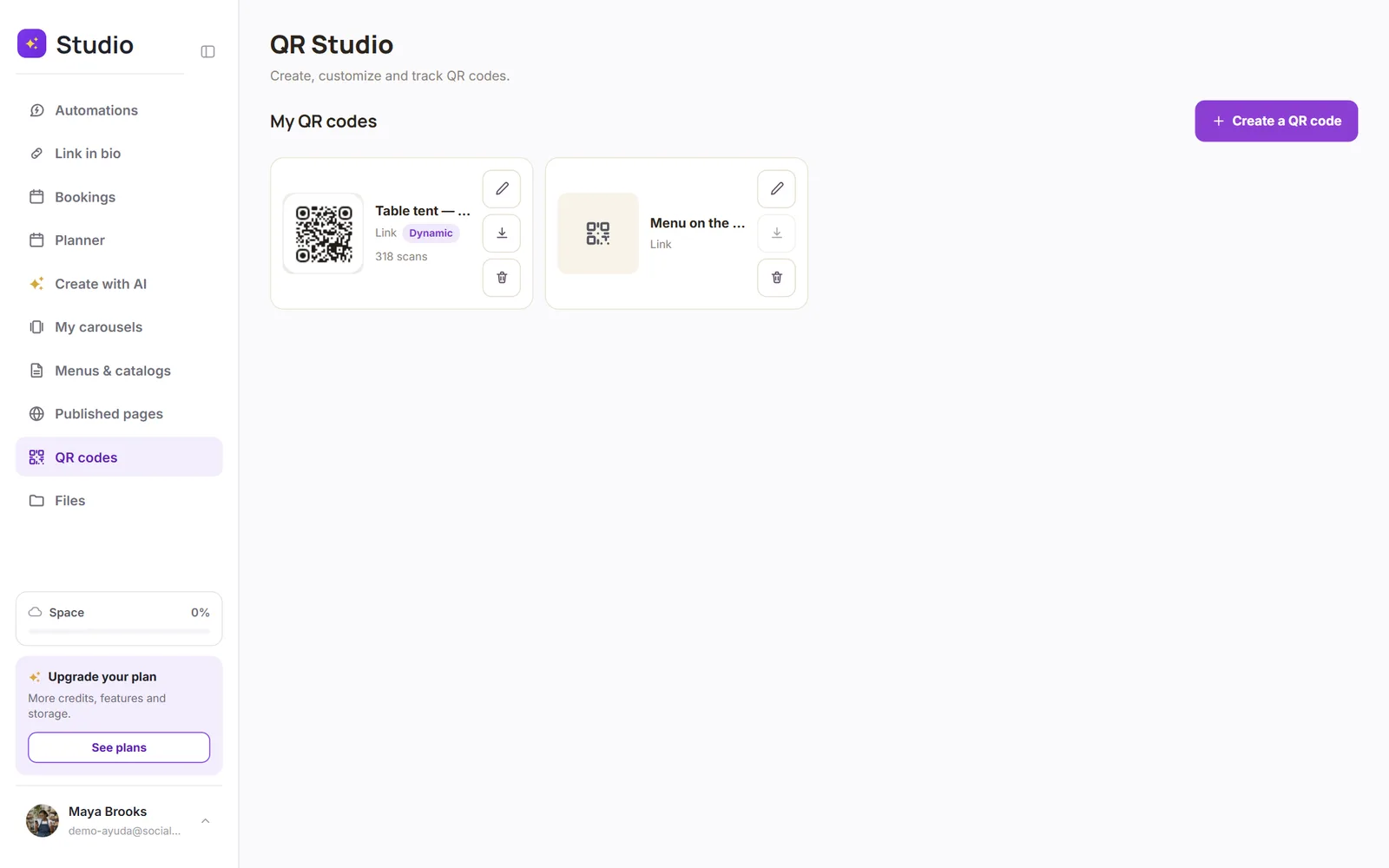
Tap “Create a QR code”
Choose what it opens
A link, text, your Wi-Fi, your contact info (vCard), an email, a phone number, your WhatsApp, a location, an event or a file.
Customize it
Colors, dot shape and your logo in the center.
Save and download it
It downloads ready to print or share.
Dynamic QR codes
A dynamic QR code leads to a short SocialMaker link, so you can change the destination after printing it and see how many times it was scanned.
| Regular QR | Dynamic QR | |
|---|---|---|
| Change the destination after printing | No | Yes |
| See the scans | No | Yes |
| Plans | All | Pro and Max (up to 100) |
Was this article helpful?