Create your link in bio
Claim your address (socialmaker.ai/yourname), choose a template, and publish it in minutes.
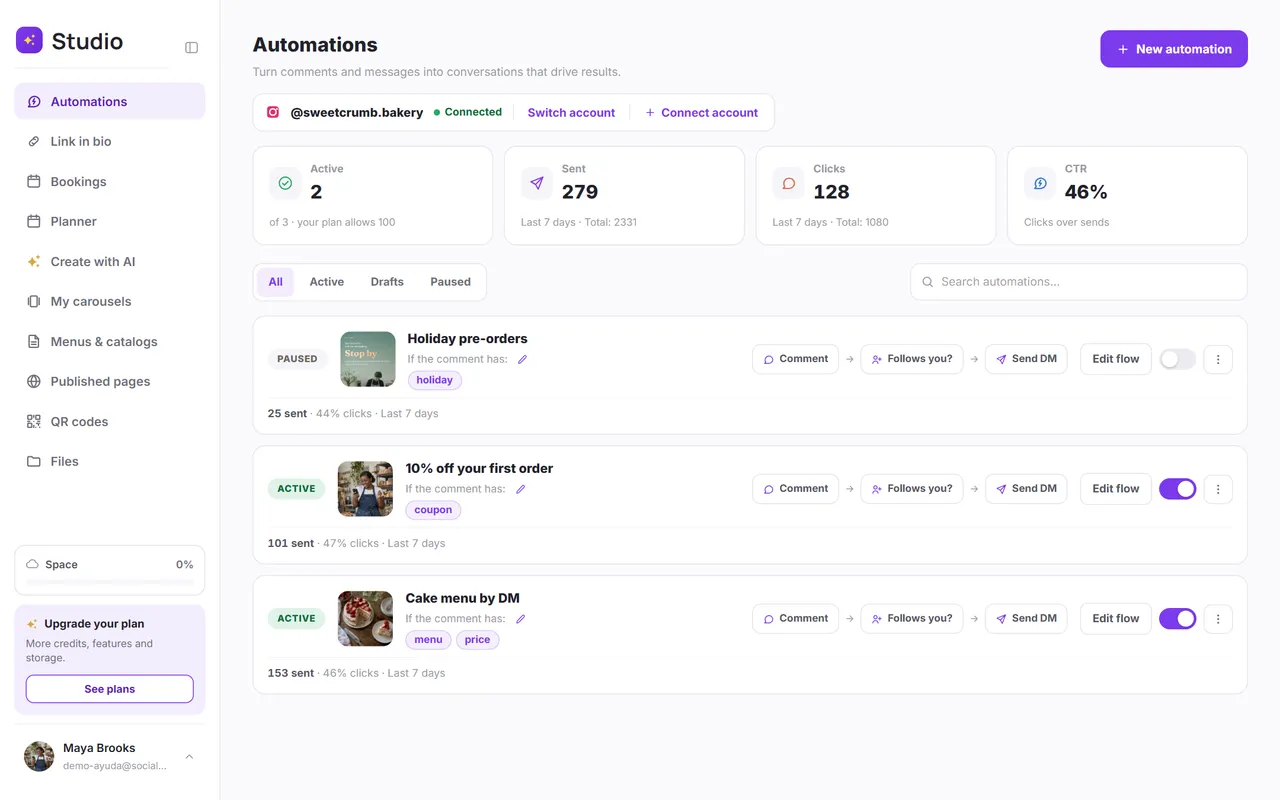
Your link in bio is a page with your name where you bring everything together: WhatsApp, your shop, your social media, your bookings, a video or your location. The address looks like this: socialmaker.ai/yourname.
Step by step
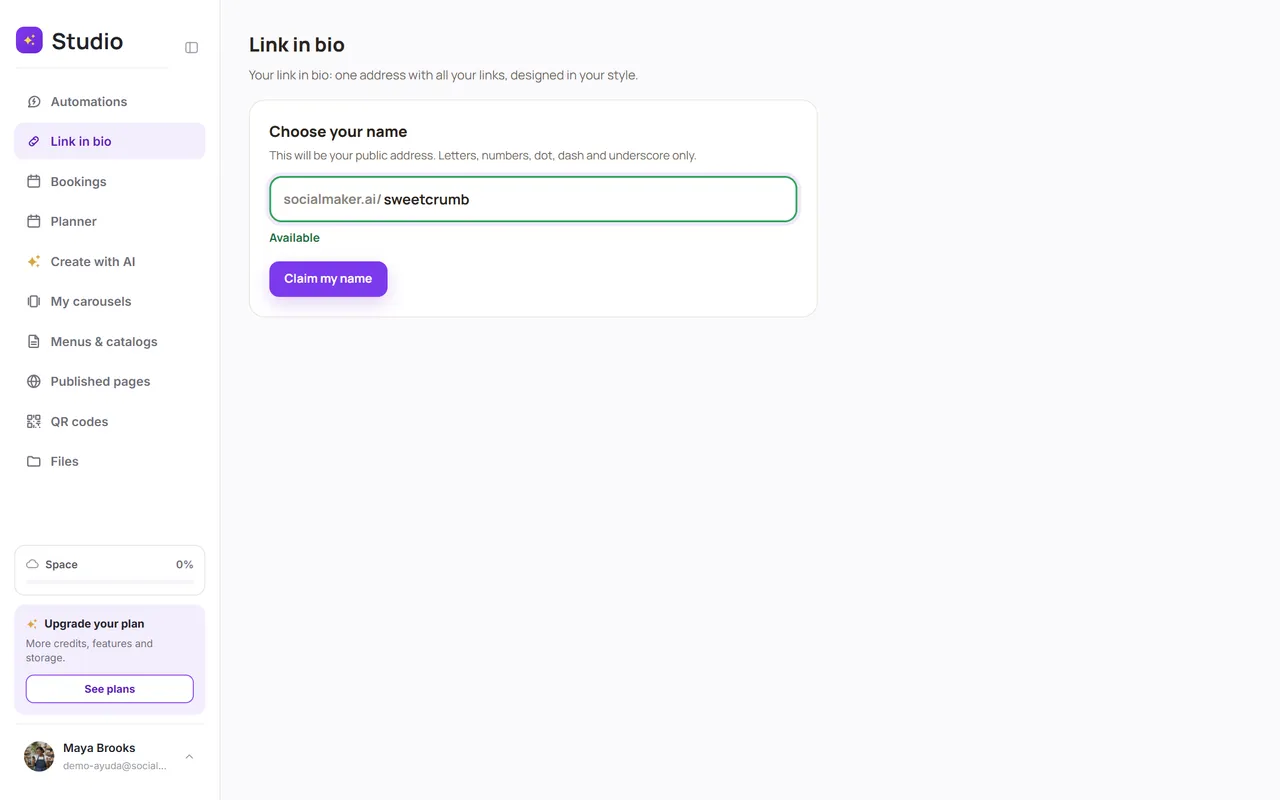
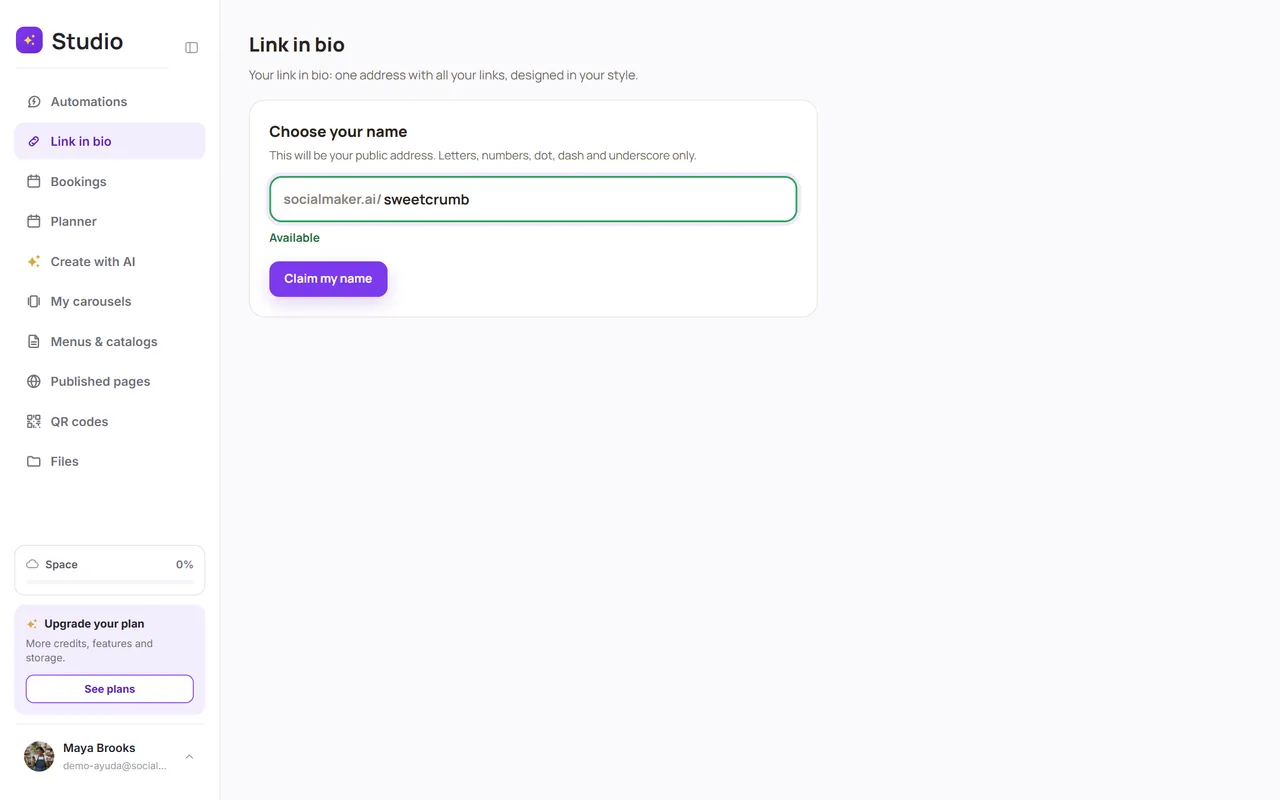
Open Link in bio and choose your name
Type the name you want. It can include letters, numbers, periods, hyphens and underscores (3 to 30 characters). SocialMaker tells you right away if it's available.
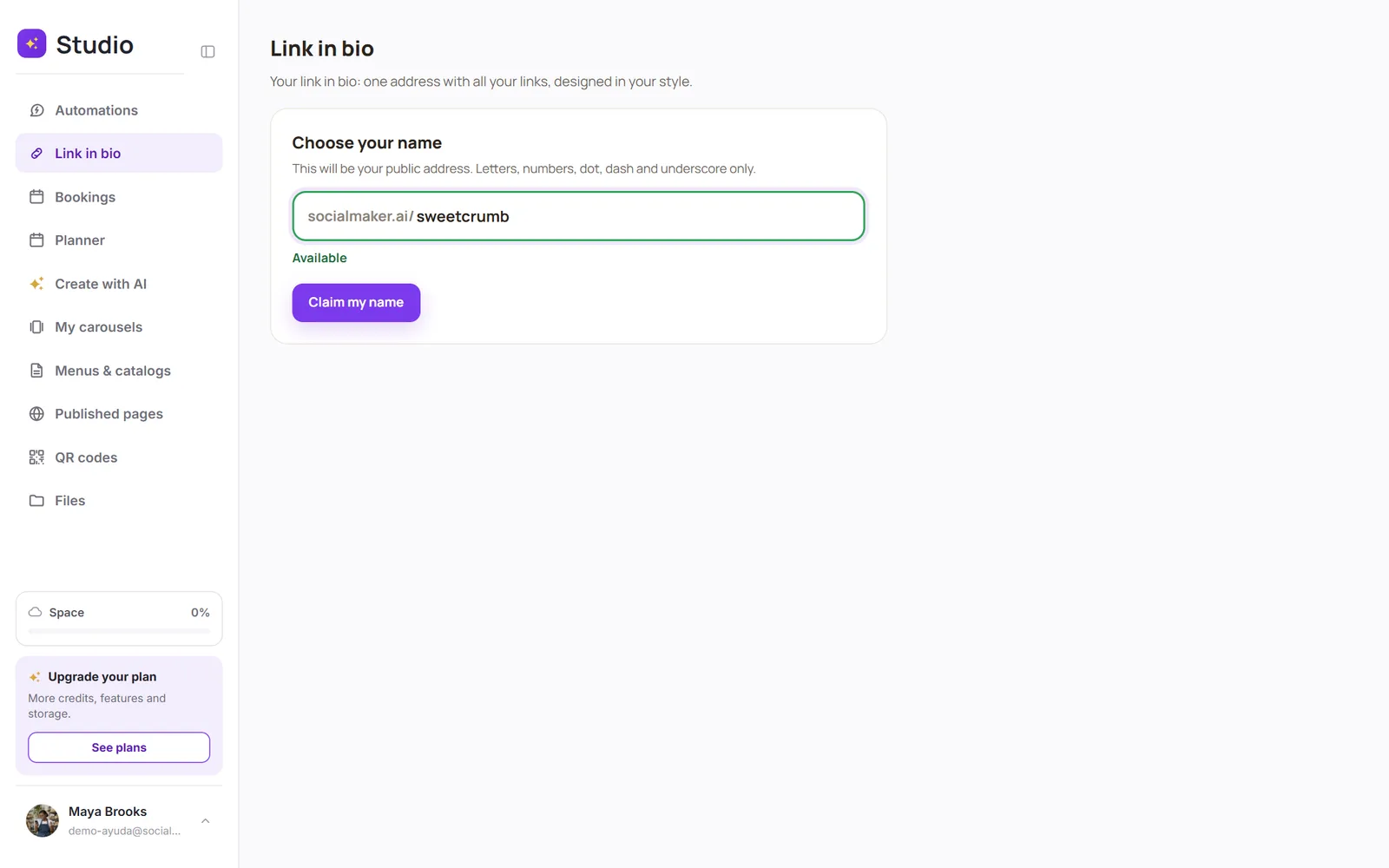
Tap “Claim my name”
The address is now yours.
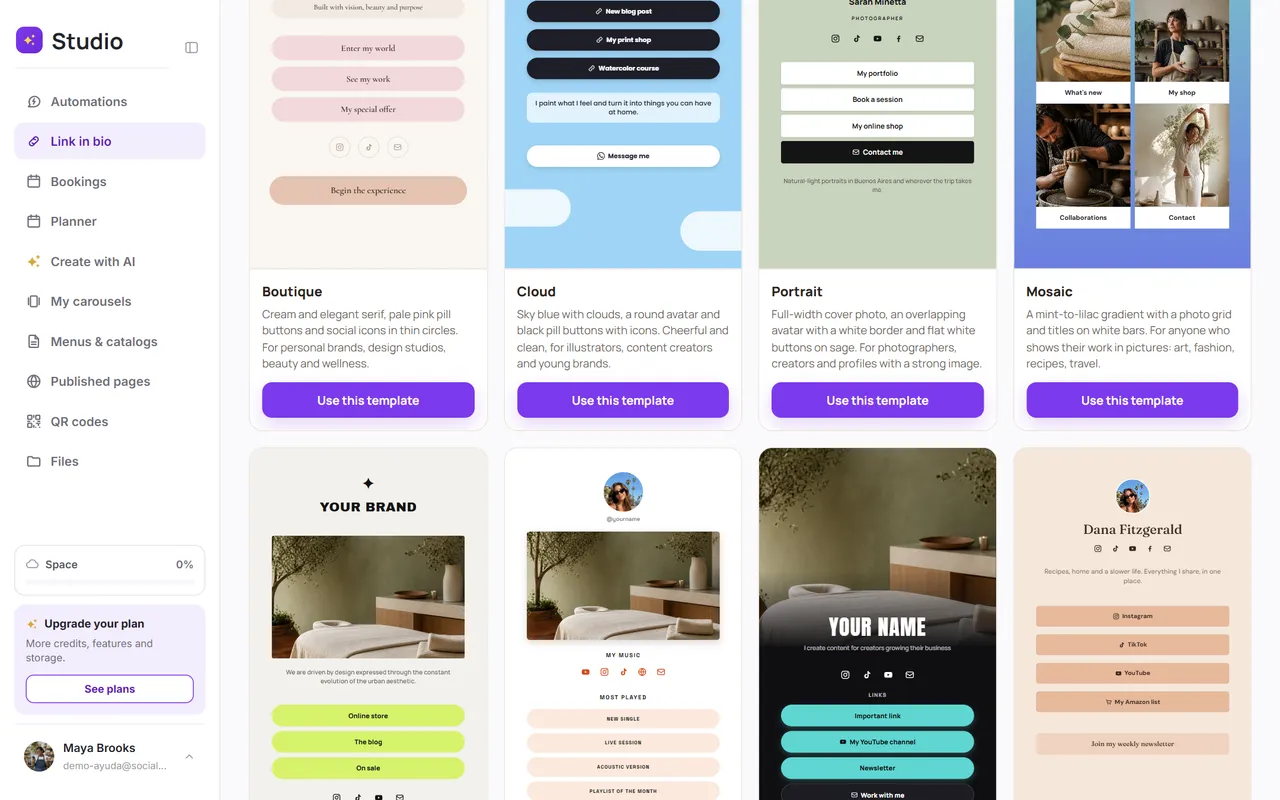
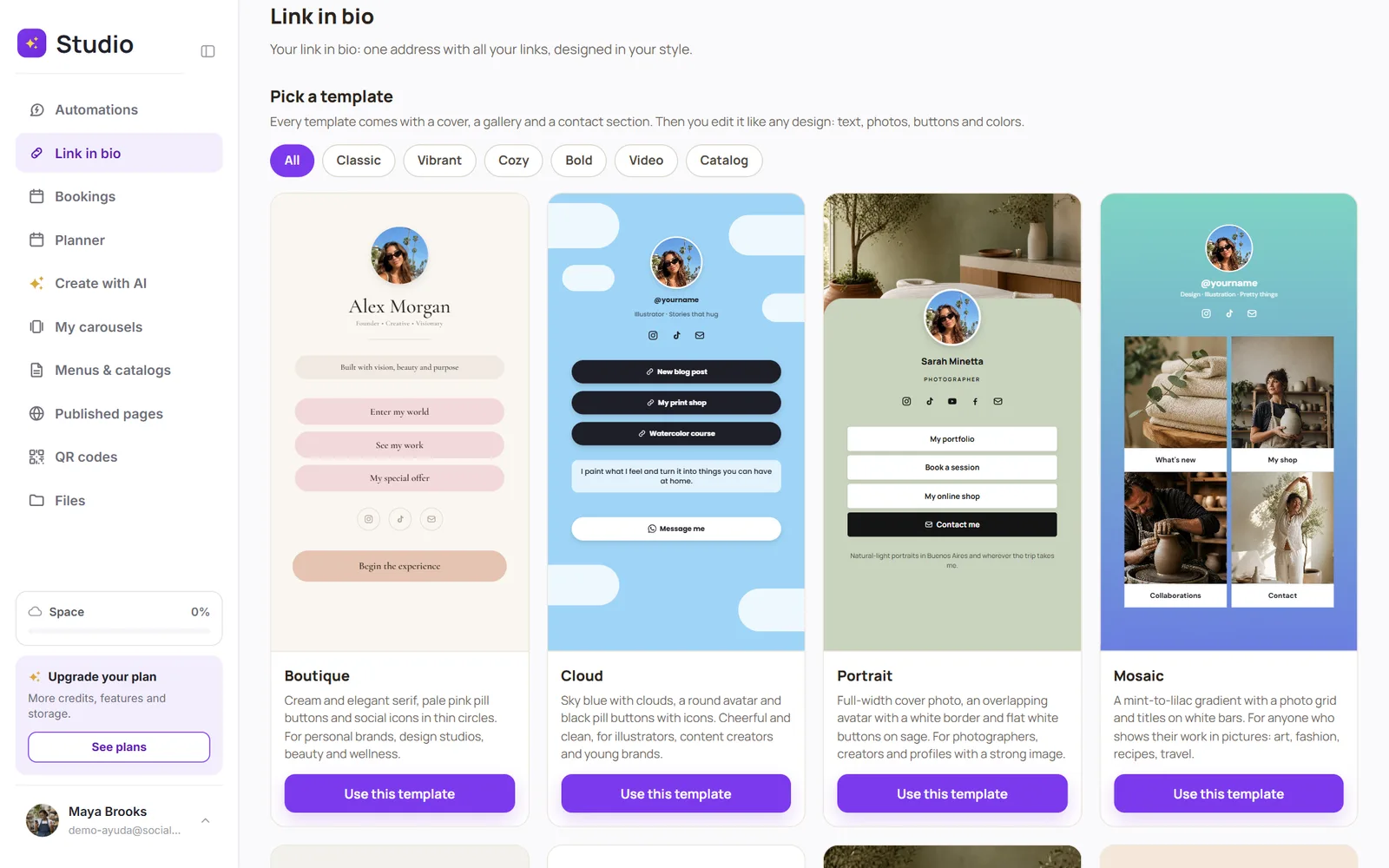
Choose a template
Every template comes with a cover, a gallery and contact info. Filter them by style (Cozy, Bold, Catalog, Classic, Real estate, Architecture, Vibrant or Video) and tap Use this template. On the Free plan you can use the 2 marked Included free; the rest unlock starting with Starter.
Edit it with your details
It opens in the editor: change text, photos, colors and buttons. Everything saves automatically. See how to edit your link in bio.