Instagram and Facebook insights: which post brings you customers
See your numbers for the last 28 days, which post people liked most and which one sold the most, plus tips for your next one. What each plan includes.
Instagram tells you which post got the most likes. SocialMaker tells you something more useful: which one brought you customers, because it matches your posts with your automations (who asked for your link, opened it or booked).
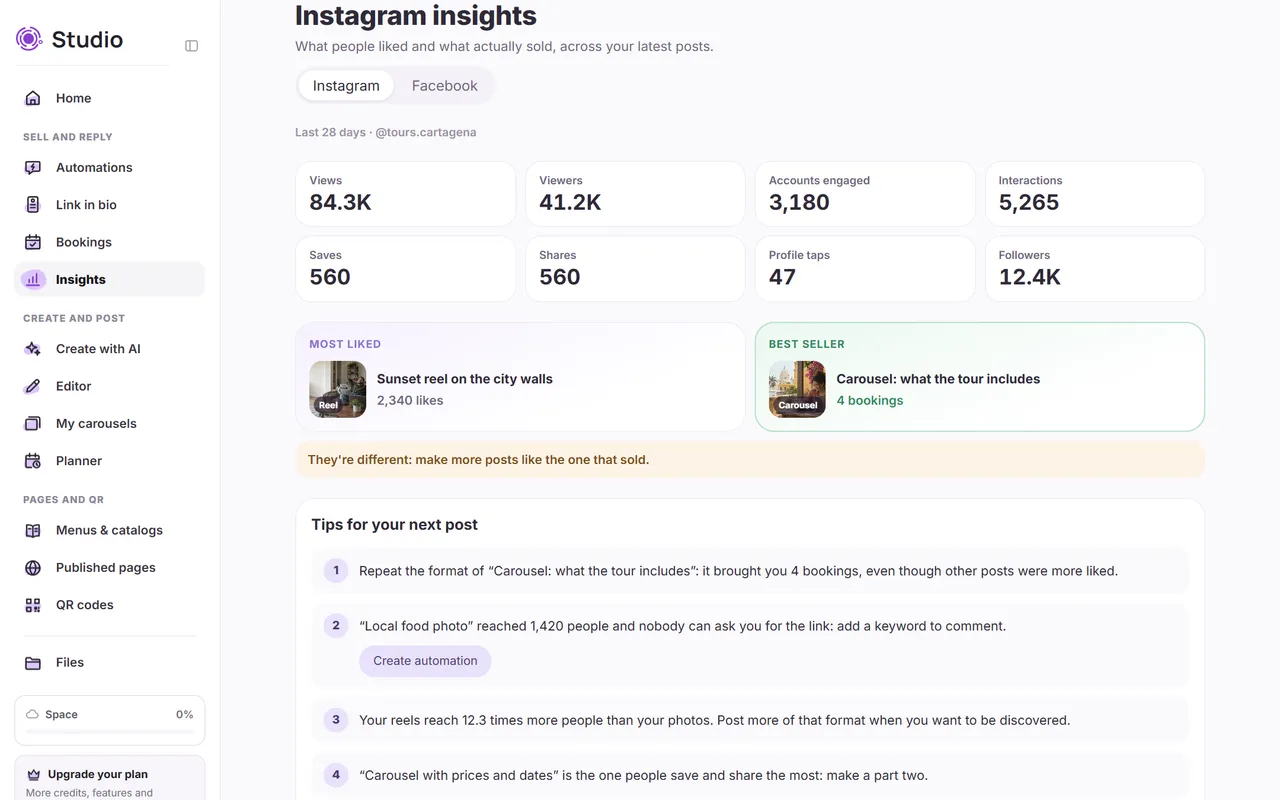
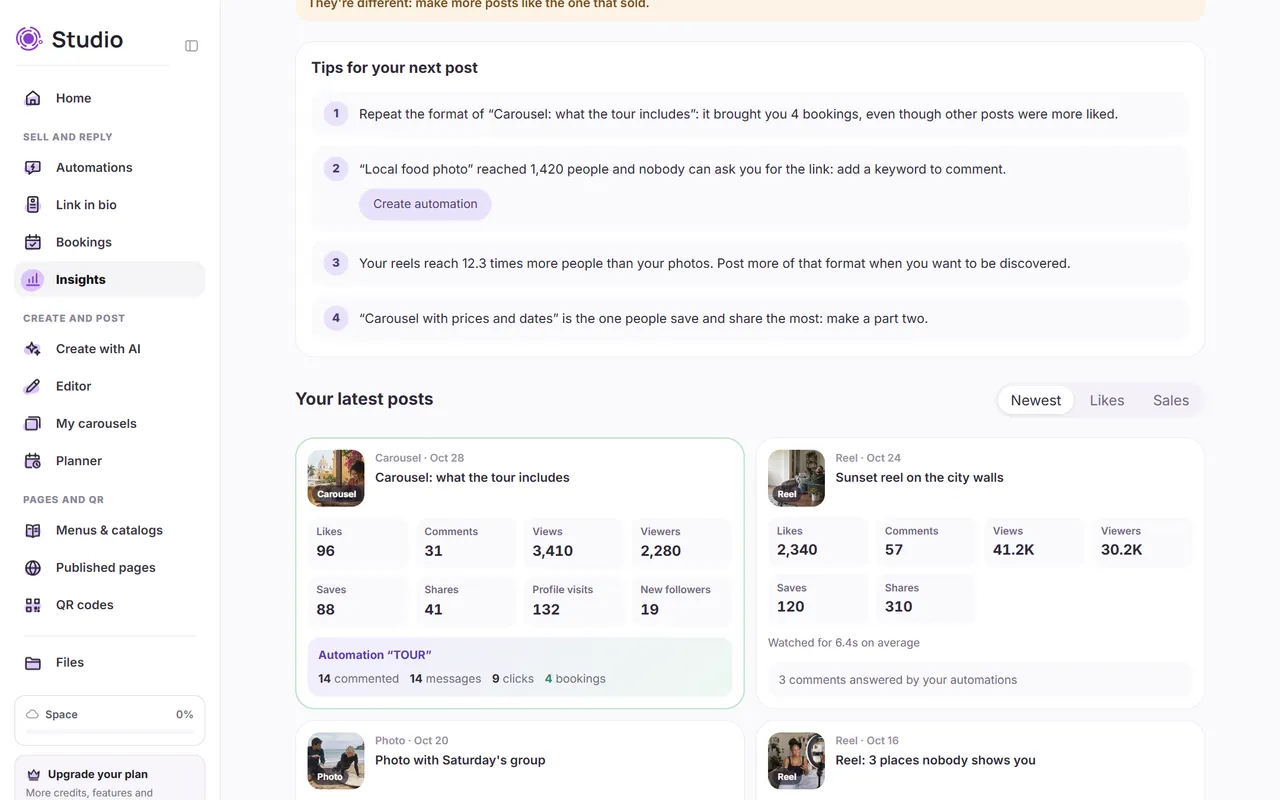
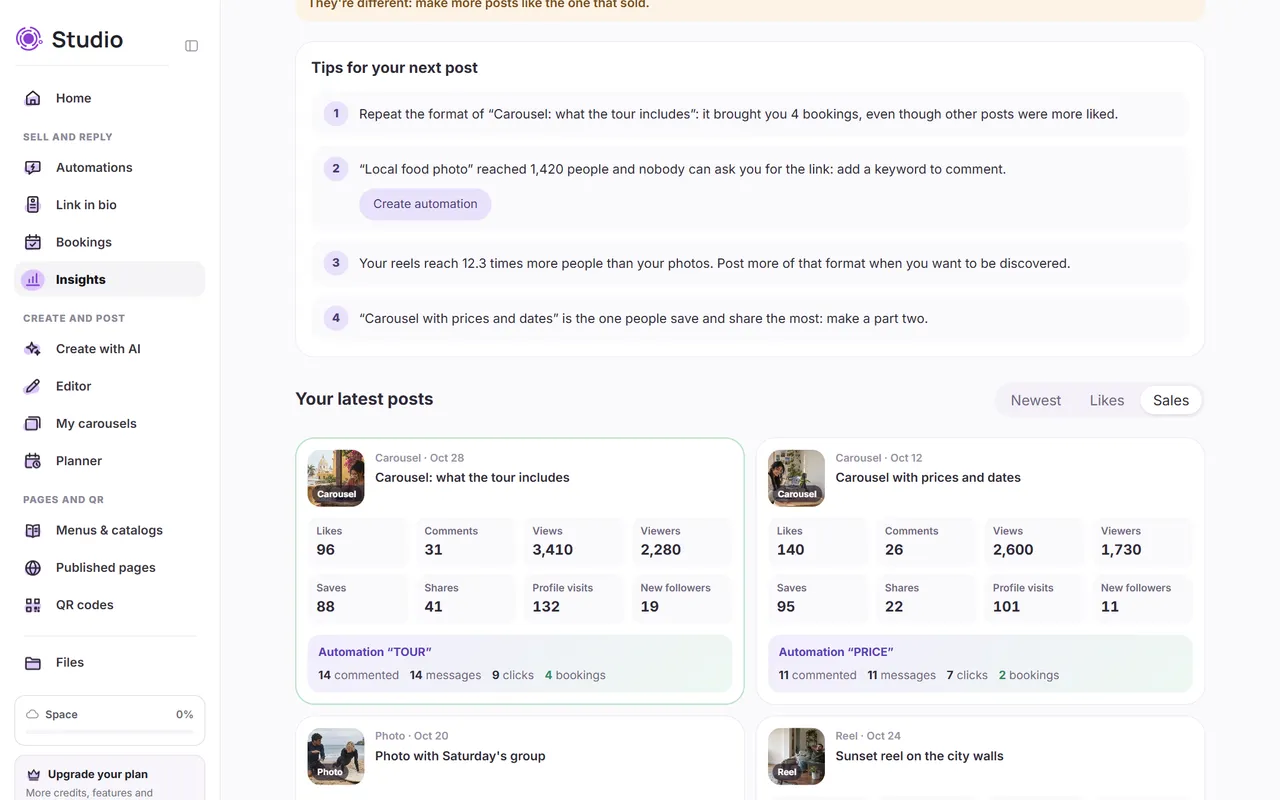
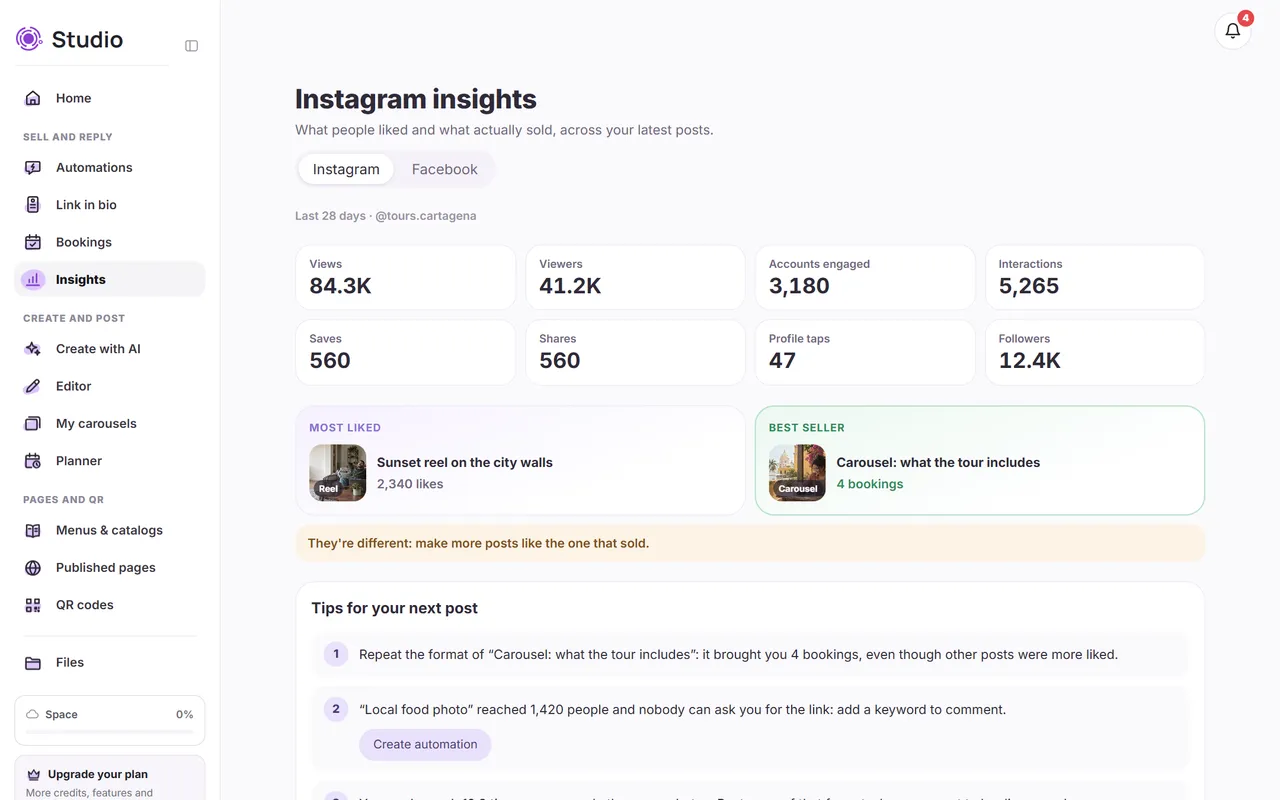
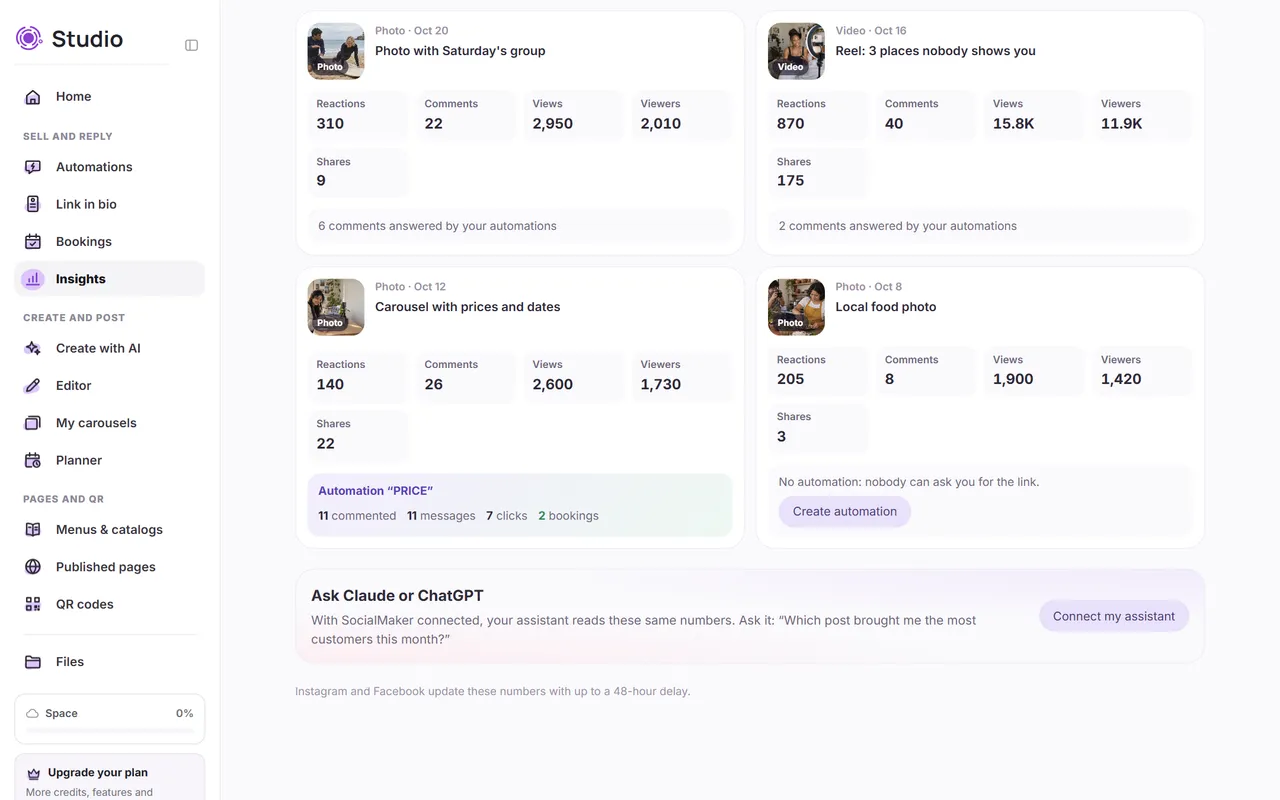
Your insights in a minute: what people liked, what sold and what to post next.
What you see
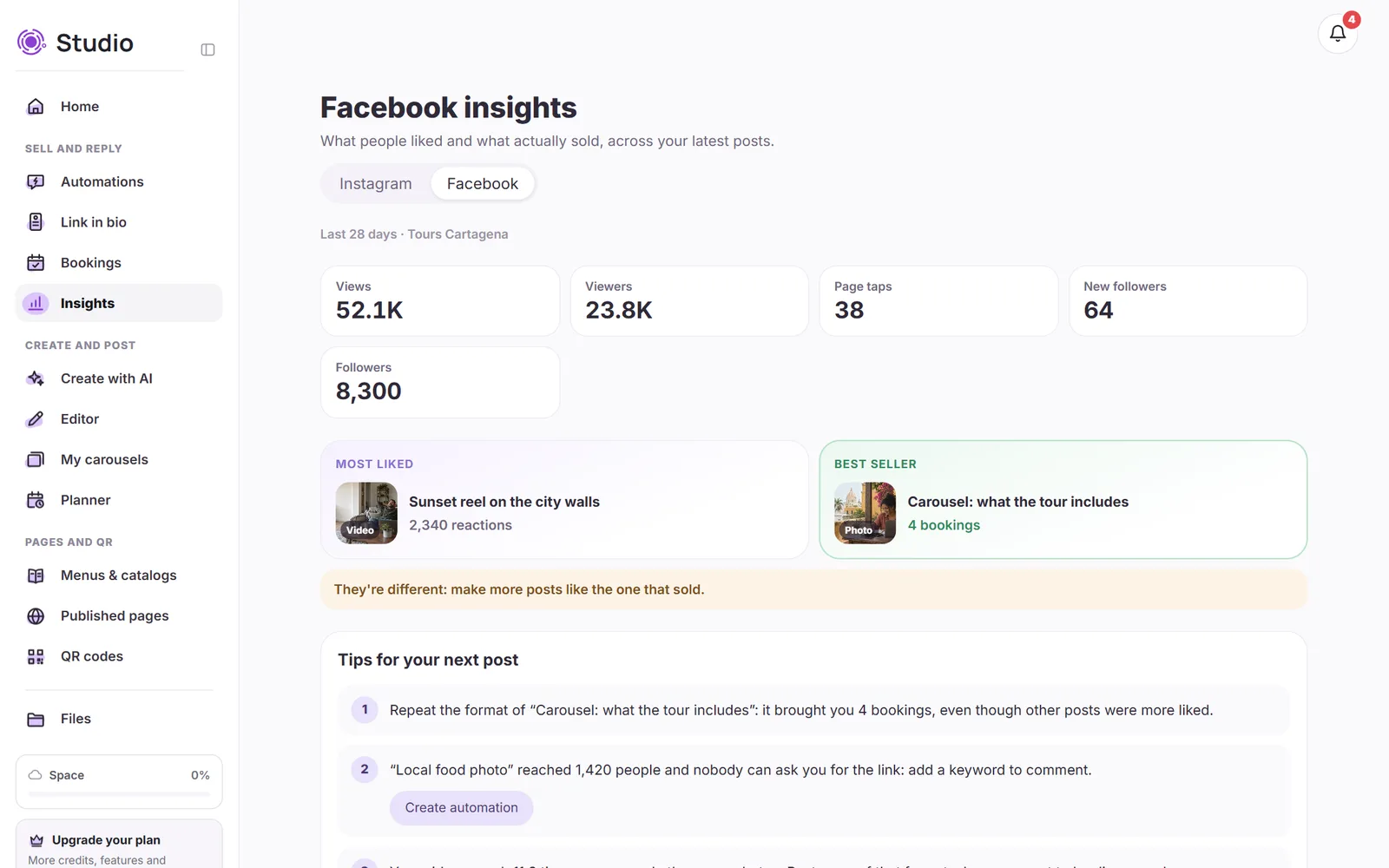
Your numbers for the last 28 days
Views, viewers, accounts engaged, interactions, saves, shares, profile taps and followers.
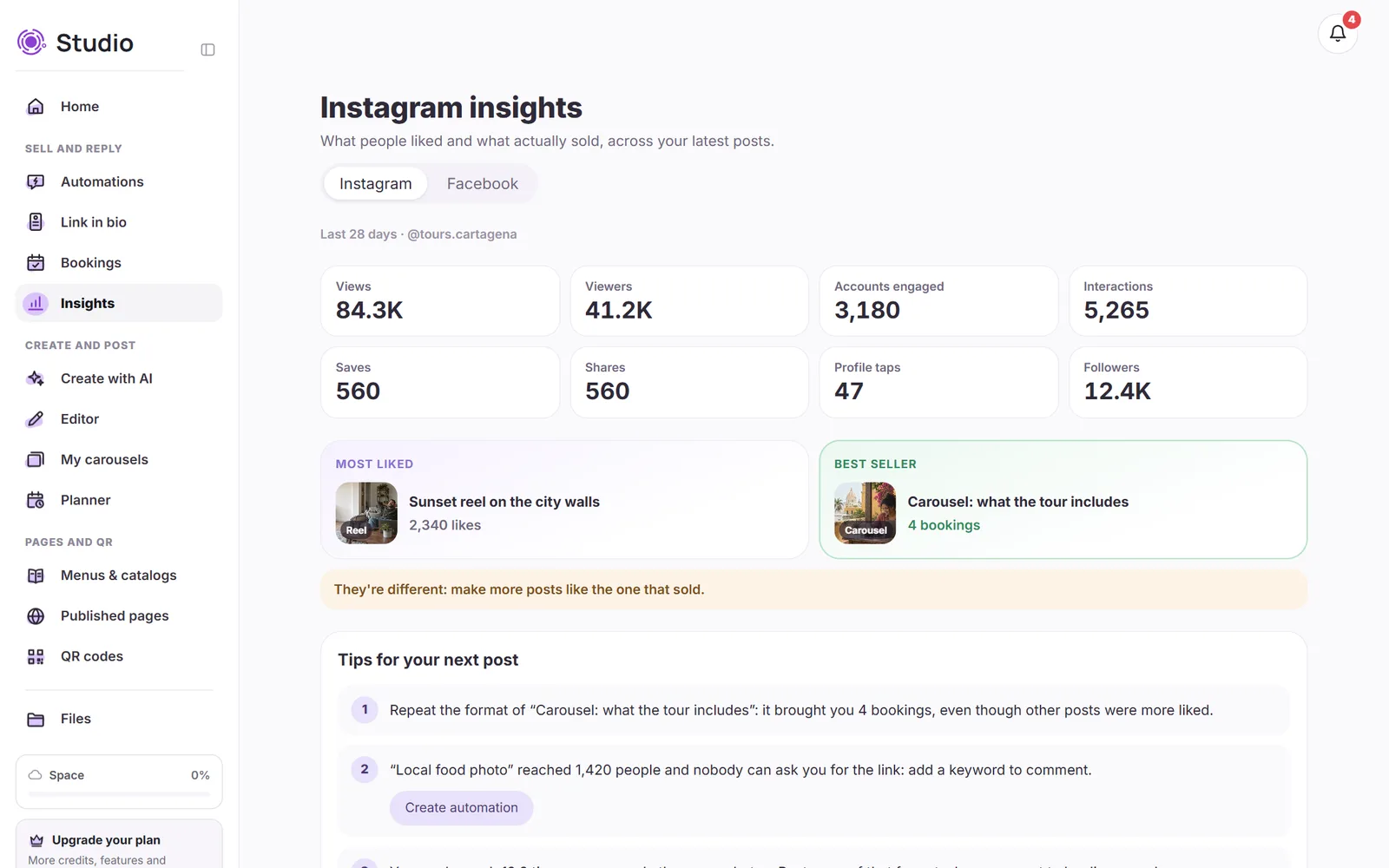
Most liked and best seller
If they're different, it tells you: make more posts like the one that sold.
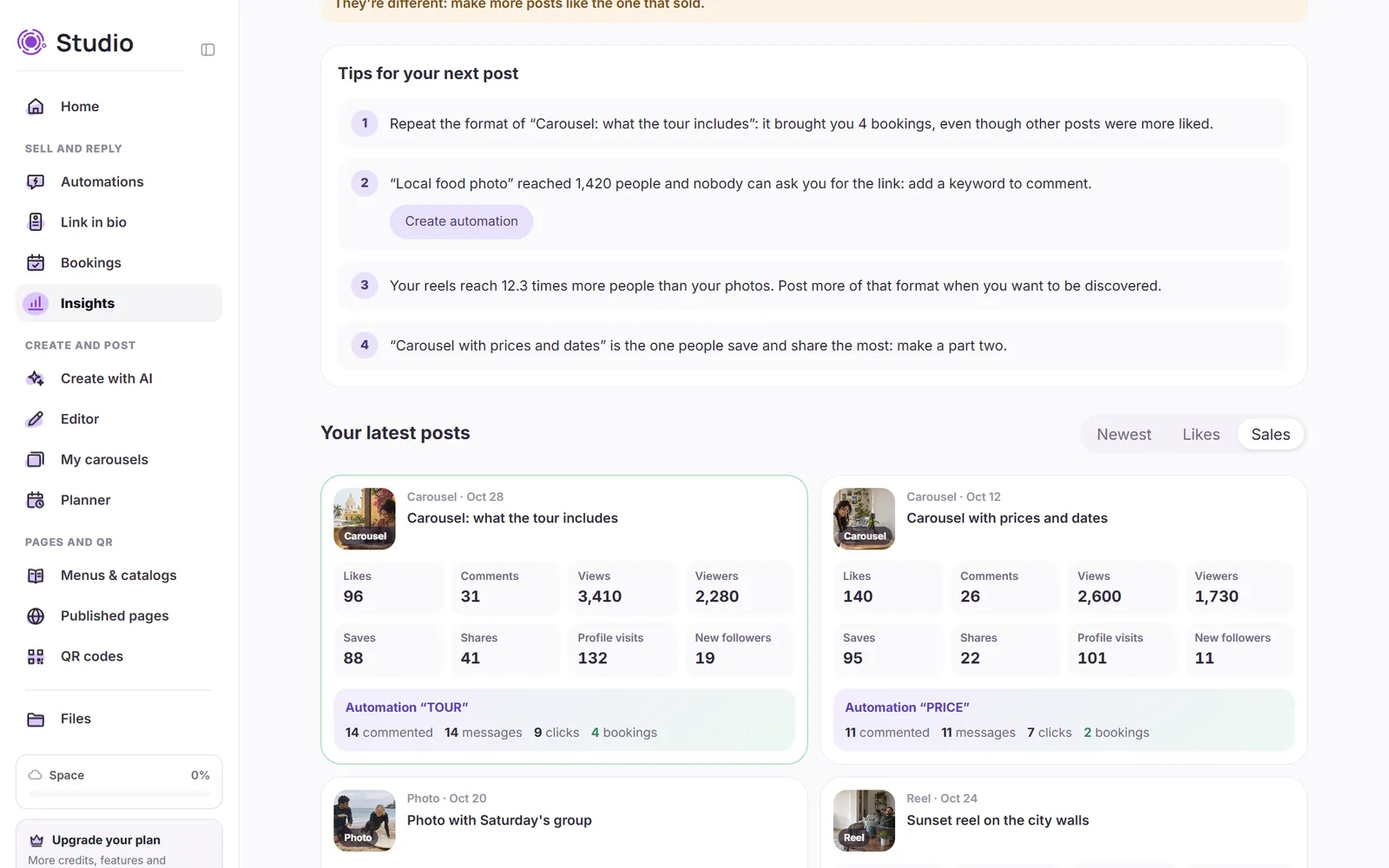
Tips for your next post
Which format to repeat, which post reached a lot of people with no way to ask you for the link, and which one people save and share the most.
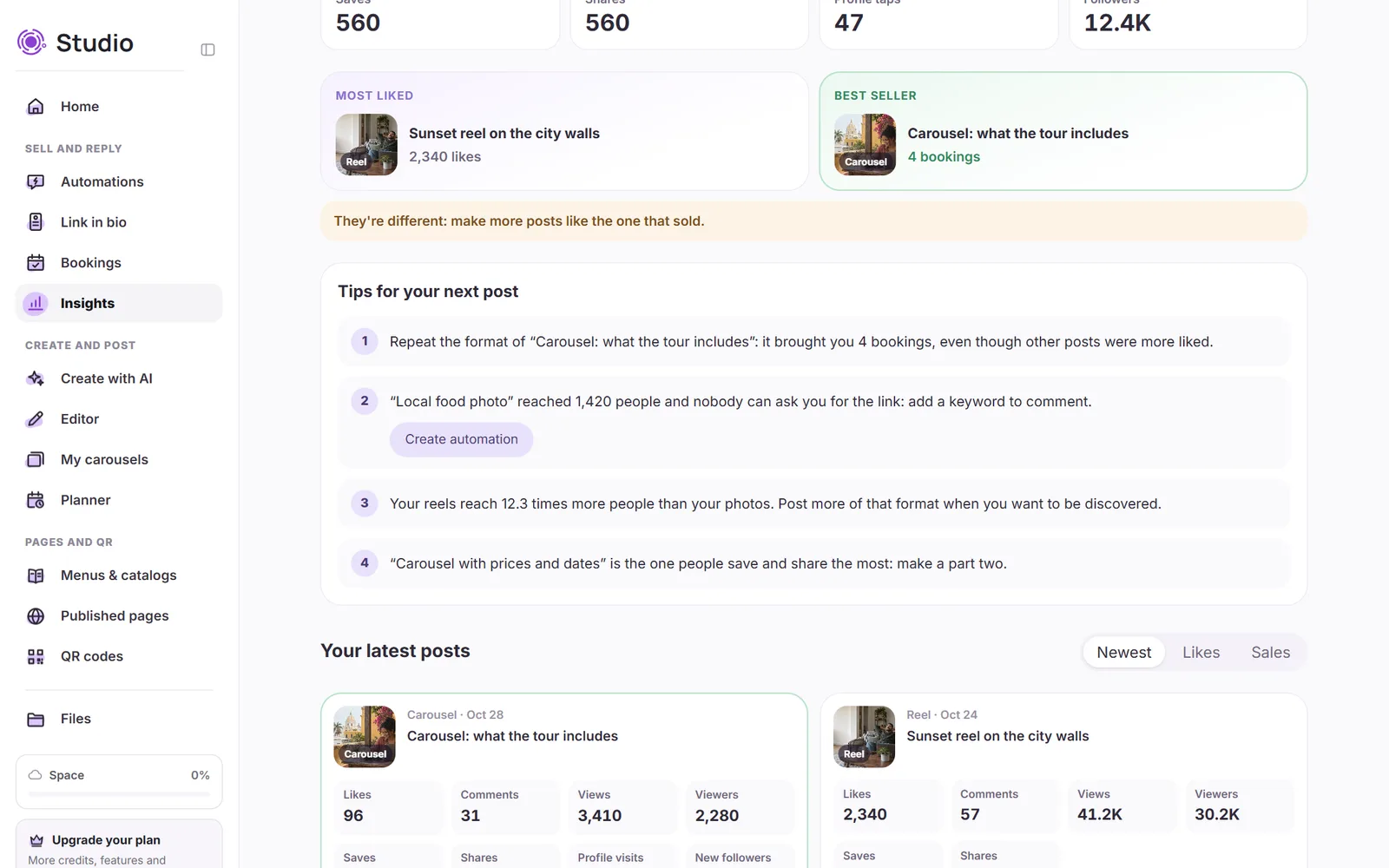
Your latest posts
Each one with its numbers and, if it has an automation, how many people commented, how many messages went out, the clicks and the bookings. Sort them by Newest, Likes or Sales.
What each plan includes
| Plan | Insights |
|---|---|
| Free | An example with sample data, so you can see what it looks like. |
| Starter | Your numbers and each post's, the 30-day day-by-day chart and where your views come from (your followers or new people). |
| Pro and Max | Everything: 90 days of charts, which post sold, tips, views by format, followers gained and lost, profile button taps, your audience (countries, cities, age and gender) and a detail card for each post (how many skip your reel, its views on Facebook and what its automation sold). Plus the in-depth analysis with Claude or ChatGPT, which can build their own charts with your numbers. |
Before you start
- You need your Instagram connected directly (in Connections it says Direct connection) or your Facebook page.
- If you connected your account before November 24, 2026, reconnect it once to grant the insights permission: how to reconnect.
- Instagram and Facebook update these numbers with up to a 48-hour delay.