The Planner calendar
How to read the calendar, what each status means, and how to change or cancel a scheduled post.
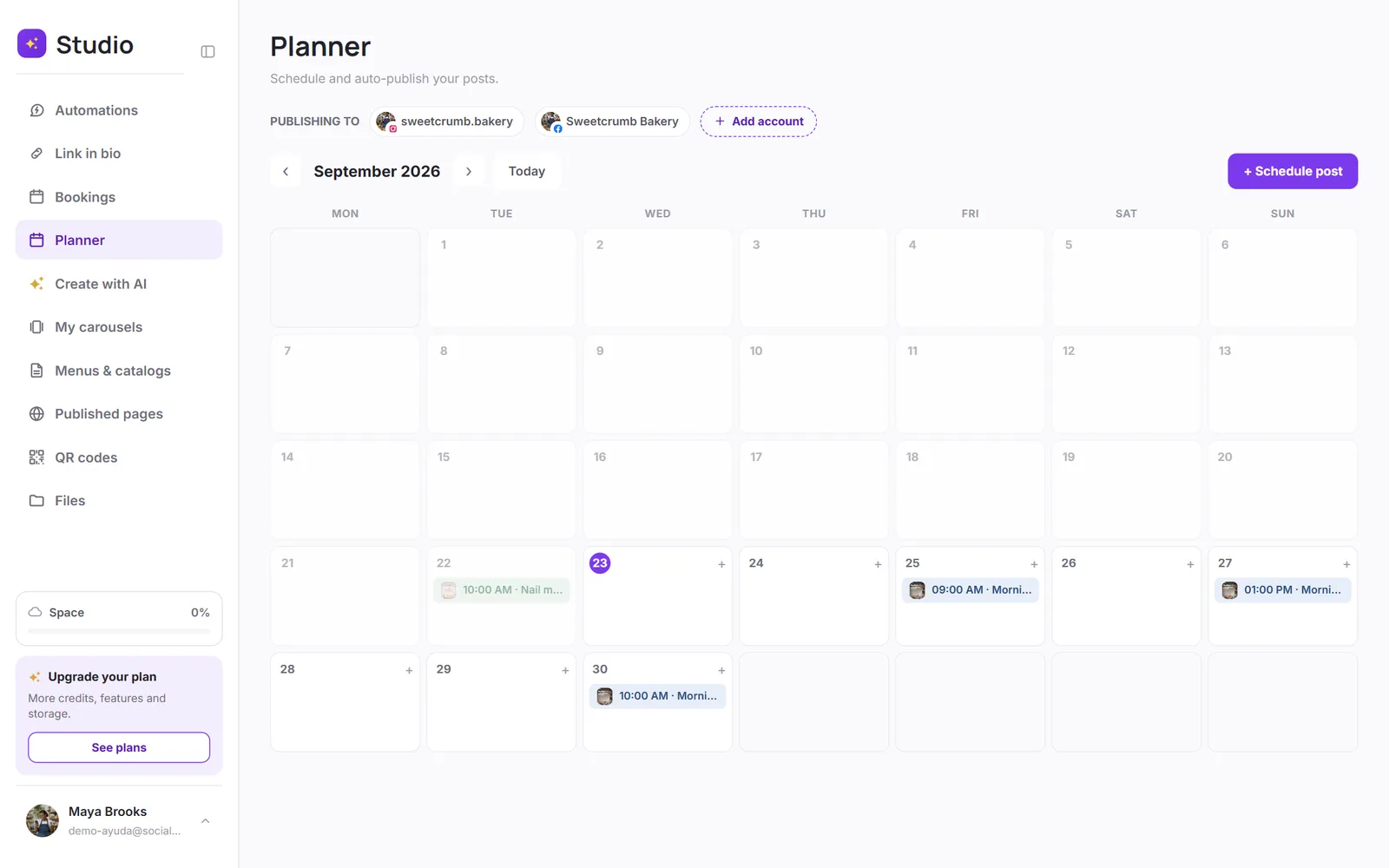
The calendar shows the month with each post on its day and time. At the top, you can see which accounts you're publishing to, and add another one.
The statuses
| Status | What it means |
|---|---|
| Scheduled | It'll go out at the time shown. You can see the countdown. |
| Publishing | It's being sent to the network right now. |
| Published | It's already live on your profile. |
| Failed | The network didn't accept it. See why a post fails. |
| Canceled | You canceled it before it went out. |
Change or cancel
Tap a post on the calendar to see its preview, edit the caption, or cancel it. Published posts can't be changed from SocialMaker: edit them directly on the network.
Was this article helpful?