Share your link in bio
Where to put your address so your followers can find it: Instagram, TikTok, YouTube, WhatsApp and a QR code.
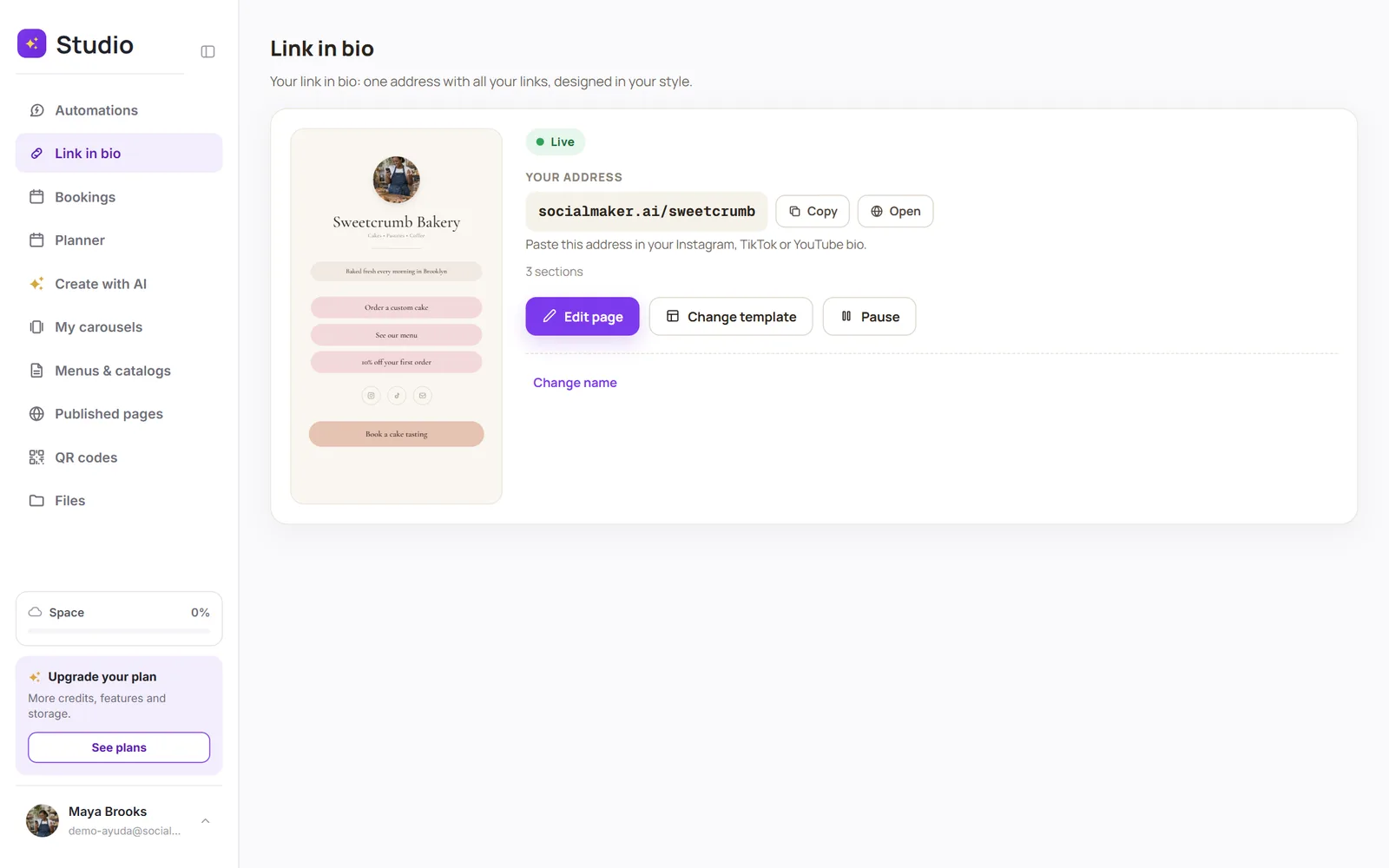
Copy your address
In Link in bio, tap Copy next to your address (socialmaker.ai/yourname).
Paste it in your profile
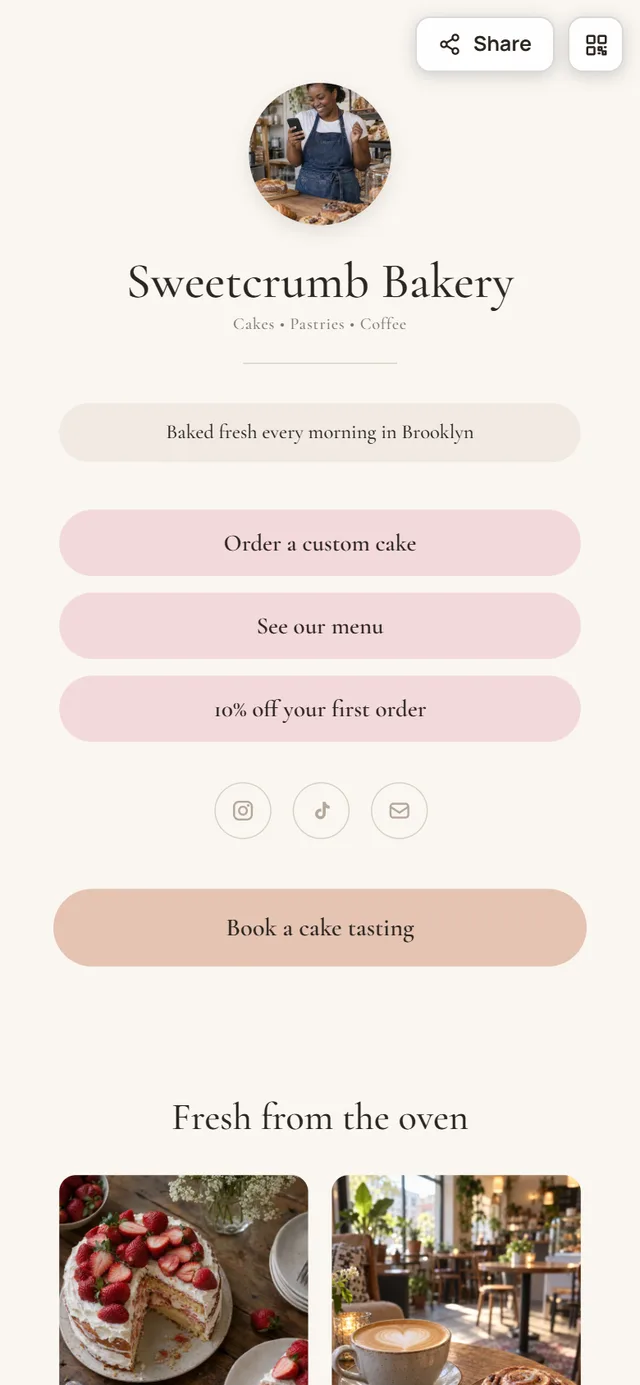
On Instagram: Edit profile → Links → Add external link. Same on TikTok and YouTube.
Use it everywhere
In your WhatsApp status, your email signature or your business cards. To print it, create a QR code that leads to your address.
Was this article helpful?
You might also like
Create your link in bioClaim your address (socialmaker.ai/yourname), choose a template, and publish it in minutes.Create a QR codeCreate a QR code for a link, your WhatsApp, your Wi-Fi or your contact info, customize its colors, and download it ready to print.See your link in bio analyticsHow many people visit your page, which links they tap, where they come from and how often it's shared. On the Pro and Max plans.