QR code menus: how to make a digital menu people actually like
Why so many diners hate QR code menus, what a digital menu that's easy to read on a phone needs, the rules to know, and how to share it on Instagram and Google.
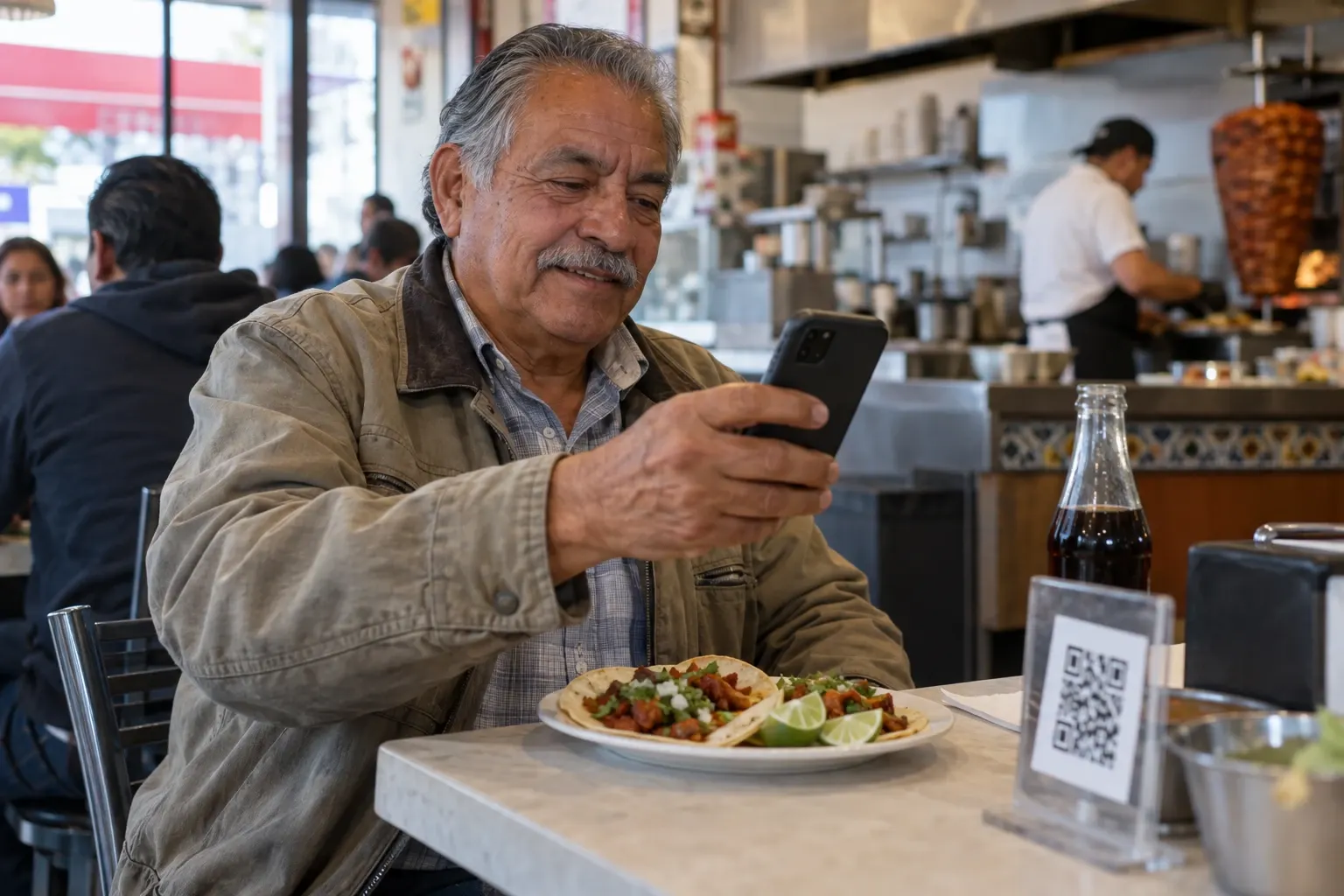
You scan the QR code on the table and a PDF opens: the whole menu, shrunk to the width of your phone. To read one price you pinch the screen, scroll sideways and start over on the next page. No wonder people end up asking for a paper menu.
In a Toast survey of 850 U.S. adults, 81% said they prefer a physical menu and only 1% picked the QR code; the top complaint was small text (Toast, 2024). The problem is rarely the code itself. It's what the code opens. In this guide you'll see what a digital menu needs to be easy to read, the rules worth knowing, how to print the QR code so it works, and how to use the same menu on Instagram and Google, where many people look before they ever walk in.
Side by side on one phone: the same menu as a PDF, which you have to pinch to zoom and scroll sideways to read a price, and as a digital menu, which you can read without zooming, with tabs, photos and prices.
Why do so many people hate QR code menus?
It's not just a feeling. In a Technomic survey of 1,000 U.S. consumers, 88% preferred a paper menu and 55% said QR code menus are hard to read and navigate; not even Gen Z prefers them (Restaurant Business, 2022). In France, more than 85% prefer a printed menu and 32% say they “hate” QR menus (Lightspeed, 2024).
The complaints are always the same: tiny text, sideways scrolling, no signal and a dying battery. “I'm 35 and I have to zoom so far in to be able to read the menu, which then also involves having to scroll horizontally to fully read most menu items,” one person wrote on a forum (Hacker News, 2025). “I hate the way QR code menus mean scrolling, pinching to adjust size, and sometimes juggling between multiple tabs,” wrote a columnist in Canada (The Walrus, 2024).
But one number changes the conversation: 59% of people look at the menu before choosing where to eat (25% always and 34% often), and 66% prefer menus with photos (Toast, 2024). A good digital menu doesn't replace the menu on the table. It's what people see on Instagram, on Google or in a text before deciding to come.
A QR code shouldn't replace your printed menu
During the pandemic, many places went QR-only. A few rules worth knowing; check your city's rules before you get rid of your printed menus.
- California: since July 2024, mandatory restaurant charges (like a “service charge”) must be shown clearly wherever prices appear, digital menus included (California Attorney General).
- Calories: the FDA only requires calorie counts on menus for chains with 20 or more locations; an independent restaurant doesn't have to add them (FDA).
- Accessibility: the Justice Department considers that ADA requirements also apply to what businesses open to the public offer online, restaurants included (ADA.gov). Large text and good contrast help everyone.
- Not everyone has a smartphone: in the U.S., more than 1 in 5 adults 65 and older don't have one (Pew Research Center, 2025). Keep a few printed menus for them.
- Mexico: the law requires the total price, taxes included, to be shown clearly and visibly (Federal Consumer Protection Law).
- Chile: the consumer agency checks that restaurants offer a way to see prices other than the QR code (SERNAC, 2025).
- Brazil: the state of Rio de Janeiro and the city of Belo Horizonte ban QR-only menus (Belo Horizonte).
What a digital menu needs to be easy to read
- Large text in a single column: easy to read with one hand, no zooming.
- Photos of your real dishes: 66% prefer menus with photos. If you don't have them yet, no photo is better than one that isn't yours.
- Prices in plain sight, all-in: no “ask for price” and no “DM for price.”
- Categories with tabs: starters, mains, desserts and drinks, so people jump straight to what they want.
- Clear labels: spicy, vegetarian, vegan, gluten-free. And if something sells out, mark it as sold out instead of deleting it.
- Your hours and whether you're open now: it's the first thing someone checks at 9 p.m.
- Buttons to call, text on WhatsApp, get directions and book: from the menu to action in one tap.
- Two languages if you get tourists or a bilingual crowd: they switch languages without a translator app.
- It opens instantly: no app to download, no sign-up and no multi-page PDF.
How to create your digital menu in SocialMaker
With SocialMaker's digital menu you can build yours in a few minutes, from your phone or computer:
Upload a photo or the PDF of your menu
AI copies your categories, dishes and prices exactly as they appear on your menu, without making up dishes or prices. You can also paste the text, start from an example or start from scratch.
Review the list
Change a price, add photos, mark best sellers or what's sold out today. Everything saves on its own.
Pick a design
Fresh, Night or Cantina, each with its own colors and fonts. Switching designs doesn't erase anything.
Publish it and share the link
Your menu gets its own address, ready for Instagram, WhatsApp and Google. Change a price and it updates instantly.
You can create and publish your menu for free, with the Fresh design and the SocialMaker brand at the bottom. With the Starter plan you get every design, no branding, and a QR code to print; on Pro and Max you can also point the QR code somewhere else after it's printed. See Pricing for details.
The QR code: how to print it so it works
- Black on white: that's what DENSO WAVE, the company that invented the QR code, recommends; some color combinations don't scan, and drawings on top can make it unreadable (QRcode.com).
- With a margin around it: leave a blank border at least 4 of the code's own squares wide on all four sides (QRcode.com).
- The right size: QR Code Generator, a company that sells QR codes, gives as a rule of thumb that a code scans well from about 10 times its width, and that the minimum for scanning up close (about 8 inches away) is 2 × 2 cm, about 0.8 inch (QR Code Generator, 2025). To read it from the chair, go for 1¼ to 1½ inches.
- With a short line next to it: “Scan to see the menu” and, below, the short address in case the camera can't read it.
- Tested before you print 50: scan it with two or three different phones, up close and from the chair.
Share it on Instagram and Google
Since so many people check the menu before choosing where to eat, put it where they look:
- In your Instagram bio: you can add up to 5 links to your profile (Instagram), or a single one to your SocialMaker link in bio, with your menu, bookings and WhatsApp on one page.
- In your stories: the link sticker is available to every account, except very new ones or those that break the rules (Instagram, 2021). Share today's menu and save it to a highlight called “Menu” that stays pinned to your profile.
- On Google: in your Business Profile you can add one link so customers can “Check a menu,” from “Edit profile” in Google Maps (Google Help). It's what shows up when someone looks up your restaurant on Google Maps.
And for people who ask by message, a SocialMaker automated reply: when someone writes “menu,” they get the link that same minute, even while you're in the kitchen. Instagram also lets you set up to 4 frequently asked questions with an automatic answer that show up when someone is about to message you (Instagram).
Instagram chat: someone messages a restaurant “Hi! Can you send me the menu?”. That same minute they get the automated reply with a button; when they tap it, the link arrives, and opening it shows the menu with photos and prices.
Mistakes that drive customers away
- The multi-page PDF: “each of the seven menu pages is a separate PDF that must be clicked, zoomed in on, and closed before moving on to the next,” one columnist complained (Slate, 2021).
- Asking people to download an app or sign up to see the menu.
- Hiding prices or sending them by DM.
- Different prices on the printed menu and the digital one.
- A tiny QR code, in a corner or under a glass, or with glare from the plastic.
- Relying on the restaurant's Wi-Fi without sharing the password, or a menu so heavy it won't load on a weak signal.
- Leaving people without a phone with nothing to read: keep a few printed menus.
Frequently asked questions
How much does a QR code menu cost?
With SocialMaker you can create and publish your digital menu with a QR code for free, with the Fresh design and our brand at the bottom. The printable QR code, every design and removing the brand come with the paid plans; see Pricing for details.
Do I need a website or an app?
No. Your menu gets its own address and opens on any phone, with nothing to download.
Should I get rid of my printed menu?
No, and in some places you shouldn't: several rules require prices in plain sight or a way to see them other than a QR code. The digital menu helps people find you before they arrive and serves those who prefer their phone.
If I change a price, do I need a new QR code?
No. The QR code goes to your page, and whatever you change on the menu shows up instantly. You'd only need to download the QR code again if you change the page's address (on Pro and Max you can point the QR code somewhere else without reprinting).
What if I don't have photos of my dishes?
The designs look good without photos, and we don't make up pictures of food. Add your own whenever you have them.
Can I have it in Spanish too?
Yes. You can add a second language, and anyone who opens it can switch languages with one tap.
A good digital menu doesn't compete with your printed one: it gets more people to read it. If you want your menu next to your bookings and WhatsApp, see what to put in your link in bio.

Written byAndros BlandonSocialMaker