Change or cancel your plan
How to upgrade or downgrade your plan, update your card, download invoices, and cancel your subscription.
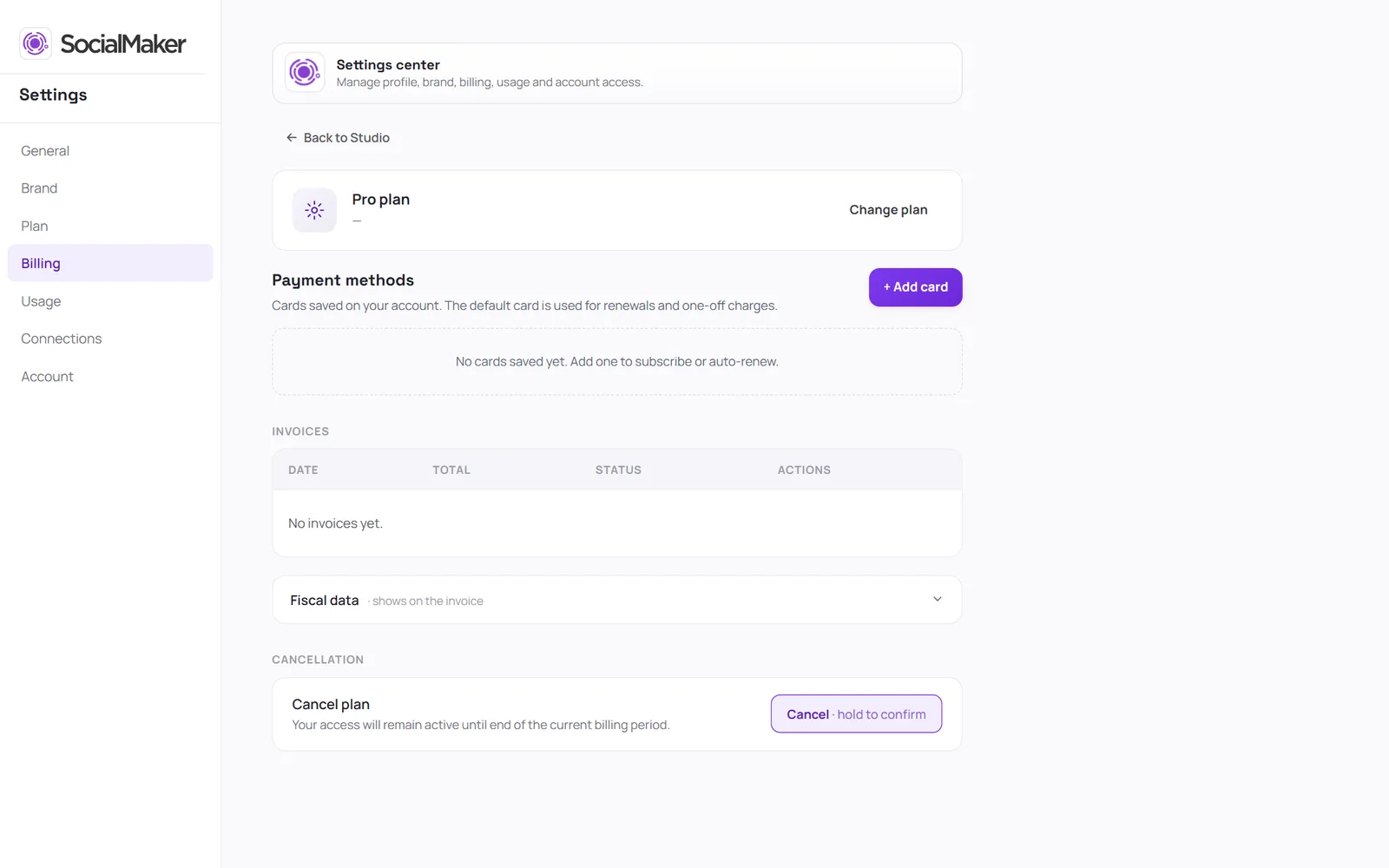
Everything is done from Plan & billing (in your profile menu). If you downgrade, nothing is deleted: whatever goes over the limit is paused (automations, connected accounts and booking services) and comes back if you upgrade again. In Connections you choose which account to keep using with Use this account.
Change your plan
Tap Change plan and choose the new one. If you upgrade, the unused time on your current plan is deducted, and you only pay the difference today. If you downgrade, we show you what changes before you confirm (for example, how many AI credits per month you'll have).
Card and invoices
In Payment, you update your card. In Invoices, you view and download every invoice.
Cancel
In Billing, tap “Cancel plan”
Press and hold the button to confirm
Your access stays active until the end of the current billing period.