Menus and catalogs with their own page
Create your menu or catalog with AI or upload your PDF, and share it with a public page and a QR code.
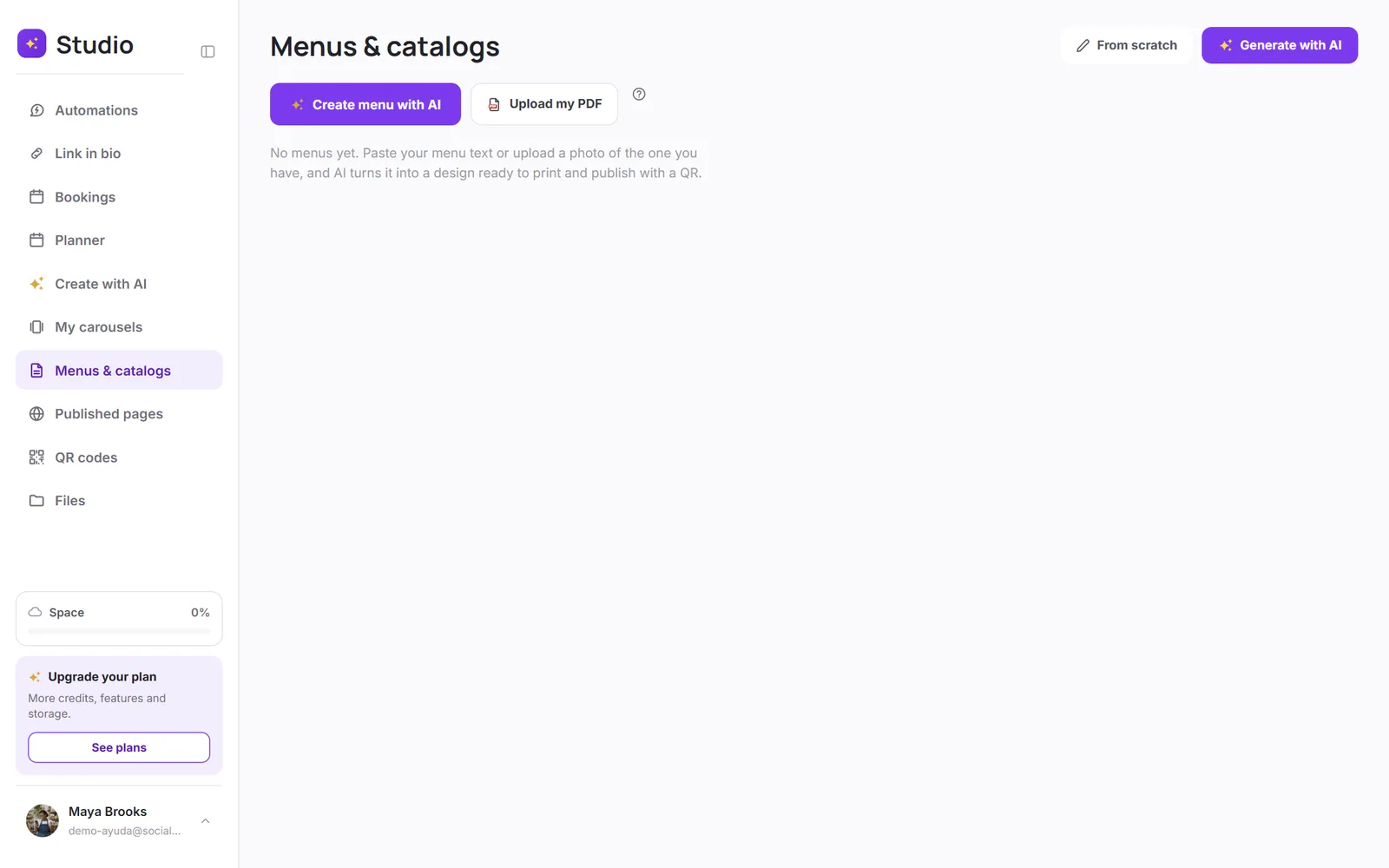
In Menus & catalogs, you have two options:
- Create menu with AI: paste your menu's text or upload a photo of the one you already have, and the AI turns it into a print-ready design.
- Upload my PDF: if you already have your menu or catalog as a PDF, it turns it into a public page with its own QR code.
Publish it
Any design can be published as a page: it gets its own link and QR code for your tables, your storefront or your social media. You'll find it in Published pages.
Was this article helpful?