How to automate Instagram: 5 DM automations your business needs
Learn how to automate Instagram messages: reply to comments and DMs, book appointments and win back customers without living on your phone.
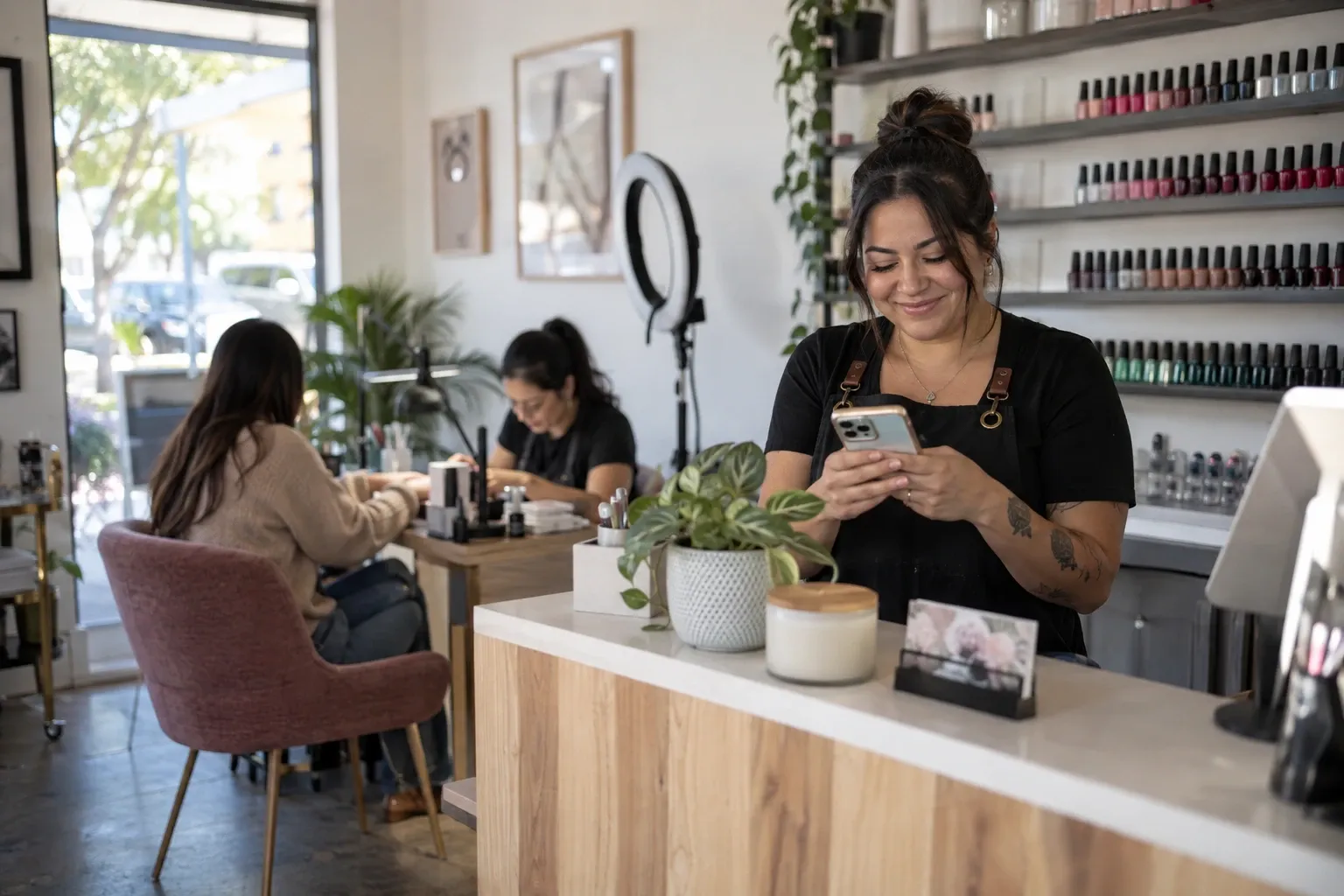
If your business sells on Instagram, you know the scene: someone comments “price” on your post, someone else messages you “do you have an opening on Friday?” and a third person asks for the link to your catalog. Every message is a possible sale, but answering them one by one eats up hours, and when you reply late, that person has already bought somewhere else.
Automating Instagram solves exactly that: your replies go out in seconds, at any hour, and you only step in when the conversation needs you. In this guide you'll see what automating really means, the 5 automations that bring in the most sales, and how to build your first one in a few minutes.
What automating Instagram means (and what it doesn't)
Automating isn't using bots that follow accounts, mass-like posts or message strangers. That goes against Instagram's rules and puts your account at risk. Automating the right way is something else: replying instantly to people who already reached out to you, with the information they asked for.
- Comments: someone comments a word on your post and gets what you promised by private message.
- Direct messages: people write “hours” or “prices” and the reply arrives on its own.
- Stories: people who reply to your story or mention you get a message back.
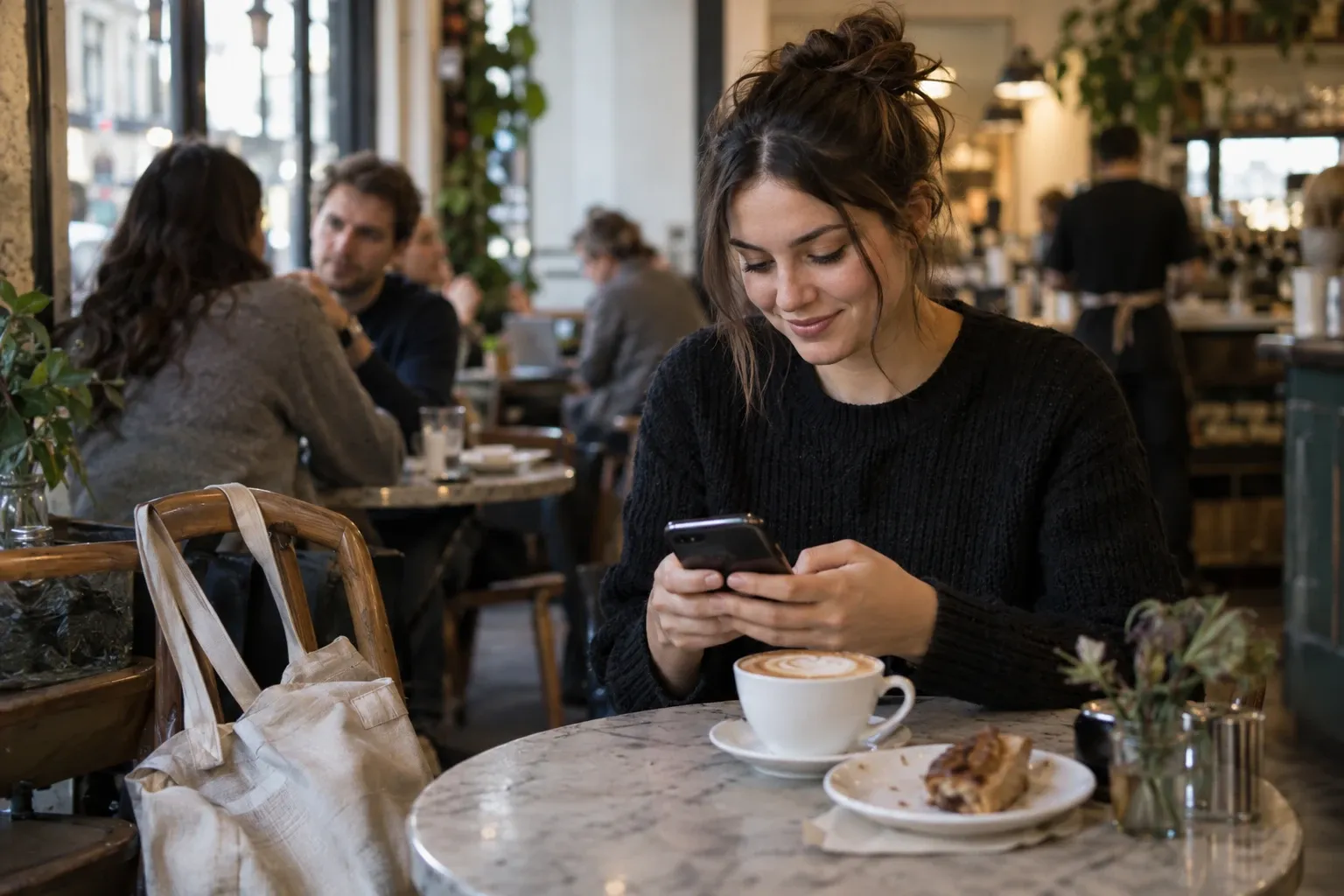
The golden rule: the automation only messages people who interacted with you first. That's why it works so well: the person asked for the information and gets it at the moment they care most.
1. Send your link to people who comment a word
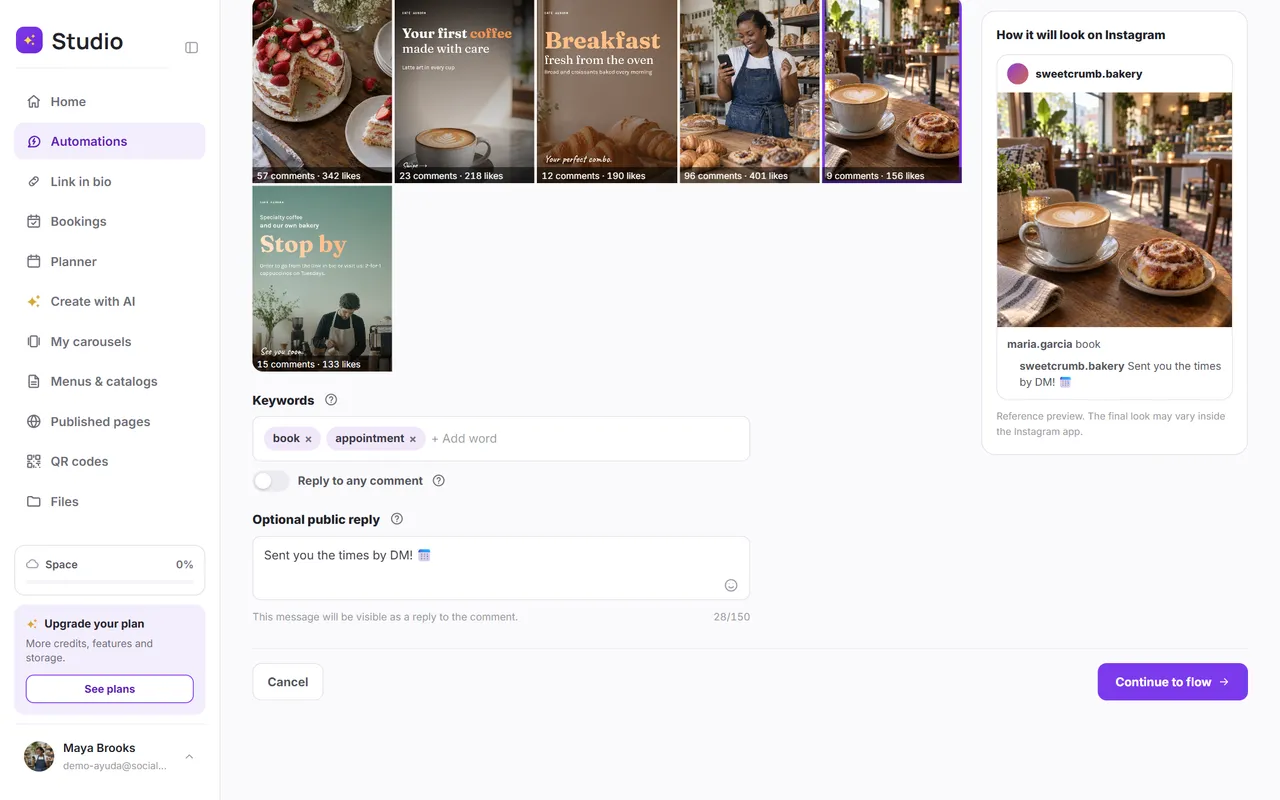
It's the most popular automation and the one that converts best. In your post you write “Comment LINK and I'll DM it to you.” Everyone who comments that word gets a public reply under their comment and a private message with your link: your shop, your catalog or your booking page.
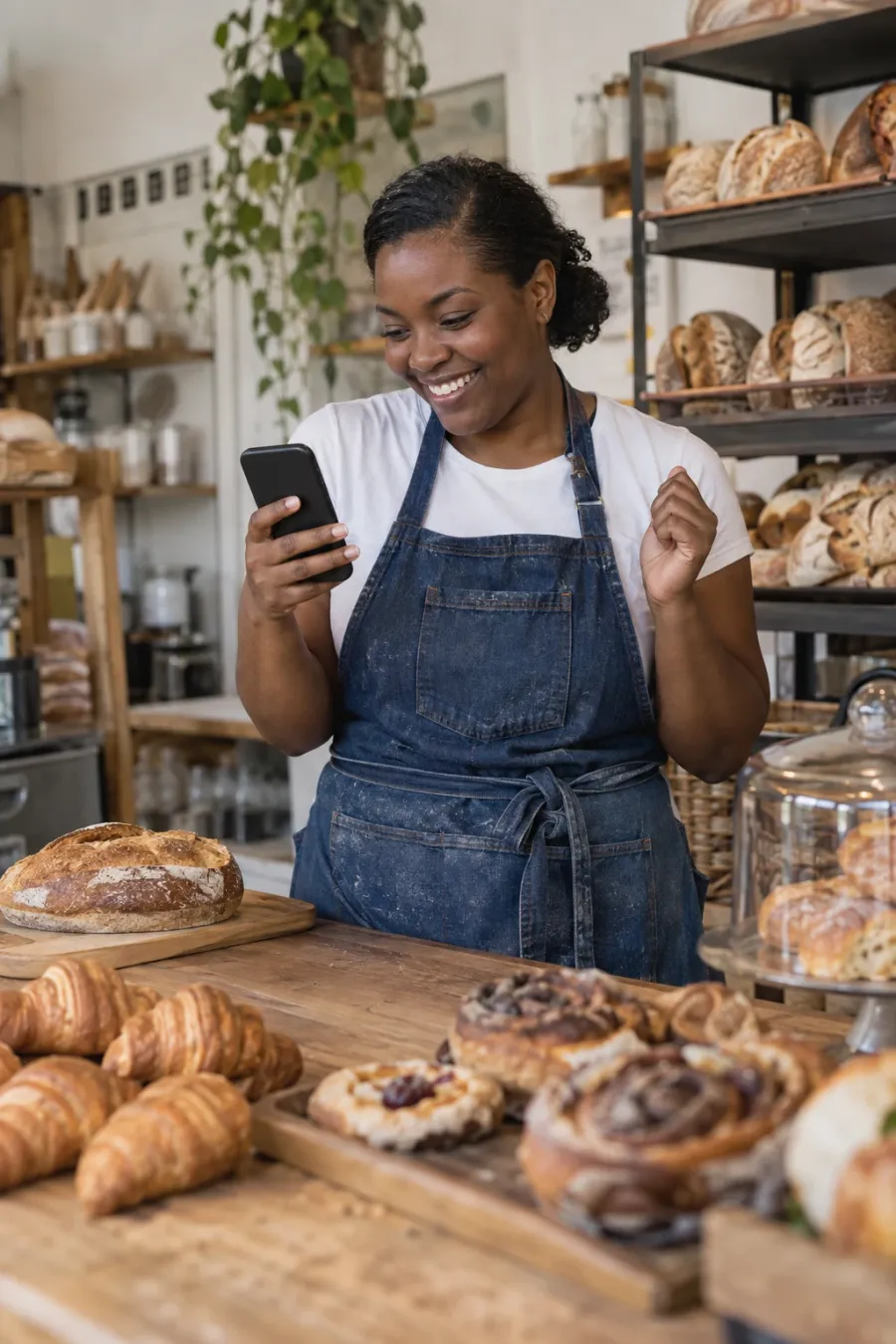


Why does it work? Because Instagram tends to show posts with lots of comments to more people, and because the person gets what they wanted without leaving the app. You gain reach and sales at the same time.
2. Book appointments from a comment or a message
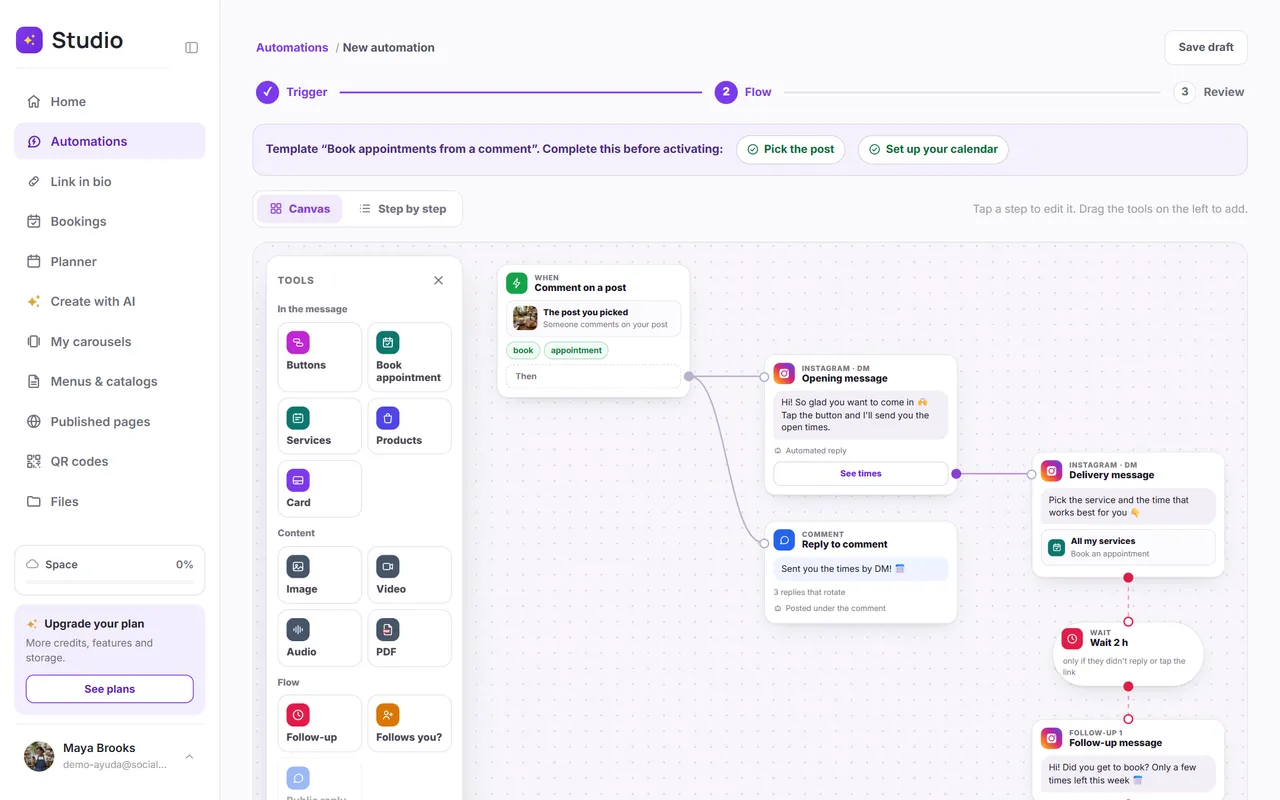
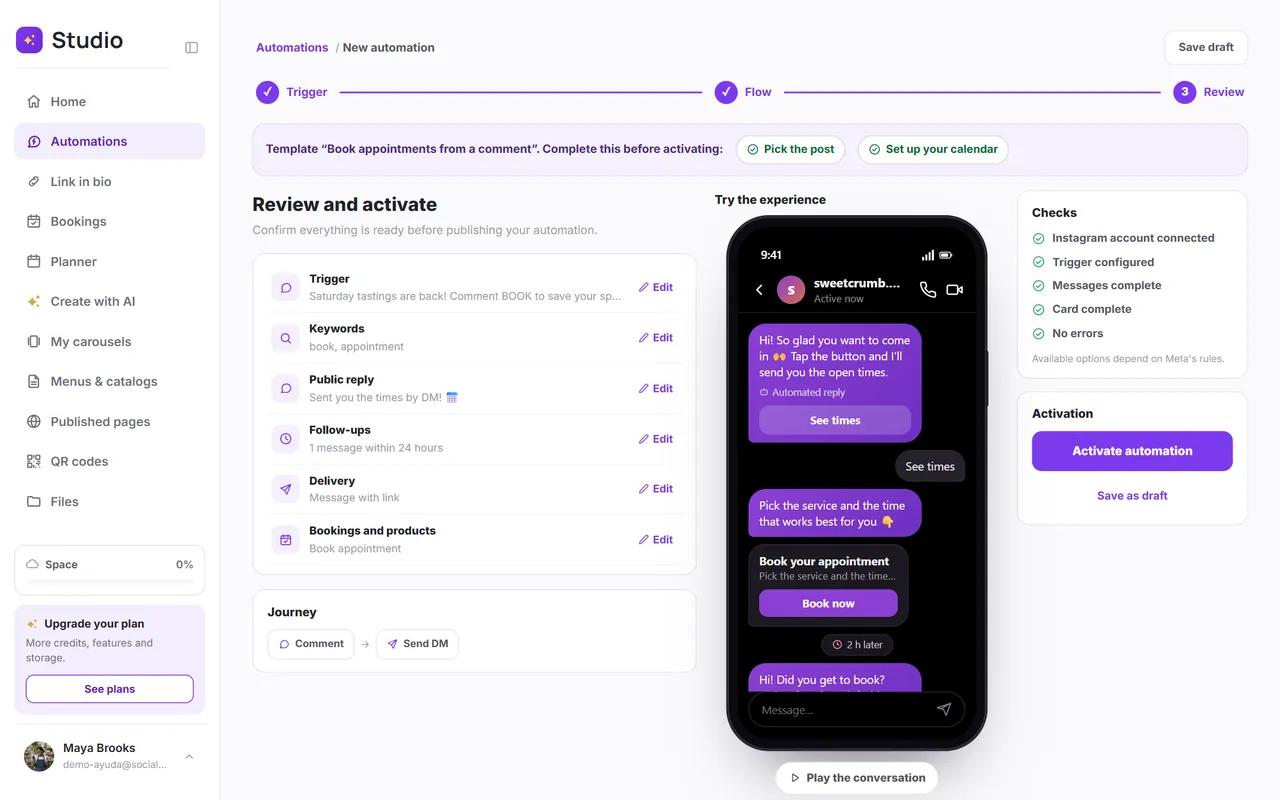
If you work by appointment (nails, hair, beauty, consultations or classes), the question you hear most is “do you have an opening?” Instead of replying with a list of times, the automation sends a button that opens your calendar: the person picks the service, the day and the time, and the appointment is booked.
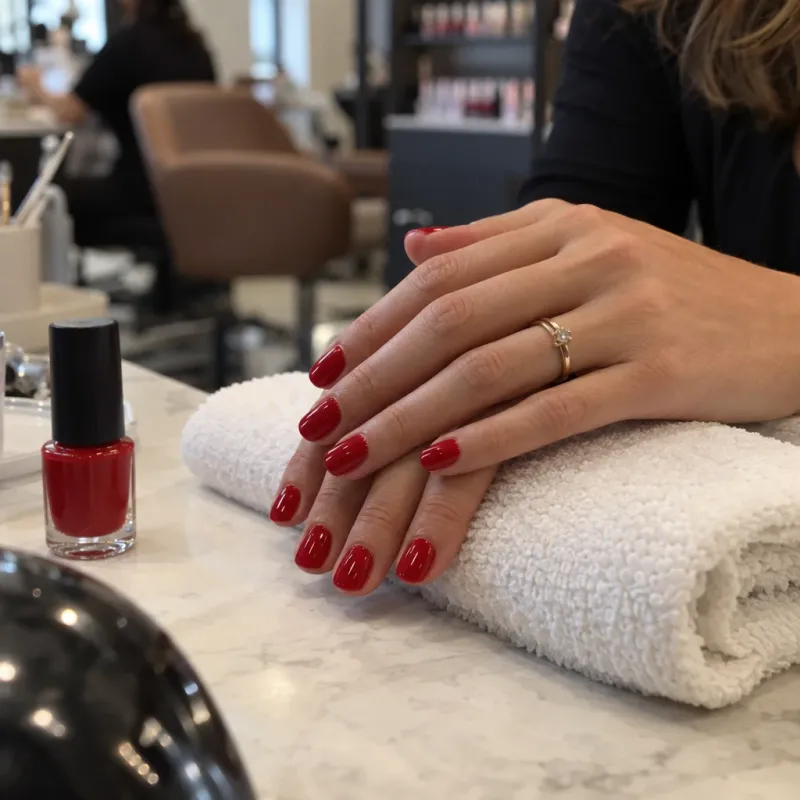
In SocialMaker, every appointment that comes from that button is tracked in the automation, so you can see how many bookings each one brought in. And the person gets a confirmation by message with the day and the time. See the complete guide to taking bookings on Instagram.
3. Answer frequently asked questions with buttons
Hours, prices, location, shipping: it's almost always the same questions. With a menu of reply buttons, the person taps what they're looking for instead of typing, and each button has its own reply. You're available at any hour without repeating the same thing twenty times a day.
If the question is more complex, the conversation continues with you: the automation handles the repetitive part and you handle what matters.
4. Thank people for mentions with a gift
When a customer mentions you in her story, she's recommending you to her followers. Thank her instantly with a message and a gift, like a coupon for her next purchase. It's a gesture people remember, and it invites them to mention you again.

5. Win back people who didn't reply with a follow-up
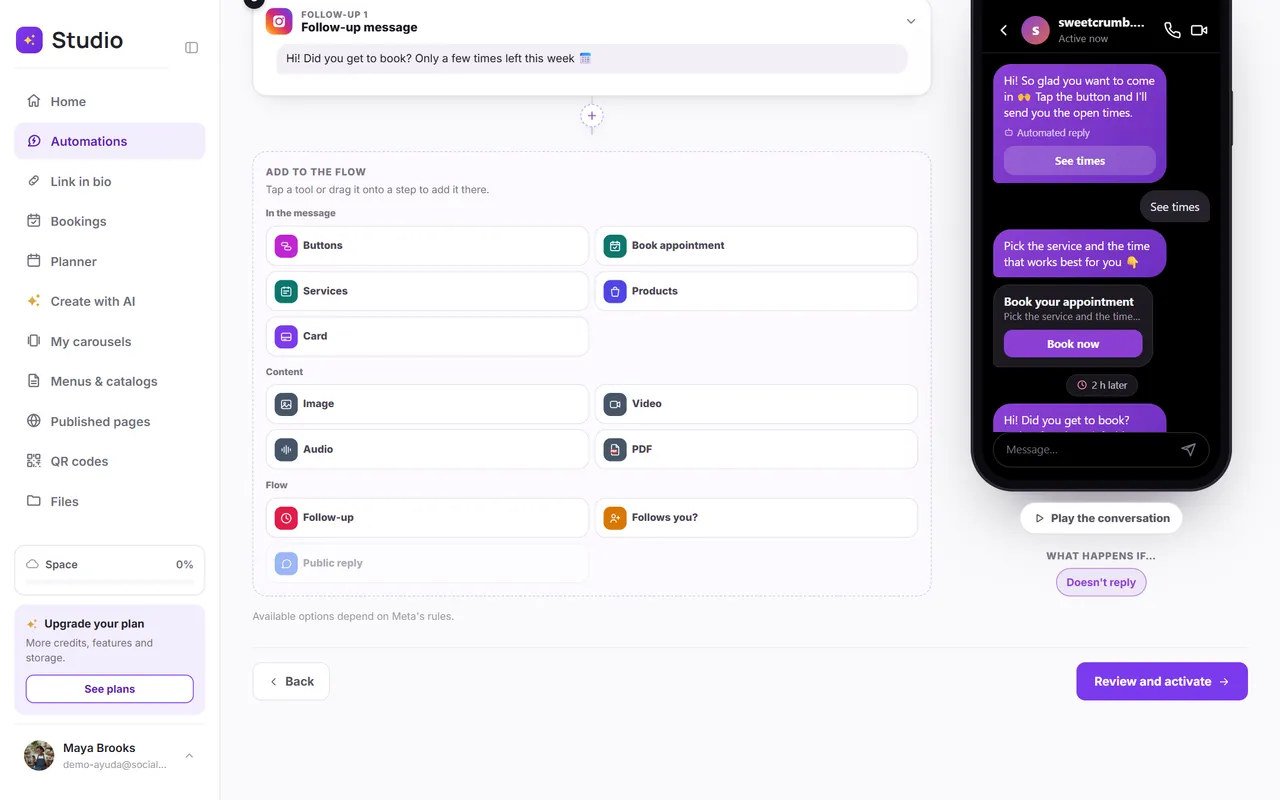
Many people ask for the link and forget to open it. A follow-up messages them again a few hours later, only if they didn't reply or tap the link: a friendly reminder, an offer or a heads-up that spots are running out. If the person replies, taps a button or writes “stop,” the follow-ups stop on their own.
How to create your first automation in SocialMaker
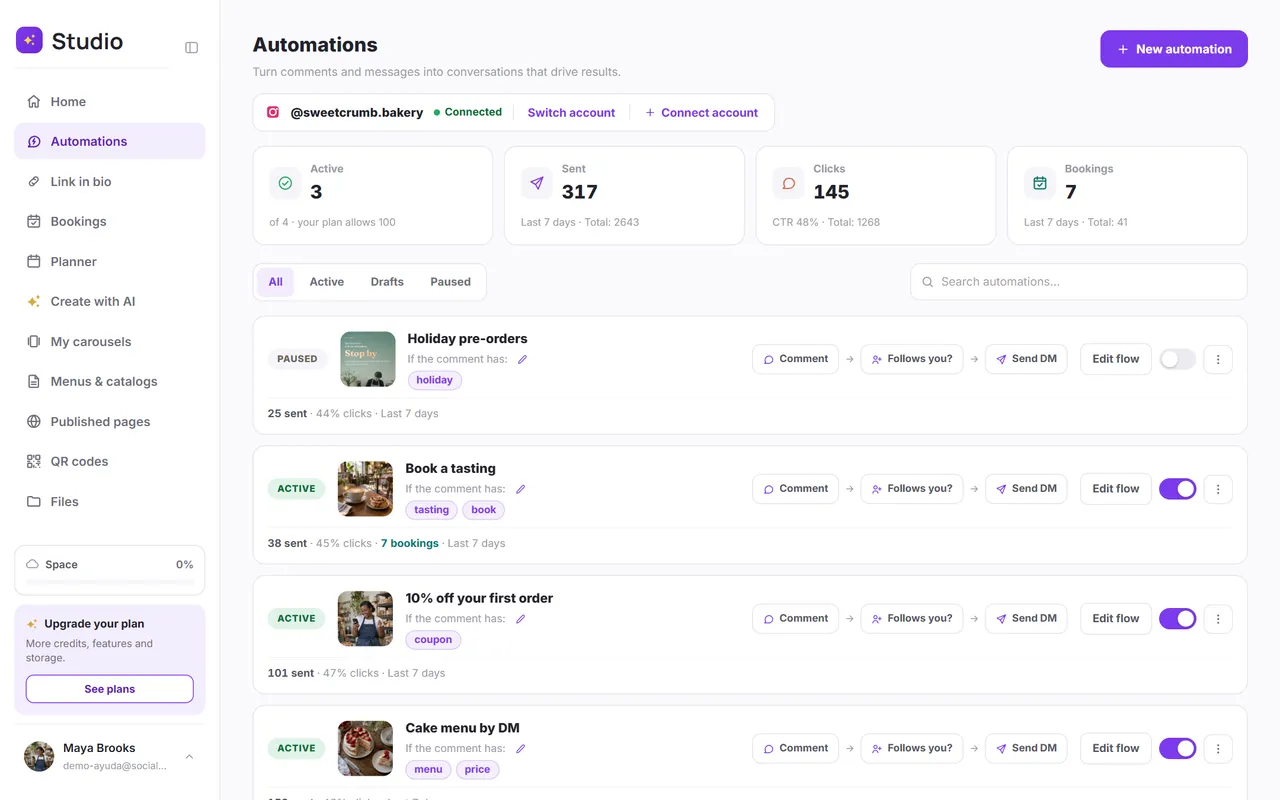
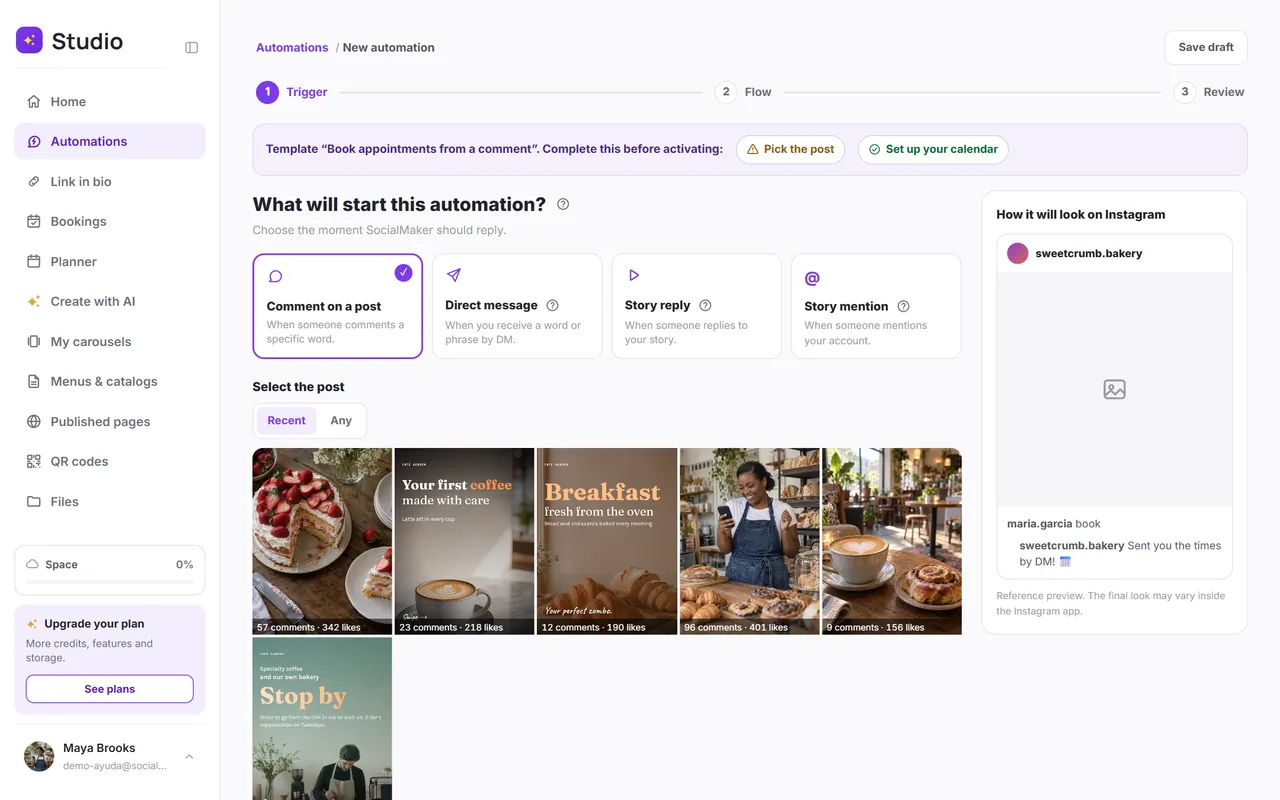
With a template, your first automation is ready in a couple of minutes. Here's the whole journey:
Connect your Instagram
You need a professional account (business or creator). The connection is official, and your password never goes through SocialMaker.
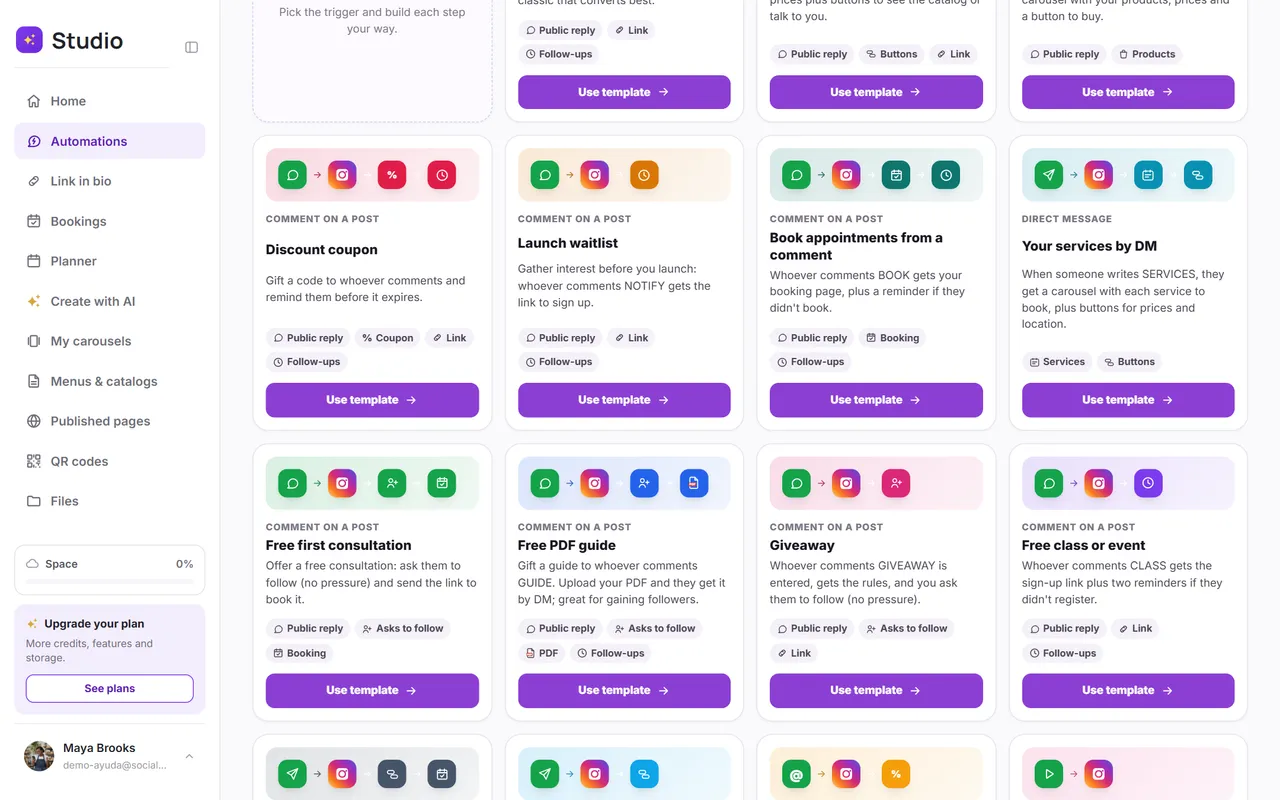
Pick a template
There are 15 ready-made ones to sell, book appointments, get leads and help your customers. They come with the messages written and tell you what's left to complete.
Adjust the flow to your business
See it as connected cards or step by step, with a phone next to it that shows the conversation exactly as your customer will see it.
Activate it and test it
Ask someone to comment the keyword from another account: within seconds they get the public reply and the private message.
Best practices to protect your account
- Only reply to people who reach out. Never message strangers or buy contact lists.
- Deliver what you promised. If you say “I'll send you the price,” send the price, not just a generic link.
- Ask for the follow without forcing it. You can invite people to follow you, but the delivery should arrive either way.
- Vary the public reply. The same sentence repeated hundreds of times looks like spam: use two or three versions.
- Respect people who ask you to stop. If someone writes “stop,” stop messaging them.
SocialMaker applies these rules in all of its templates and is a Meta Tech Provider: the connection with Instagram and Facebook is official.
Frequently asked questions
Is automating Instagram allowed?
Yes, as long as you reply to people who messaged you first and use a tool with an official connection. What Instagram bans are bots that follow accounts, mass-like posts or message strangers.
Do I need a professional account?
Yes. Automations work with professional Instagram accounts (business or creator). Switching your account to professional is free and takes a minute in Instagram's settings.
Can I automate Facebook too?
Yes. With SocialMaker you reply to comments on your Facebook page and to Messenger messages with the same builder.
How much does it cost?
You can start with the free plan, which includes one automation so you can see how it works with your customers. Paid plans add more automations and follow-ups.
Do the replies sound robotic?
Only if you write them that way. The templates come with natural texts you can change so they sound like you, and the first message says it's an automated reply, as Instagram requires.
Automating Instagram doesn't mean you stop taking care of your customers: it means taking care of them faster, with what they ask for, while you focus on your business. Start with a single automation, the link one or the booking one, and add the rest once you see the results.
Written byAndros BlandónSocialMaker