I Have Followers but No Sales: How to Turn Followers into Customers
Got followers but no sales? The 5 leaks that drain your sales on Instagram and 6 changes to turn followers into customers, backed by real data.
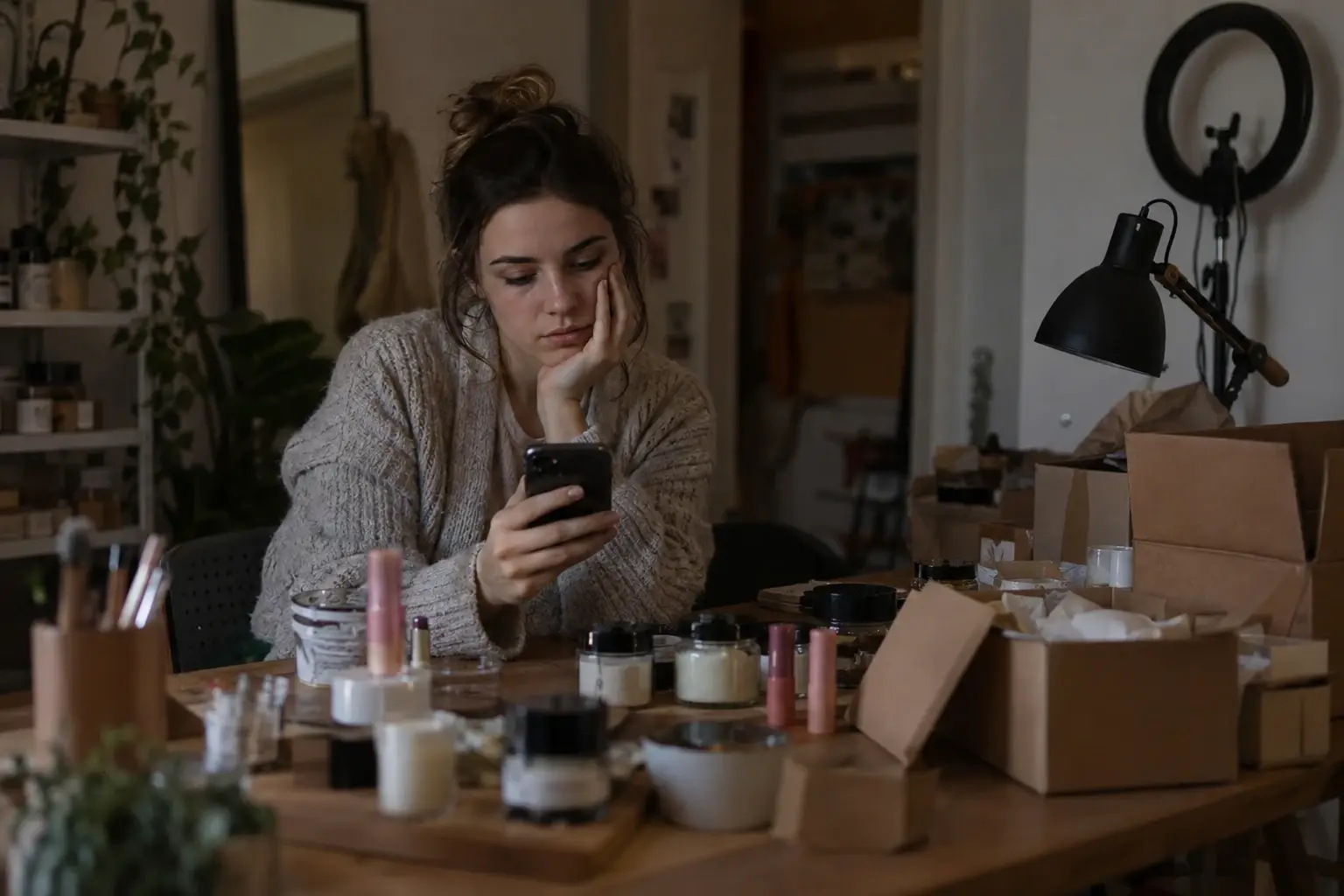
You post almost every day. Your last reel passed 10,000 views, hearts and “so cute!” comments keep coming, and at the end of the month the register looks the same. It's not just you: it's the most common pain for anyone selling on social media.
According to a GoDaddy survey in Mexico, 41% of small businesses run mainly on social media and 52% say they struggle to turn followers into customers (GoDaddy, 2025). Having followers isn't the problem. The problem is what happens between the “like” and the purchase. In this guide you'll see where your sales slip away and 6 concrete changes to turn your followers into customers.
The pain, in the words of people living it
- “I have followers but nobody messages me and nobody buys”: that's how a woman who sells makeup on Instagram and Facebook puts it (Quora).
- 8,000 followers and 50 visits a month: a store owner posts 4 to 5 times a week on Instagram and the store gets just 50 visits a month from it (Shopify community, January 2025).
- Lots of traffic, zero sales: a 4-month-old store only gets visits when it pays for Facebook and Instagram ads, but people leave in under a minute and buy nothing (Shopify community, 2023).
- Messages pile up: even the head of Instagram, Adam Mosseri, admitted that the message requests inbox “sometimes can be really overwhelming” (TechCrunch, November 2024).
The pattern repeats: people do look, but something along the way makes them leave. The points where sales get lost have names.
The 5 leaks draining your sales
Think of a follower's path as a hose: water goes in (views) and comes out the other end (sales). If little comes out, you don't need more water: you need to patch the holes.
1. Nobody knows what to do next. A post without a clear invitation ends in a “like”. If you don't say “comment PRICE” or “tap the link in my profile”, most people do nothing, even if they were interested.
2. “DM for price”. Hiding the price forces people to message you, wait and ask again, and many won't. In some countries it's also against the law: in Brazil, Procon Recife reminded sellers that the Consumer Protection Code and the e-commerce law require the price in the ad itself (Folha de Pernambuco, 2020), and in Mexico the Federal Consumer Protection Law requires sellers to show “in a conspicuous and visible way the total amount to be paid” (article 7 Bis).
3. You reply late. A classic Harvard Business Review study audited 2,241 companies: 23% never answered an inquiry and those that did took 42 hours on average. Those that responded within the first hour were nearly 7 times more likely to have a meaningful conversation than those that waited even an hour longer (HBR, 2011). Social media works the same way: according to Sprout Social, 73% of people expect a reply within 24 hours and 73% will buy from a competitor if a brand doesn't respond (Sprout Social Index 2025).
4. Your bio link is a maze. Whoever taps your profile finds ten identical links and doesn't know which one to tap. According to Linktree, the first three links get on average 130% more taps than the ones further down (Linktree): what isn't at the top barely gets seen.
5. You don't know what works. Without numbers you decide blindly: you don't know which post brought whom, which product gets looked at but not tapped, or what time people visit.
From follower to customer in 5 steps
This is what the path looks like with no holes:
They see your post
A reel, a carousel or a story that ends with a clear invitation: “comment PRICE”.
They comment the word
They type PRICE. It's a single tap, and they don't have to work up the nerve to message you.
They get an answer instantly
A public reply and a direct message with the photo, the price and a button.
They tap and buy or book
The button goes to your store, WhatsApp, the product card in your link in bio or your calendar.
If they didn't reply, a reminder
A friendly message a few hours later that cancels itself if the person already answered.

6 changes to turn followers into customers
1. End every post with a single action. “Comment PRICE and I'll send it”, “Type BOOK to see times” or “Send this to someone who needs it”. Just one, clear and easy. The last one also helps you reach more people: the head of Instagram said sends (how many people send your post to someone) correlate with reach more than anything else (Social Media Today, 2024).
2. Reply in seconds with an automation. In SocialMaker you create an automation that, when someone comments the word, replies publicly and sends them a direct message with the photo, the price and a button to buy. It works day and night, even with a hundred comments. And if the person doesn't reply, an automatic follow-up reminds them hours later.
3. Show the price, or at least a “from”. If the price depends on the order, put a “from” in the post and leave the details for the message. People decide faster when they know what it costs, and you save yourself explaining the same thing a hundred times.
4. Turn your link in bio into a storefront. Put what sells best at the top, with a photo and price, and everything else further down. In SocialMaker you paste your product link and the card builds itself, with the photo, name and price the store shows.
 @mia.recommendsThings I use and love
5. If you sell services, let people book on their own. Put your calendar in your link in bio, with your real hours, and an automation that answers “do you have availability?” with a button to book. Your client picks a time without waiting for you and gets an email reminder a day before.
6. Measure what works and adjust. With your link in bio analytics you see how many people arrive, from which network and country, and which link gets tapped most. If a product further down does better than your featured one, SocialMaker tells you so you can move it up.

What to ask for, by type of business
| If you sell… | Ask them to comment | The automatic message includes… |
|---|---|---|
| Clothing or accessories | SIZE | Photo, price, available sizes and a button to your store or WhatsApp. |
| Makeup or cosmetics | SHADE | The shades with their price and a card for each product. |
| Baked goods or food | MENU | The menu with prices and a button to order on WhatsApp. |
| Nails, barbering or beauty | BOOK | Your services with length and price and a button to book. |
| Real estate | HOME | The listing card with photo and price and a button to schedule a showing. |
| Courses or coaching | INFO | The syllabus, the price and the link to sign up. |
5 mistakes that scare buyers away
- Replying “info in DM” in the comments: it looks like you're hiding something and the person has to take one more step. Reply publicly and send the details by message instead, both instantly.
- Buying followers: the numbers go up, but those followers don't buy, and your posts reach fewer interested people.
- Broken or outdated links: an expired promo or a sold-out product in your bio stops someone who was about to buy.
- A word that's hard to type: use short, common words like PRICE, MENU or BOOK, without accents or symbols.
- Only answering when you can: people ask at 11 p.m. too. If you reply the next morning, many will have already bought somewhere else.
Frequently asked questions
Why do I have followers but no sales?
Almost always because of leaks along the way: there's no clear invitation, the price is hidden, you reply late, the bio link is confusing or you don't measure what works. Patching those leaks usually sells more than getting more followers.
Is it better to show the price or say “DM for price”?
Show the price, or at least a “from”. People decide faster and you save yourself answering the same question. In Brazil and Mexico, consumer protection laws also require the price to be shown visibly.
How fast do I need to answer a message?
As soon as possible. According to Sprout Social, 73% of people expect a reply within 24 hours, and a Harvard Business Review study found that replying within the first hour multiplies the chances of closing.
Can I reply to Instagram comments automatically?
Yes. With SocialMaker, when someone comments a word, you reply publicly and send them a direct message instantly. It works with Instagram and Facebook, and SocialMaker is a Meta Tech Provider.
How many followers do I need to start selling?
There's no magic number. A small account with interested people and a clear path to buy sells more than a big one without it.
Does it work with TikTok?
SocialMaker's automatic replies work with Instagram and Facebook. Your link in bio and your calendar work for any network: put your address on TikTok, YouTube or WhatsApp.
How do I know which post brings me the most customers?
Look at which network your link in bio visits come from and which link they tap, and use a tagged link in each place. In SocialMaker you see it in the analytics on the Pro and Max plans.
How much does it cost to automate replies?
In SocialMaker you can try one automation for free. From Starter, at US$11 a month, you get 20 active at a time and automatic follow-ups.
Your followers are already watching. The work is making sure the path to the purchase has no holes: a clear invitation, an instant reply, the price in sight and a link that goes straight to what you sell. To keep going, see how to automate Instagram step by step or what to put in your link in bio.
Written byAndros BlandónSocialMaker