Manage your appointments
See your upcoming appointments, cancel one, and check past ones from the Agenda.
In Bookings → Agenda, you'll see your upcoming appointments grouped by day (today, tomorrow and the following days), with the service, the client and their email.
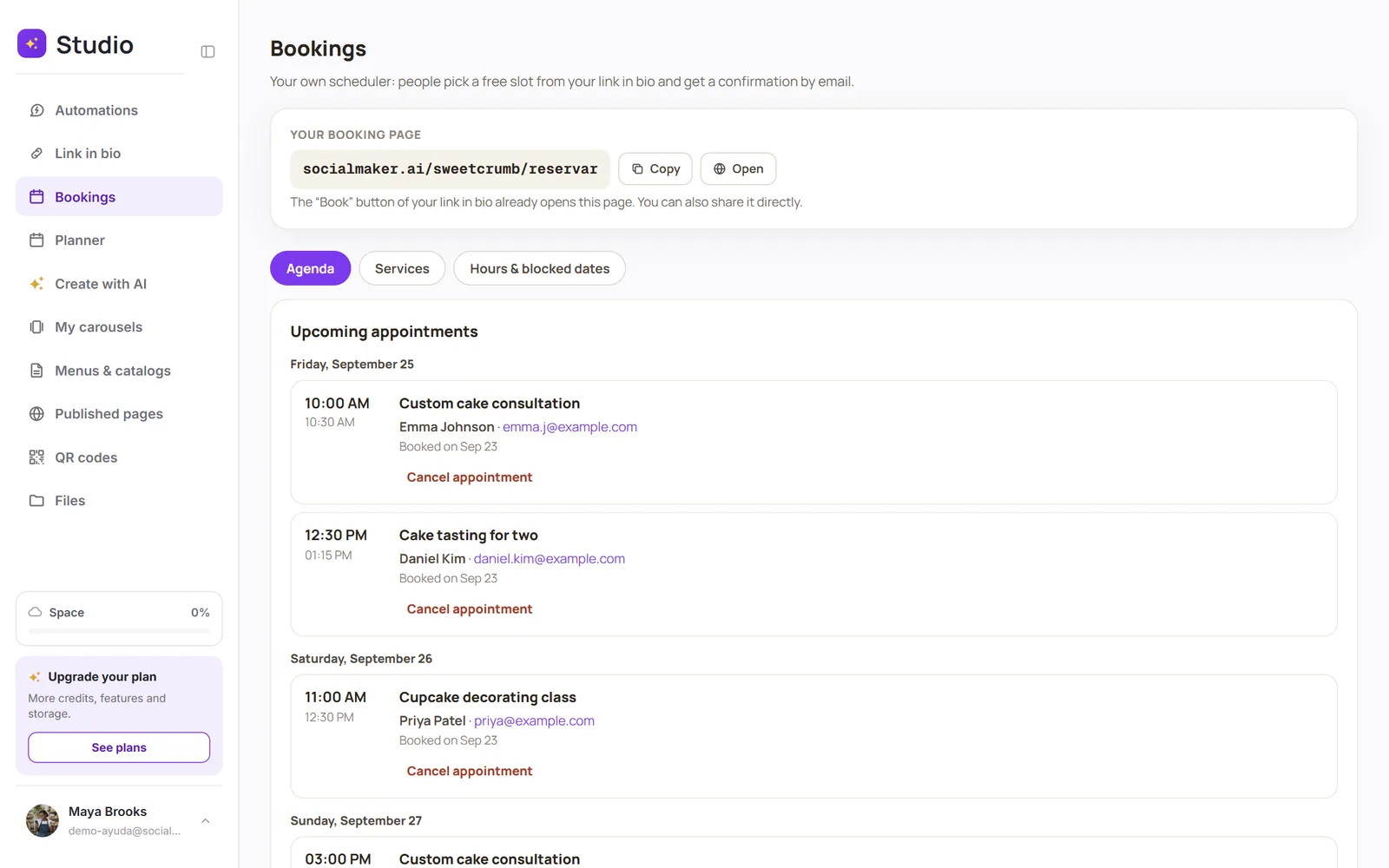
Cancel an appointment
Tap Cancel appointment and confirm. SocialMaker emails your client to let them know, and the time slot opens back up.
Past and cancelled appointments
Tap Show past and cancelled to review them. There, you can see who canceled each one: you or your client.
Was this article helpful?