Welcome to SocialMaker: what you can do
A quick tour of the five things SocialMaker does for you and where to find each one in the Studio.
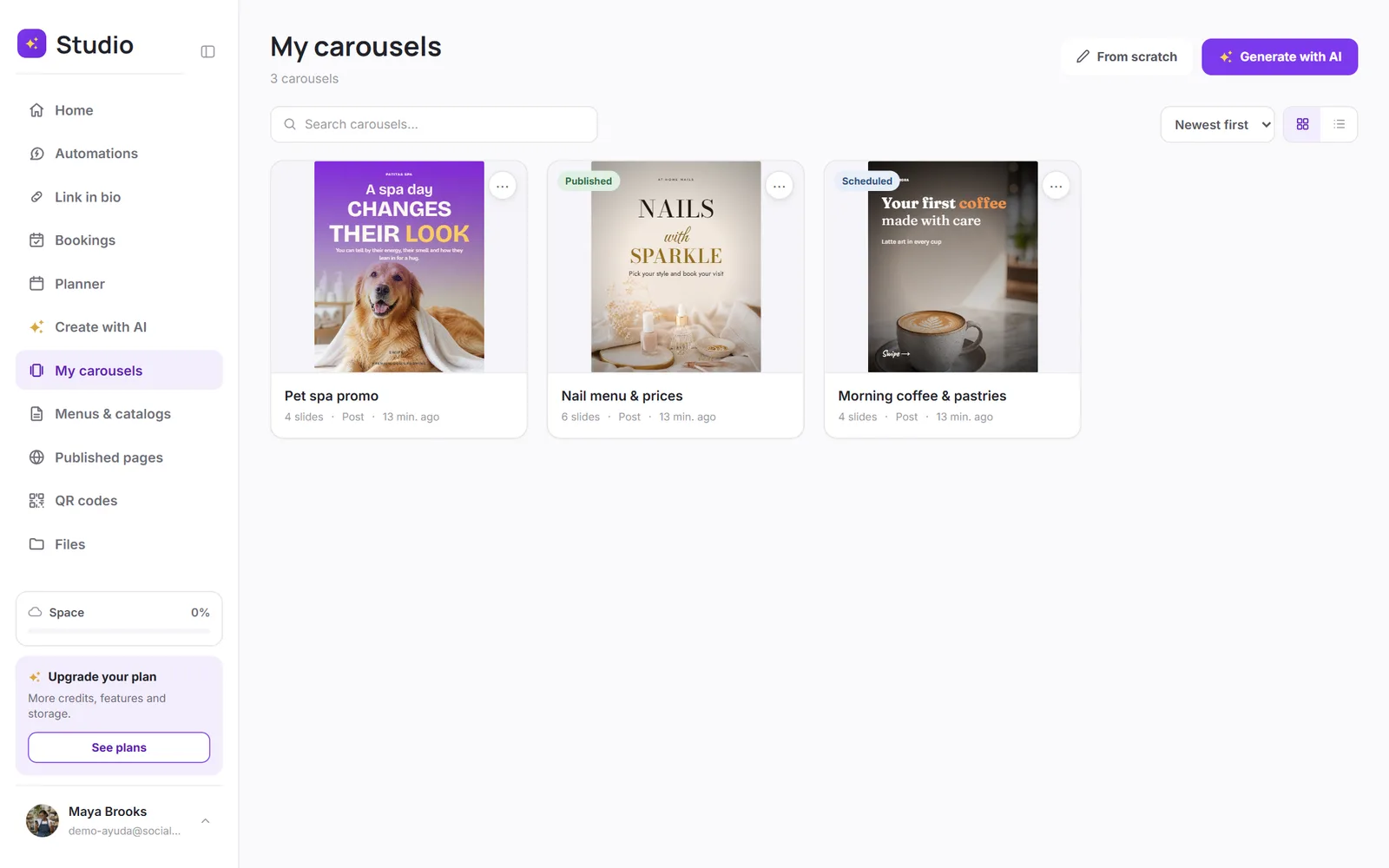
SocialMaker brings together everything you need to sell on social media: replying to your customers automatically, having one page with all your links, taking bookings, publishing on time, and creating content with AI. It all lives in the Studio, which opens when you sign in.
The five features
| Feature | What it's for | Where to find it |
|---|---|---|
| Automations | Replies to comments, messages and story replies on Instagram and Facebook, and delivers links, PDFs or coupons by DM. | Studio → Automations |
| Link in bio | Your page with your name (socialmaker.ai/yourname): links, shop, bookings, video and map. | Studio → Link in bio |
| Bookings | Your online calendar: your clients pick an open time slot and get an email confirmation. | Studio → Bookings |
| Scheduling posts | Schedule posts, carousels and stories on Instagram, Facebook and LinkedIn. | Studio → Planner |
| AI carousels | Ready-to-publish designs from an idea or your own photos, 100% editable. | Studio → Create with AI |
Where do I start?
It depends on what you want to do first:
- Turn your comments into sales → connect your Instagram and create your first automation.
- Have a single link for your bio → claim your name and choose a template.
- Take bookings without going back and forth in messages → create your services; the “Book” button appears on your link in bio.
- Publish without watching the clock → schedule your first post.
- Content for this week → create a carousel with AI.
Was this article helpful?
You might also like
Connect Instagram and FacebookHow to connect your professional Instagram account and your Facebook page to automate messages and publish from SocialMaker.Create your first automationStep by step: someone comments a word on your post and gets your link, your booking page or your coupon by DM.What the Free plan includesWith the Free plan, you try each SocialMaker feature once. Here's exactly what it includes and what happens when you use it up.