Welcome to SocialMaker: everything it does for your business
SocialMaker answers your comments and messages on Instagram, Facebook and WhatsApp, sells with your link in bio, fills your calendar, tells you which post brings you customers and creates your content. And with Claude or ChatGPT, you just ask in plain words. See everything it can do and where to start.
SocialMaker turns your Instagram, Facebook and WhatsApp into a salesperson that works all day. It answers every comment and every message instantly, sends your catalog, your booking page or your link, and gets your link in bio, your bookings and your content ready. It shows you which post brings you customers. And if you use Claude or ChatGPT, you ask for what you need in plain words and it does it for you, right in your account.



Reply even while you sleep
Pick a word, like PRICE or INFO, and everyone who comments it on Instagram or Facebook, sends it to you in a message or replies to your story gets your answer within seconds, at any hour:
- Your link, your catalog, a PDF, a coupon or the button to book, straight to their private messages.
- Buttons with their own reply, so each person finds what they're looking for without waiting for you.
- Their email or phone number, saved in your contacts.
- A friendly reminder if they didn't answer and, on Pro and Max, AI replies in private messages (beta).

No per-contact fees: on any paid plan you pay the same even if thousands of people message you. Start with your first automation or a ready-made template.
Your WhatsApp replies on its own too
Connect your WhatsApp Business and whoever messages you gets an answer instantly, even at night and even while you're serving another customer: your welcome, your prices, your menu, your catalog or your calendar, with buttons to choose from. And you keep replying from your usual app whenever you want.

- You keep using your app: you connect the same number you already have on WhatsApp Business.
- It replies on its own: a greeting for every new person or the answer to your keywords, like PRICES, HOURS or SHIPPING.
- Messages that sell: buttons, lists with up to 10 options, your link, photos, videos, PDFs, your catalog or the booking card.
- Unlimited contacts: SocialMaker doesn't charge per contact or per message.
- Official Meta connection: it happens in Meta's window and we never see your password.
It's available from Starter, with 1 number and 1,000 automated messages a month. Pro connects 3 numbers with 10,000 and Max 5 with no limit. What your customers write to you doesn't count. See everything your WhatsApp can do, connect it in a few minutes and create your first WhatsApp automation.
Your link in bio sells for you
Your page with your name, socialmaker.ai/yourname, with everything your customer needs to buy from you: your WhatsApp, your shop, your bookings, your menu, your videos and your map. There are 80 designs (all of them on Pro and Max), you can change it whenever you want and it looks perfect on a phone.
Scroll inside the phone: this is how it really looks and moves.
See all 80 designsOn Pro and Max you see how many people visit it, where they come from and which buttons they tap. Create your link in bio in a couple of minutes.
Your calendar fills itself
Your customers pick the service, the day and a free time, and they get the confirmation by email, with a reminder the day before. You see the appointment in your calendar without back-and-forth messages. Your link in bio shows the Book button and your Instagram, Facebook and WhatsApp automations can send the booking card.


If you use Google Calendar, your appointments show up there and your busy hours can't be booked. Create your services and connect your calendar.
Orders straight to your WhatsApp
Your menu, catalog or portfolio online, with photos and prices. Your customer builds their order and it reaches your WhatsApp already written. Share it from your link in bio, in a message or with a QR code at your counter.
Animation: in the Barro y Palma catalog, someone adds a palm tote and a pair of earrings, opens their order and taps “Send on WhatsApp.” WhatsApp opens with the order already written: each product with its option and price, the total and “Can you help me with shipping?” The shop replies that it will send the total with shipping and how to pay.

Create your menu or catalog and your QR code.
Content ready to post
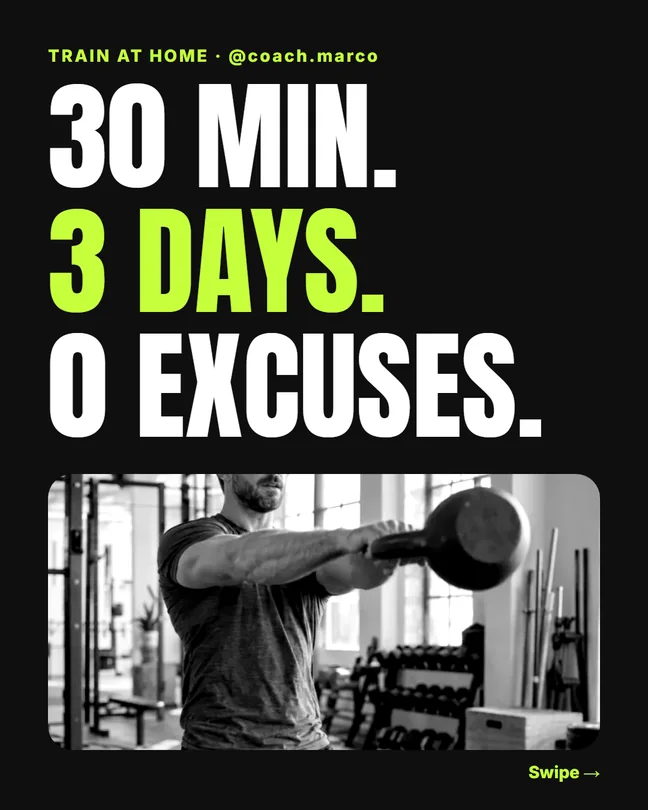
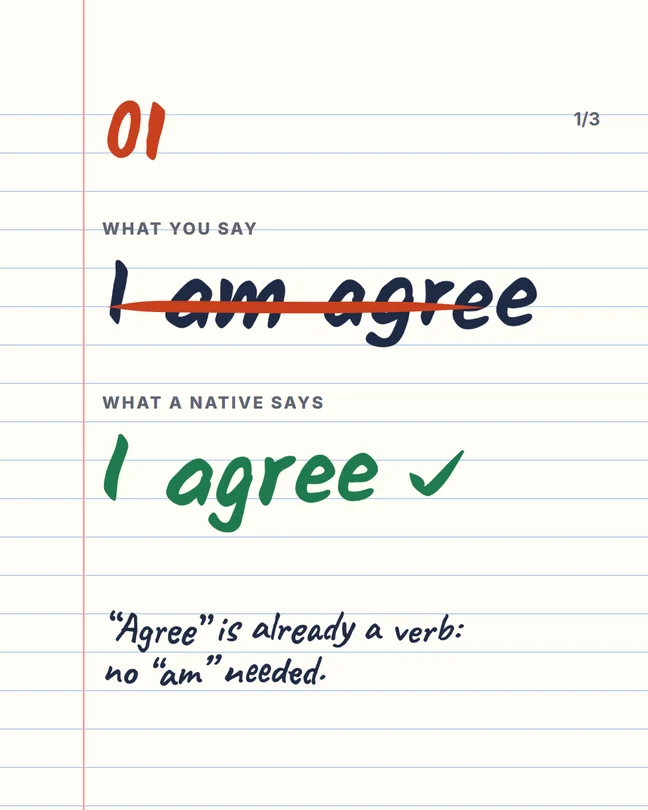
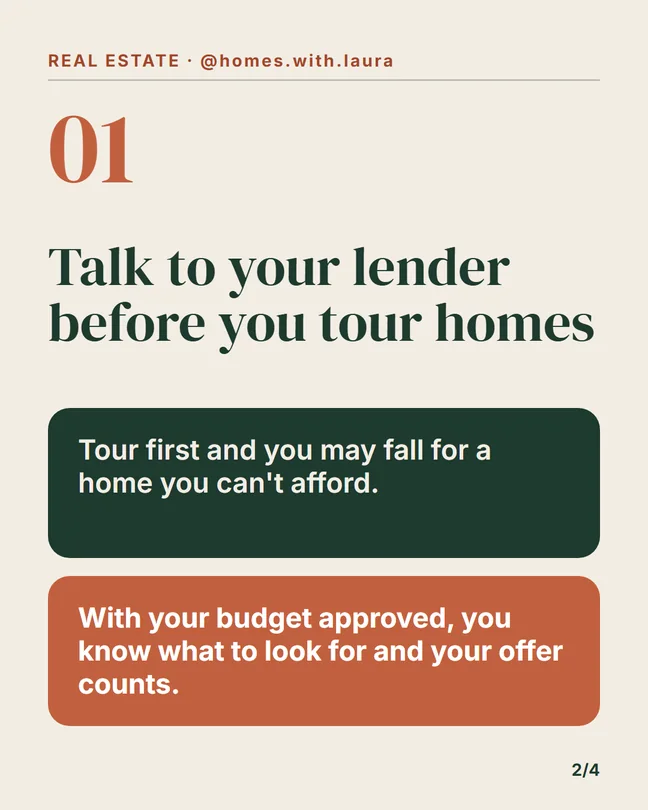
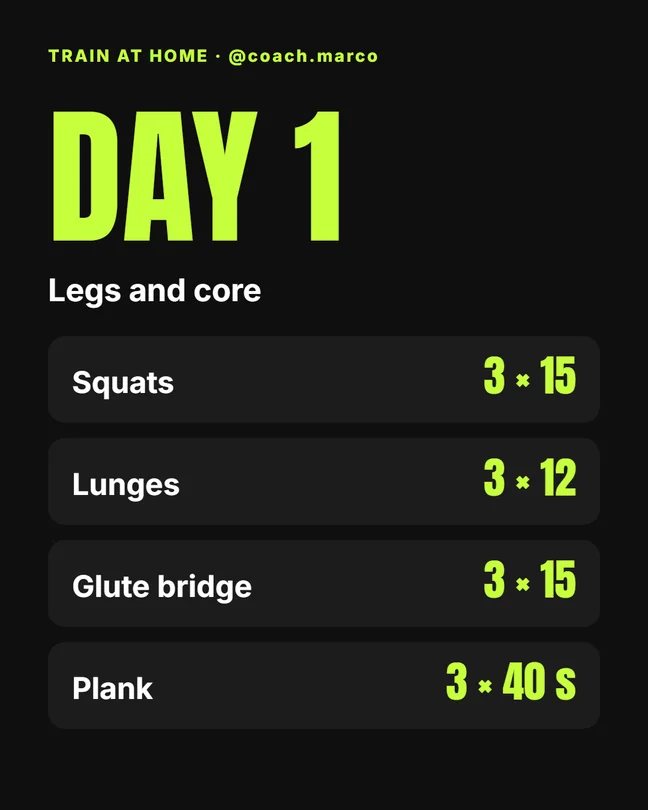
Write an idea and SocialMaker's Designer builds your carousel with your brand, your colors and your photos, ready to post and 100% editable. Or ask Claude or ChatGPT from the chat. These are real carousels made that way, for every kind of business:
 Made with Claude
 English teacher
 Real estate
 Content creator
 Fitness coach
 English teacher
 Real estate
 Content creator
 Fitness coach
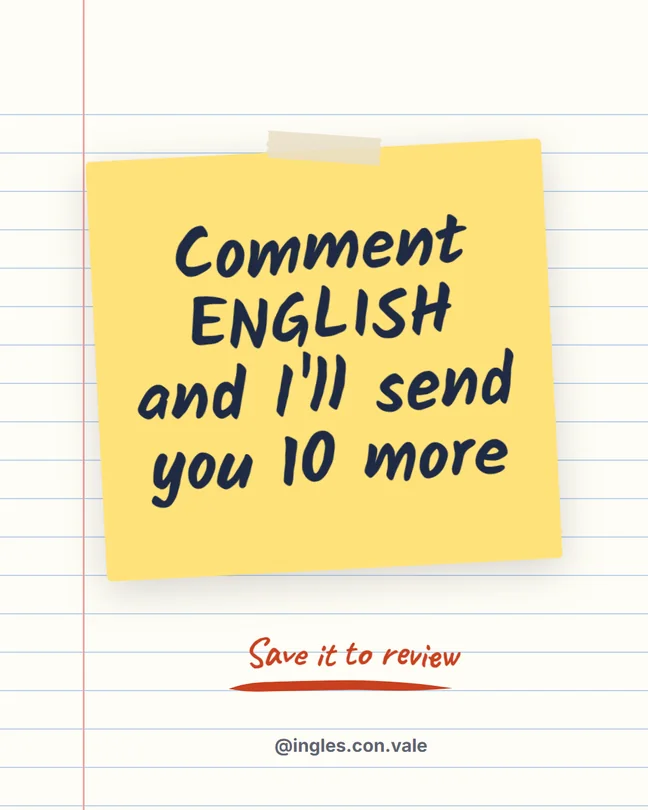 English teacher
 Real estate
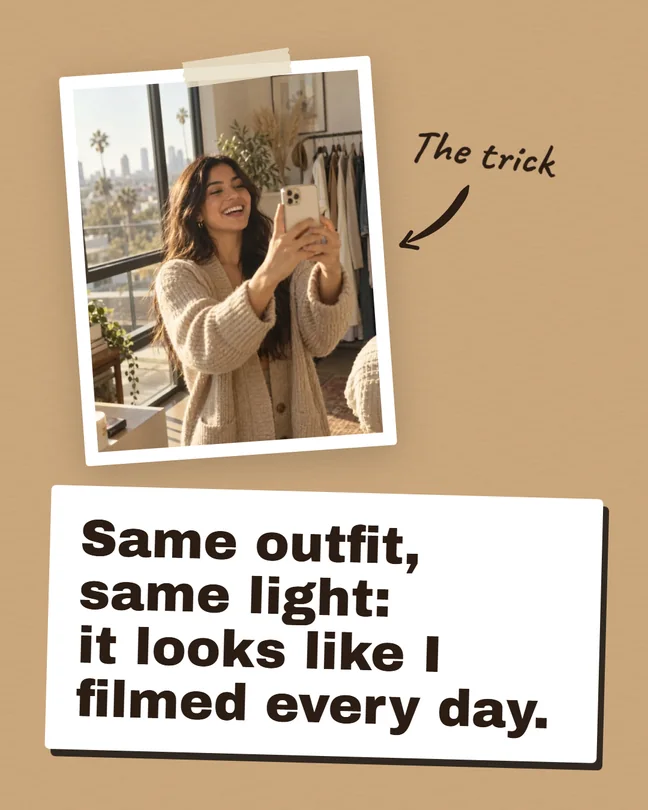 Content creator
 Fitness coach
 Made with ChatGPT
 Hair salon
 Impossible scene
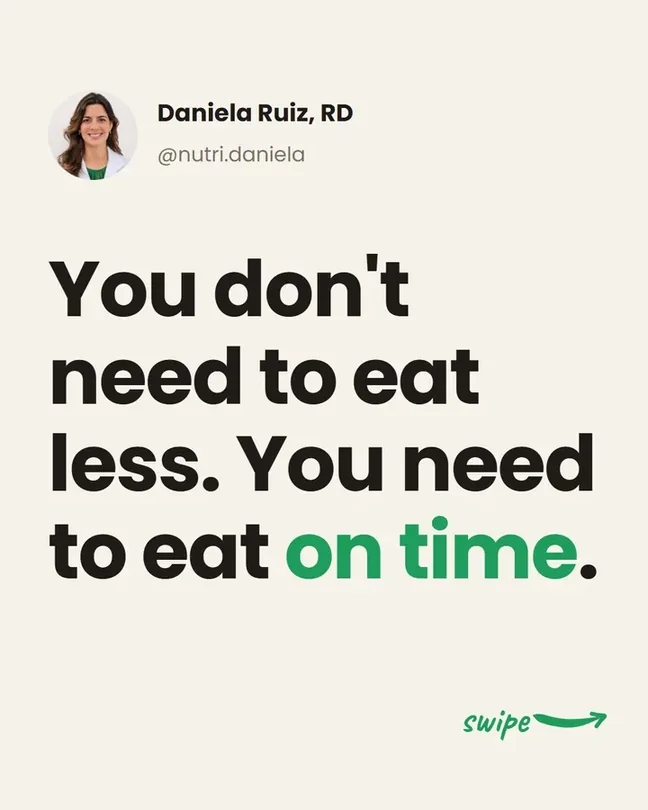 Nutritionist
 Photo + doodles
 Coffee shop
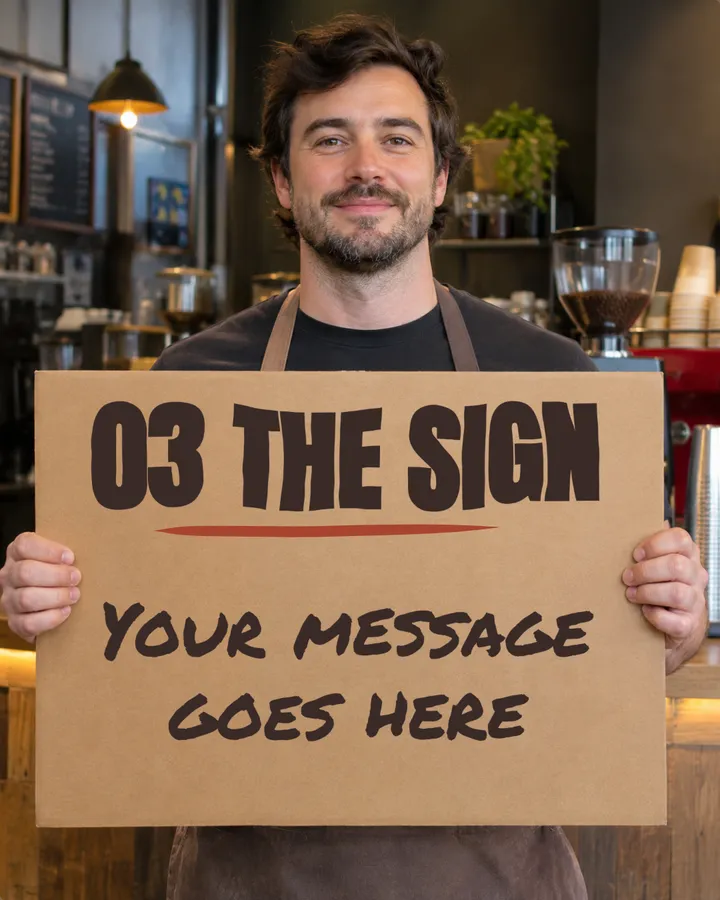
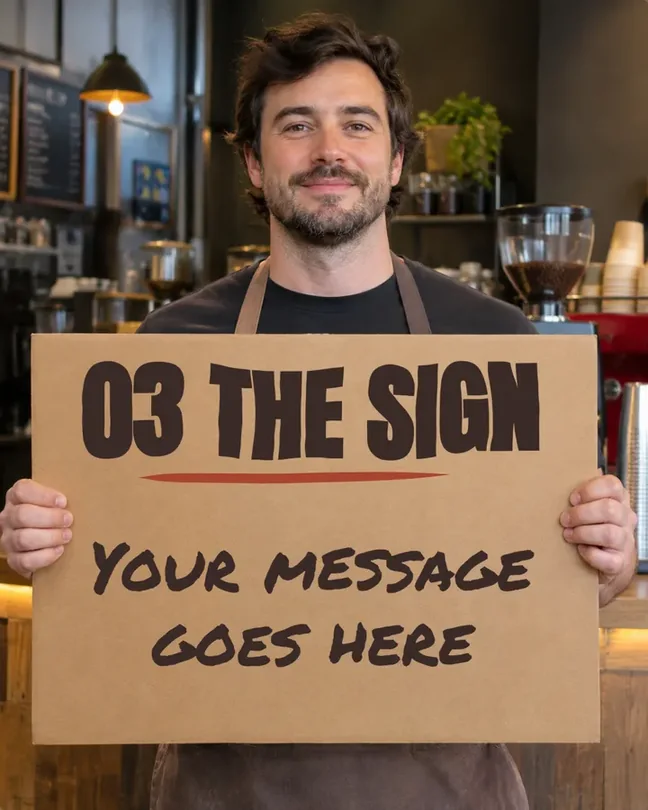 Blank sign
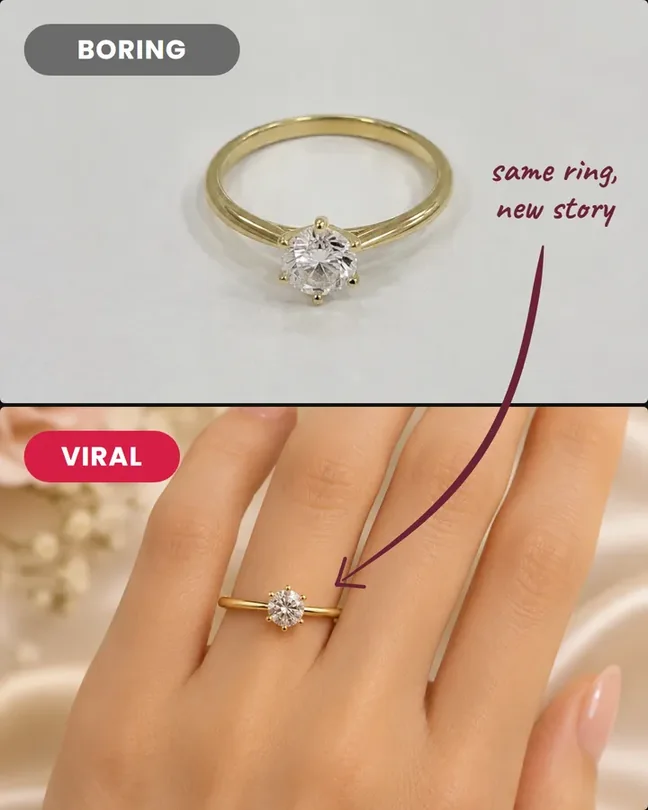 Jewelry
 Paper and stickers
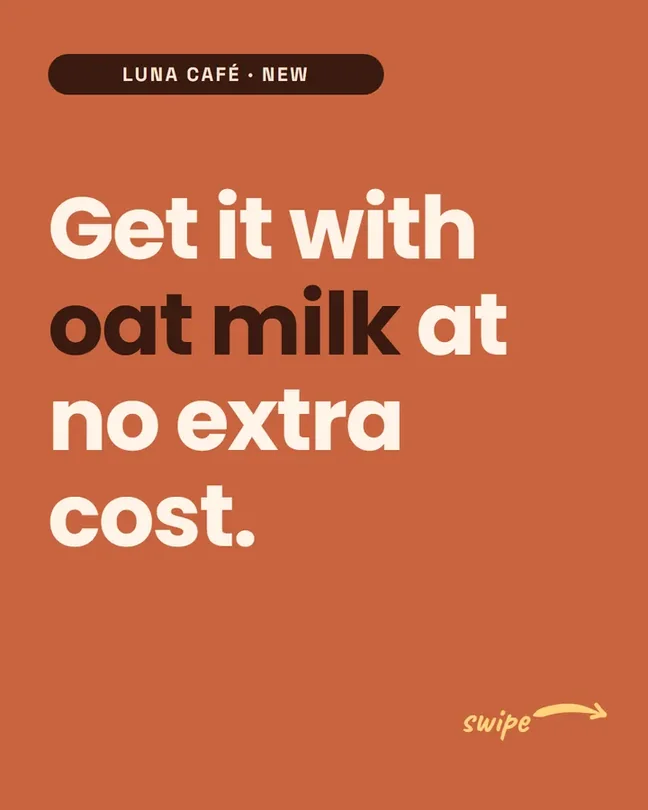 Coffee shop
 Giant headline
 Content creator
 Coffee shop
 Made with SocialMaker
 Content creator
 Affiliate links
 Bag brand
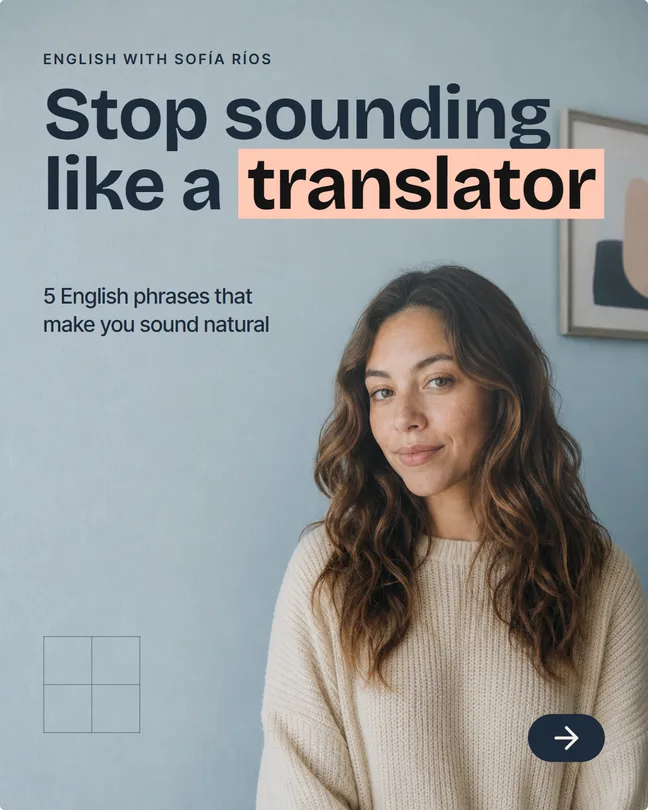 English teacher
 Online course
 Personal finance
 Guitar lessons
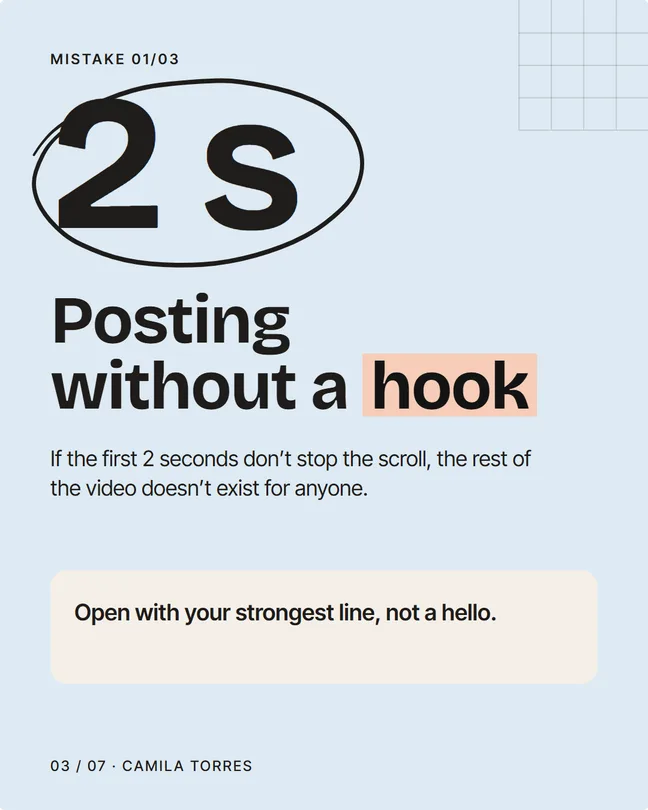 Content creator
 Affiliate links
 Bag brand
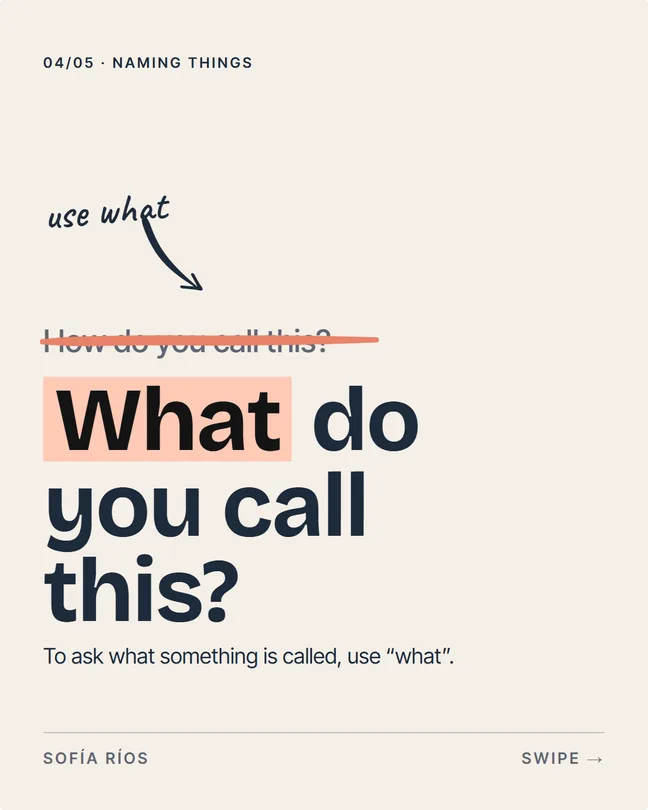 English teacher
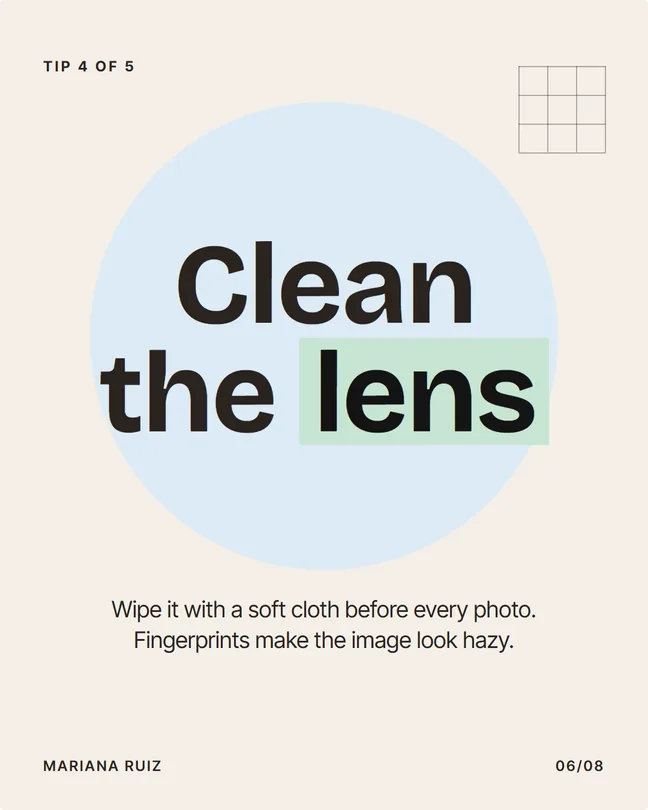 Online course
 Personal finance
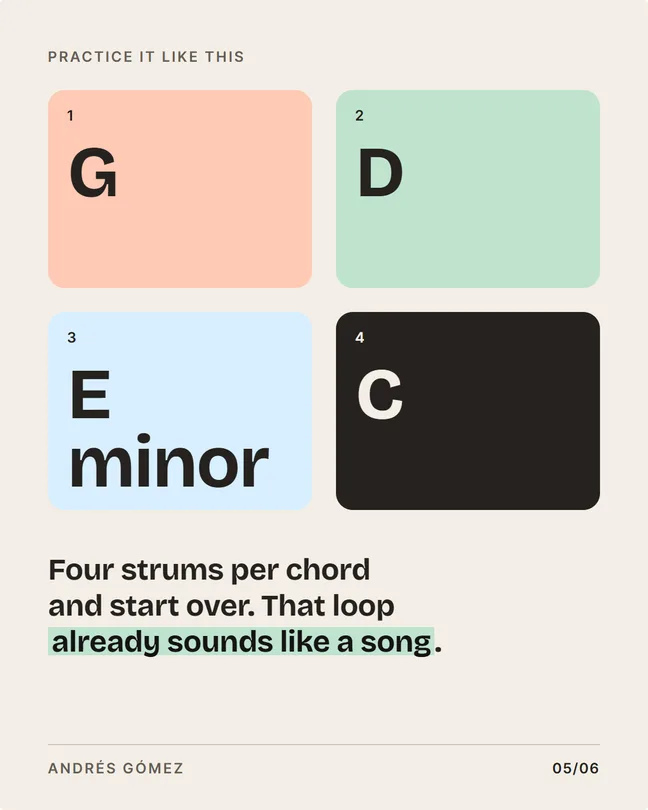 Guitar lessons
And this is what each business asked Claude for, and what it delivered:
Gallery: six carousels Claude designed in SocialMaker for different businesses (a headphone store, a sneaker store, a skincare brand, a phone accessories shop, a candle brand and a coffee roaster). Each one shows what was asked of Claude and its 5 slides.
Six businesses, six carousels. Each one came from a single sentence.
Make me a 5-slide carousel for my headphone store: one model per slide with its price and perks, dark and modern, ending with “Comment AUDIO”.
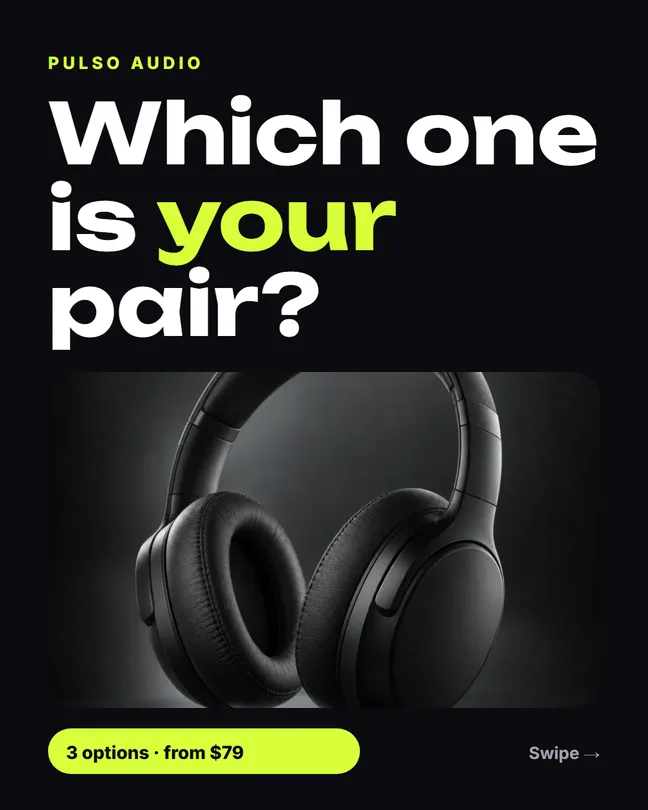
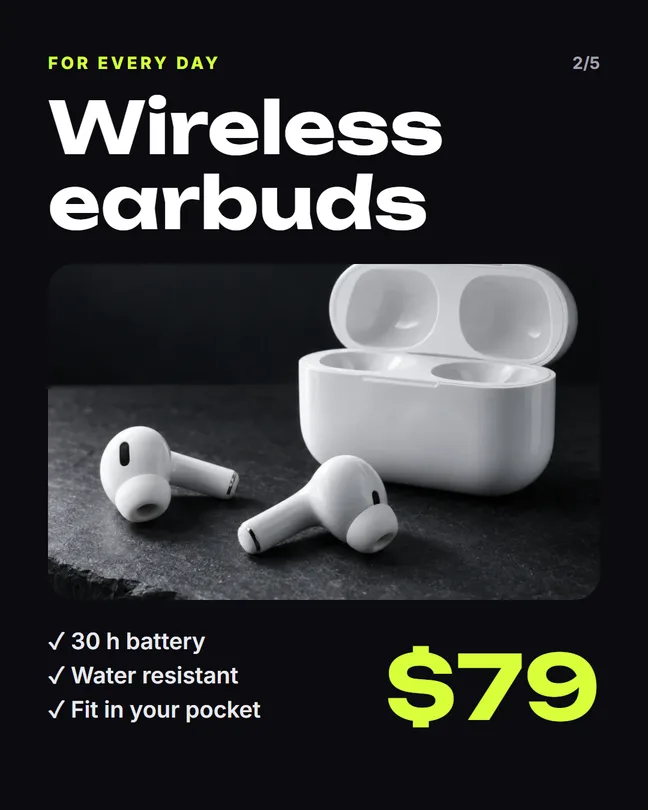
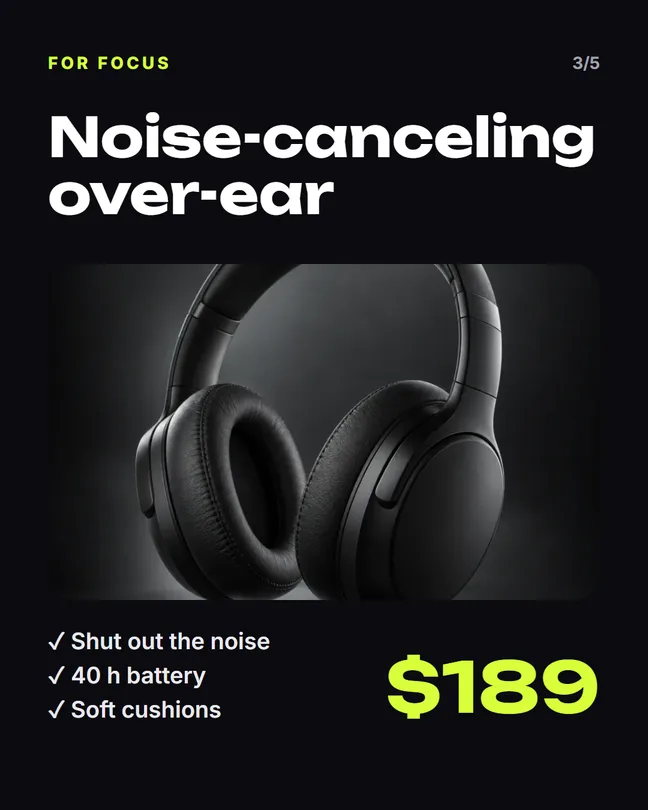

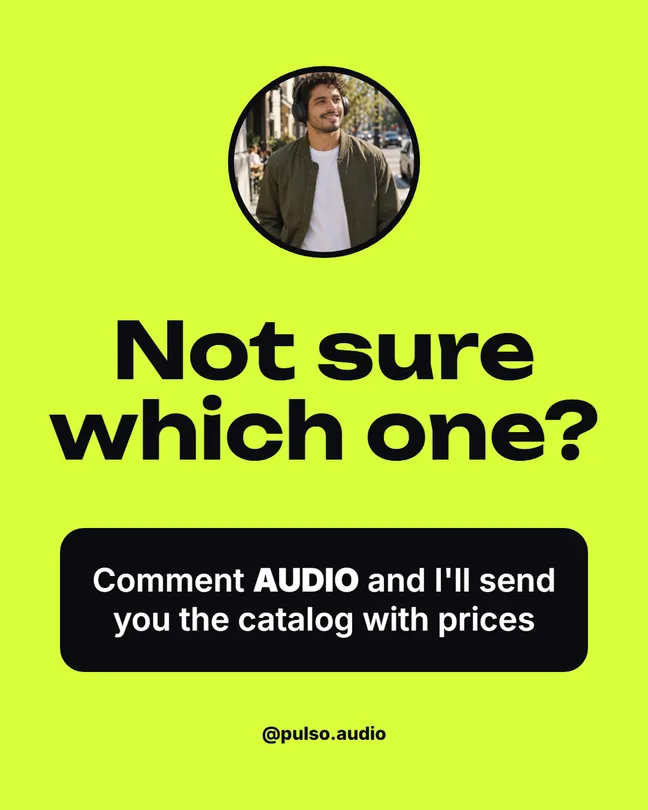
Designed by Claude in SocialMaker: 5 slides, editable and ready to post
When it's ready, you schedule it in the Planner and it publishes itself on Instagram, Facebook or LinkedIn.
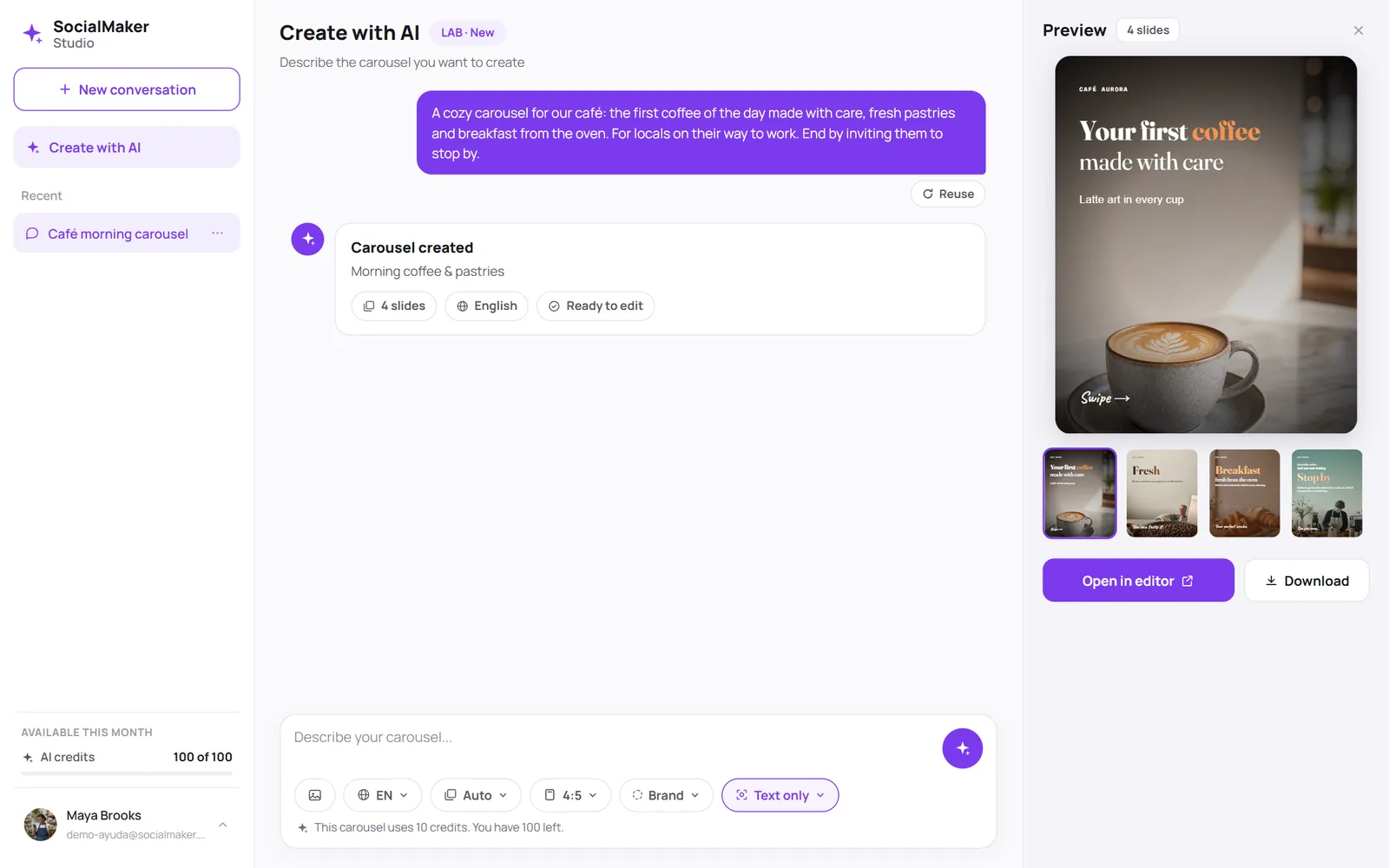
Create a carousel with AI and schedule your first post.
Know which post brings you customers
In Insights you see your Instagram and Facebook in one place: views, interactions, followers and where they come from. And something Instagram doesn't tell you: not just which post people liked most, but which one brought you customers, because SocialMaker matches it with your automations (who asked for your link, opened it or booked). With tips for your next post.
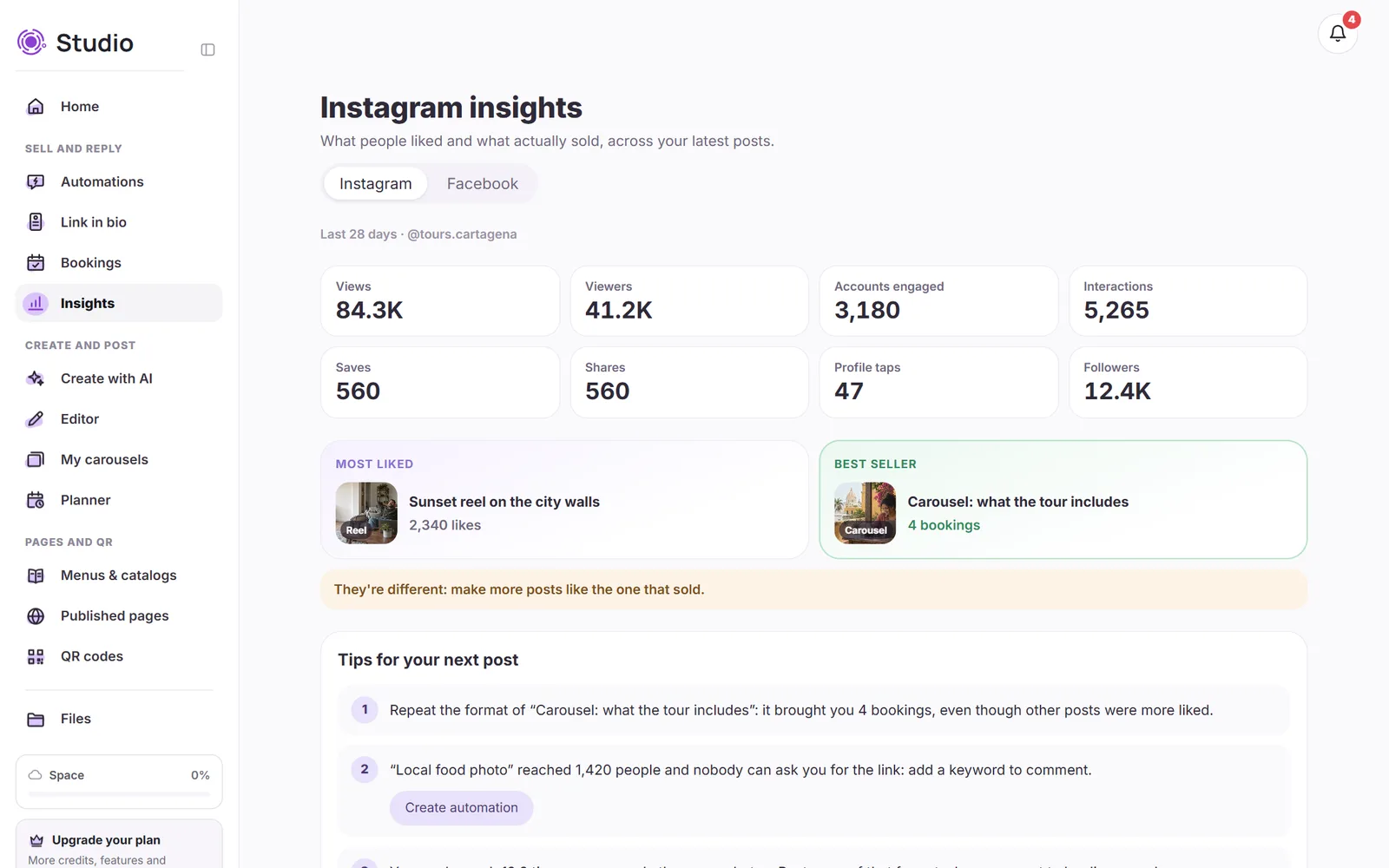
From Starter you see your numbers, a 30-day daily chart and where your views come from. On Pro and Max, everything: 90 days, which post sold, your audience (countries, cities, age and gender) and a detailed view of each post. See how they work.
Just ask and it's done
Connect Claude or ChatGPT to your account and run SocialMaker by talking, the way you'd ask someone on your team. Your assistant creates your Instagram, Facebook and WhatsApp automations, designs a link in bio just for you, builds and schedules your carousels, checks your calendar, publishes your menu and analyzes your insights with its own charts. And the carousels it creates don't use your AI credits.
Animation: the Claude app with SocialMaker connected. You tell it you posted a reel, forgot the automation and people are already commenting. Claude uses SocialMaker and creates the automation on your latest reel: it replies to any comment, sends your link by DM and adds FAQ buttons. It leaves it off and asks whether to turn it on; you say yes and it's live.
Animation in ChatGPT, in 4 steps. 1: ChatGPT is asked for a 6-slide carousel about 5 trending carousel styles, with realistic images of people and the text editable in SocialMaker. 2: ChatGPT shows Creating image with its grid of dots and the percentage, and the carousel appears: the cover in large and the 6 thumbnails, each slide with its text. 3: the reply is Continue; ChatGPT opens the SocialMaker preview with the carousel and the Have ChatGPT check it and Edit in SocialMaker buttons, and confirms it was saved. 4: in the SocialMaker editor, the headline is selected, Text color opens and the headline turns purple: every text can be changed.






Try requests like these:
- Prompt for ClaudeAutomation
When someone comments PRICE on my posts, send them my catalog by private message. - Prompt for ClaudeWhatsApp
When someone sends me PRICES on WhatsApp, reply with my catalog and a button to book. - Prompt for ClaudeLink in bio
Make me a link in bio for my yoga studio, with my classes, my WhatsApp and a button to book. - Prompt for ClaudeCarousel
Create a 5-slide carousel with my three best-selling desserts and schedule it for Friday at 6 p.m. - Prompt for ClaudeCalendar
What times do I have free on Saturday? Book Anna for a haircut at 11. - Prompt for ClaudeInsights
Which post brought me the most customers this month? Make me a chart and tell me what to post next week.
It's on the Pro and Max plans. See how to connect Claude, how to connect ChatGPT and everything your assistant can do.
Know who to message first
Everyone an automation helps lands in your Contacts, tagged by what they did (commented, tapped a button, left their email, booked) and with their temperature: cold, warm or hot. So you know who's closest to buying, and you can download the list anytime. It's on every plan.
Where do I start?
It depends on what you want first:
- Turn your comments into sales → connect your Instagram and create your first automation.
- Let your WhatsApp reply on its own → connect your WhatsApp and create your first WhatsApp automation.
- One link for your bio → claim your name and pick a design.
- Bookings without back-and-forth messages → create your services.
- Get orders on WhatsApp → create your menu or catalog.
- Content for this week → create a carousel with AI or ask Claude.
- Know what to post → check your insights.
- Post without keeping an eye on it → schedule your first post.
Frequently asked questions
What is SocialMaker?
A tool to sell on Instagram, Facebook and WhatsApp: it replies to comments and messages automatically, gives you your link in bio, your booking calendar and your menu or catalog, shows you which post brings you customers and creates content with AI. All in one place, in English, Spanish, Portuguese and French.
Is SocialMaker free?
Yes: there's a free plan and it doesn't ask for a card. Paid plans add WhatsApp, insights, more automations, designs, AI and extras, with no per-contact fees. See them in plans and pricing.
Can I automate my WhatsApp?
Yes, from Starter. You connect your WhatsApp Business number, keep using your app, and your automations reply on their own with buttons, your catalog and your calendar. Contacts are unlimited. See everything it does.
Do I need design or tech skills?
No. Pick a design or a template and change your text and photos, or ask Claude or ChatGPT. There's nothing to install: it works online, from your phone or your computer.
Is it safe to connect my Instagram and my WhatsApp?
Yes. You connect with Meta's official sign-in (Instagram, Facebook and WhatsApp), your password never goes through SocialMaker and you can disconnect anytime. How we protect your account.
Does it work with Claude and ChatGPT?
Yes, on Pro and Max. You connect them once and, from the chat, you create automations, designs, carousels and more, and analyze your insights, without using your AI credits.
Can I cancel anytime?
Yes, no commitment. Your access continues until the end of the period you paid for. How to change or cancel your plan.
Ready to start? Create your free account and in a few minutes your link in bio and your first automation are up and running.