Automation templates
15 ready-made automations to sell, book appointments, get leads and help customers. Pick one, adjust your details and activate it.
When you tap New automation, the template gallery opens. Each one comes with the messages written and the buttons and follow-ups built: you only change what's specific to your business. Filter by goal to see the ones that fit you.
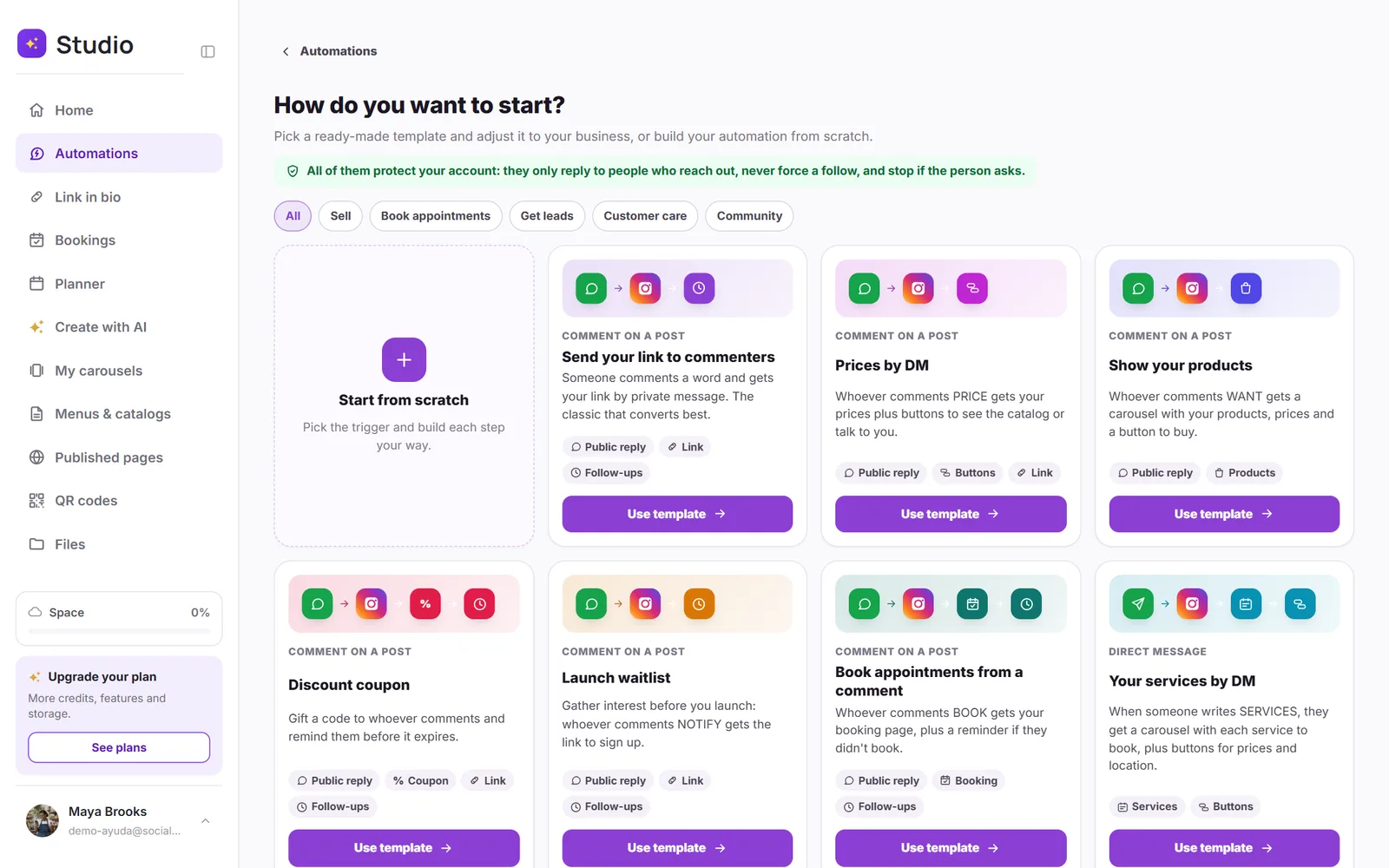
The 15 templates
| Goal | Templates |
|---|---|
| Sell | Send your link to commenters · Prices by DM · Show your products · Discount coupon · Launch waitlist |
| Book appointments | Book appointments from a comment · Your services by DM · Free first consultation |
| Get leads | Free PDF guide · Giveaway · Free class or event |
| Customer care | FAQ by DM · Options menu |
| Community | Thanks for the mention · Story replies |
Complete what's missing
When you use a template, the top of the screen shows what's left before you can activate it: Pick the post, Add your link, Upload your PDF, Set up your calendar or Pick your products, depending on the template. Each item turns green when it's done.
They all protect your account
- They only reply to people who commented or messaged you first.
- They never force a follow: the follow request is an invitation, and the delivery arrives either way.
- They stop if the person writes “stop.”
- In the comment templates, the public reply comes with variations that rotate, so it doesn't repeat the same thing every time.
Was this article helpful?
You might also like
Create your first automationStep by step: someone comments a word on your post and gets your link, your booking page or your coupon by DM.Appointments, services and products by DMSend your booking page, a carousel with your services, or your products right inside the chat, and see how many bookings each automation brings in.Meta's rules you should knowThe 24-hour window, who you're allowed to message, and why some messages don't get sent.