Drafts and autosave
Your automations save themselves while you build them: if you leave, reload the page or lose your connection, you don't lose anything.
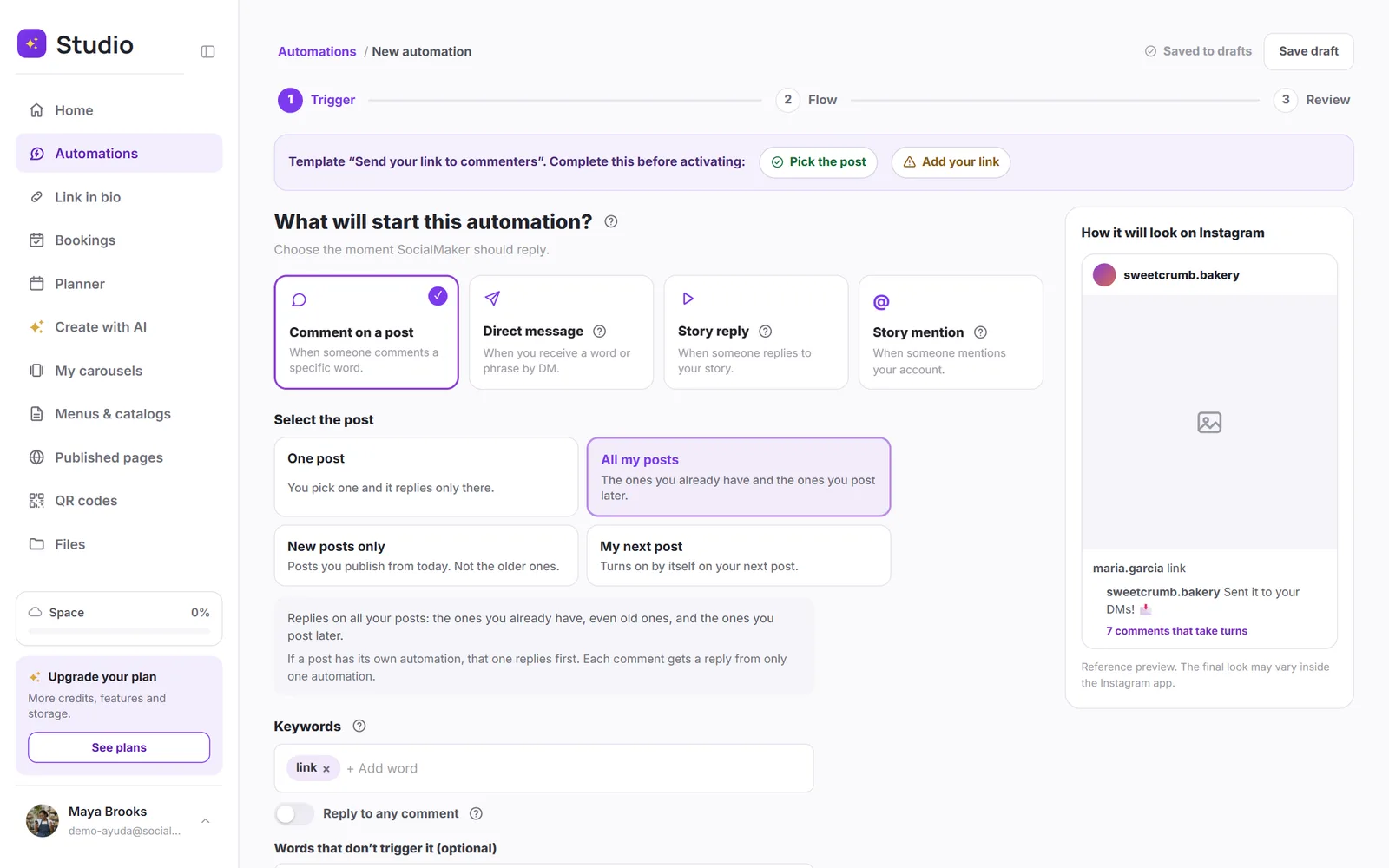
While you build a new automation or edit a draft, it saves itself a few seconds after each change. At the top, next to Save draft, you'll see Saved to drafts.
What happens if…
…I leave before finishing?
It stays in the Drafts tab in Automations, just as you left it. Open it with Edit flow to keep going.
…I reload the page or lose my connection?
Whatever was already saved is still there. If you're offline, the notice says Offline: it saves when you're back, and it saves once the connection is back.
…I only opened a template to look at it?
No draft is left behind: it only saves once you change something.
…I edit an automation that's already active?
That one doesn't save itself, so a half-finished change doesn't go out and reply to people. Your changes stay in your browser: if you leave, it asks you first, and if you open it again it tells you We recovered changes that hadn't been saved, with Discard changes in case you don't want them. They're applied when you save them.
…I don't want a draft anymore?
In the list, open the three-dot menu on the row and tap Delete.