Your Messenger answers itself, day and night
Anyone who messages your Page instantly gets your welcome, prices, catalog or booking calendar, with buttons to choose from. You only step in for people ready to buy.

Your Messenger inbox, under control
From the welcome to the booked appointment, here's everything your Messenger can answer on its own.
Anyone messaging your Page for the first time gets your greeting with buttons, even if they don't use any keyword.
How to set it upIf someone writes “PRICES”, “SHIPPING” or “HOURS”, the reply goes out on its own.
How to set it upUp to 13 buttons, each with its own reply: your customer taps and finds what they need.
How to set it upA carousel of up to 10 products or services, with photo, price and a buy button.
How to set it upYour customer taps “Book now”, picks a day and time, and gets the confirmation.
How to set it upPeople who comment on your posts get your message on Messenger, and the conversation continues there.
How to set it upMessenger fills in the person's email with a single tap: your customer list grows on its own (Pro).
How to set it upIf they don't reply, remind them up to 3 times in 24 hours. The reminders stop on their own if they answer.
How to set it upGreet every person in a second
The first time someone messages your Page, they get your greeting with buttons. They choose what they need and get the answer, without waiting for you to be free.
- Only once per person
- Buttons with their own reply
- If their message has a keyword, it answers that one

The usual questions, answered on their own
Shipping, prices, hours, location: when someone writes the word, they get the reply with the link or button they need.
- Several words in one automation
- Capitals or lowercase, it doesn't matter
- One delivery per person every 24 hours, so no one gets flooded
Appointments without calls or back-and-forth
Your customer taps “Book now”, picks the service, day and time on your booking page and gets the confirmation by email.
- “Book your appointment” card or a carousel of services
- Instant email confirmation
- Synced with Google Calendar


No one is left without a reply
If the person doesn't open your link, SocialMaker kindly messages them again, within the 24 hours Meta allows.
- Up to 3 reminders in 24 hours
- They stop on their own if the person replies
- Anyone who writes “stop” stops getting messages

More people message you, you pay the same
Other tools charge for every person who messages you: the better you do, the more you pay. With SocialMaker the price is flat, whether 100 or 10,000 people message you.
If 1,000 people message you this month
- Charge by how many people message you
- Your bill goes up when things go well
- AI or follow-ups cost extra
- One flat monthly plan
- Reply to everyone from Starter
- Follow-ups included from Starter
ManyChat prices taken from manychat.com/pricing on October 23, 2026. See the full comparison
Over 12,000 people answered in 3 days
A Facebook account on the Starter plan turned on a comment-to-DM automation. This is what happened from October 20 to 23, 2026.
On a plan that charges per contact, those 12,500 people cost more: on ManyChat, from $199 a month (its Advanced plan) and over $1,200 if you stay on the $17 one.
Real data from a SocialMaker account, rounded. We don't show the account to protect its privacy. ManyChat prices taken from manychat.com/pricing on October 23, 2026.
Messages that look professional
Build your Messenger replies with buttons, photos and files, no design or coding skills needed.
How Pages like yours use it
An automation for every business. Pick one and make it fit your Page.
 Dental clinicThey write “BOOK”
They pick a day and time for their cleaning and get the confirmation.
 Hair salonThey message for the first time
They get a welcome with prices, hours and a button to book.
 Language schoolThey write “SCHEDULE”
They get the open classes and the link to a trial class.
 Online storeThey write “CATALOG”
They get a carousel with the products and a buy button.
 Real estate agentThey write “VISIT”
They get the available properties and book a showing.
 Wedding plannerThey write “DATES”
They get the season's open dates and the catalog as a PDF.
Know what brings you customers
Every automation shows its real numbers so you can repeat what works.
How many messages went out and how many people tapped your link, day by day.
Everyone who messages you is saved with tags and a cold, warm or hot meter. Download them anytime.
On Pro you see the full path, from first message to click to booking, plus A/B tests that pick the winning message.
An official, secure connection to Instagram and Facebook
Your account is your business’s most valuable asset. That’s why SocialMaker connects to Instagram and Facebook the official way and follows their rules.
We’re registered with Meta as a tech provider, and our company is verified.
We only reply to people who comment on your posts or message you, and anyone can stop receiving messages whenever they want.
Questions about Messenger automation
How do I set up auto-replies on Messenger?
Can I set up a welcome message on Messenger?
Can I show a catalog inside the chat?
Does it reply to every message?
Do I need a Facebook Page?
Can Meta block me for auto-replying?
How much does Messenger automation cost?
How is it different from ManyChat?
Guides to automate Messenger
Step by step, in the help center and on the blog.
- Reply to DMs, story replies, mentions and MessengerThe other triggers: words sent by direct message, replies to your stories, mentions, and messages to your Facebook page.
- Reply buttons: a different reply for each optionOptions the person taps instead of typing, each one with its own reply. Great for menus, prices and frequently asked questions.
- Appointments, services and products by DMSend your booking page, a carousel with your services, or your products right inside the chat, and see how many bookings each automation brings in.
- Ask for their email or phone, and your contact listBefore delivering what you promised, ask for the person's email or WhatsApp. In Contacts you see everyone with their tags and how ready they are to buy, and download them for Excel. Asking for details is on Pro and Max.
- Automatic follow-upsUp to three more messages, within 24 hours, for anyone who didn't reply or tap your link. They stop on their own.
- Connect Instagram and FacebookHow to connect your professional Instagram account and your Facebook page to automate messages and publish from SocialMaker.
- Meta's rules you should knowThe 24-hour window, who you're allowed to message, and why some messages don't get sent.
Learn it step by step
Guides with examples to copy, written for businesses like yours.
 Facebook auto reply: how to set up automatic replies on Messenger and commentsHow to set up automatic replies on Facebook step by step: what Meta gives you for free, how to answer comments on Messenger, and examples to copy.Read the guide
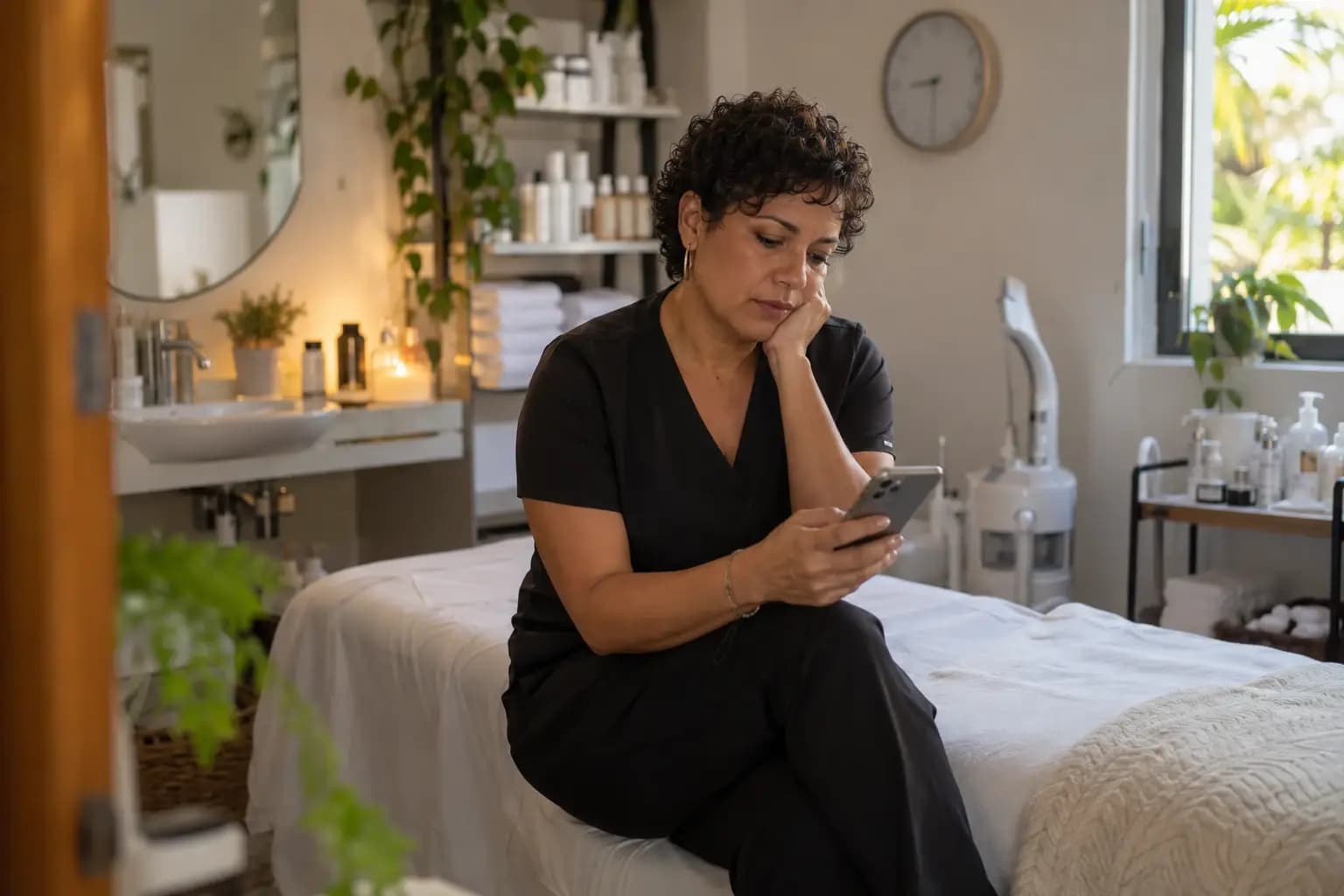 Clients who don't show up: how to reduce no-shows (and take deposits in your country)Reminders, a cancellation policy and deposits: what actually reduces missed appointments, with templates to copy and how to take a deposit in your country.Read the guide
 The 7 best ManyChat alternatives in 2026: prices and which ones work in SpanishWe compared 7 ManyChat alternatives for Instagram comments and DMs: what they really cost, which charge per contact and which work in Spanish.Read the guide
 Comment LINK and I'll send it: how to DM your affiliate links on InstagramHow to DM your Amazon, LTK or Mercado Libre links when people comment, without paying per contact and following the disclosure rules where you sell.Read the guide
 Free digital catalog: how to make one and get orders on WhatsAppHow to make a free digital catalog and get orders on WhatsApp: a PDF, the WhatsApp Business catalog or a catalog page with ordering, step by step.Read the guide
 Instagram auto-reply messages: how to set them up + 40 examples to copyHow to set up automatic replies on Instagram, what you get for free, what can't be automated and 40 ready-to-paste messages for your business.Read the guide
Your next customer is already commenting.
Let SocialMaker reply while you do what you love.
No credit card · Ready in minutes