Automate your Instagram and reply to everyone instantly
Comments, DMs, story replies and mentions get your link, your price or your booking page in seconds. With or without a keyword, 24/7.

So much more than “comment PRICE”
Keywords are just the start. Here's everything your Instagram can answer on its own.
No keyword needed: reply to everyone who comments, even if they just write “😍” or “how much?”.
How to set it upReply only to people who write “GUIDE” or any word you choose, in capitals or lowercase.
How to set it upPick a post or reel, all your posts, only new ones or the next one you publish.
How to set it upAnyone who replies or reacts to your story gets your message, with or without a keyword.
How to set it upWhen someone tags you in their story, thank them instantly and send them a gift.
How to set it upIf someone DMs you “HOURS” or “CATALOG”, the reply goes out on its own.
How to set it upThe first time someone messages you, they get your greeting with buttons: prices, bookings or location.
How to set it upUp to 13 buttons in one message, each with its own reply. Your customer taps and finds what they need.
How to set it upReply to everyone who comments, keyword or not
Choose whether to reply only to people who use your keyword or to any comment. Each person gets a public reply and your private message with the link.
- Any comment or only your keywords
- On one post, all of them or the next one you publish
- Public replies that rotate so they never repeat
- Excluded words, so you skip what you don't want to answer



Your stories sell too
Anyone who replies to your story or mentions you in theirs gets your message right away: a thank-you, a coupon or the link to what you showed.
- Story replies, with or without a keyword
- Mentions in your customers' stories
- A gift for people who recommend you

Your inbox answers itself
When someone writes “PRICES”, “HOURS” or “CATALOG”, the reply goes out on its own. And first-time messages get your welcome with buttons.
- Keywords by DM
- A welcome for anyone messaging you for the first time
- Up to 13 buttons, each with its own reply
Gain followers with every freebie
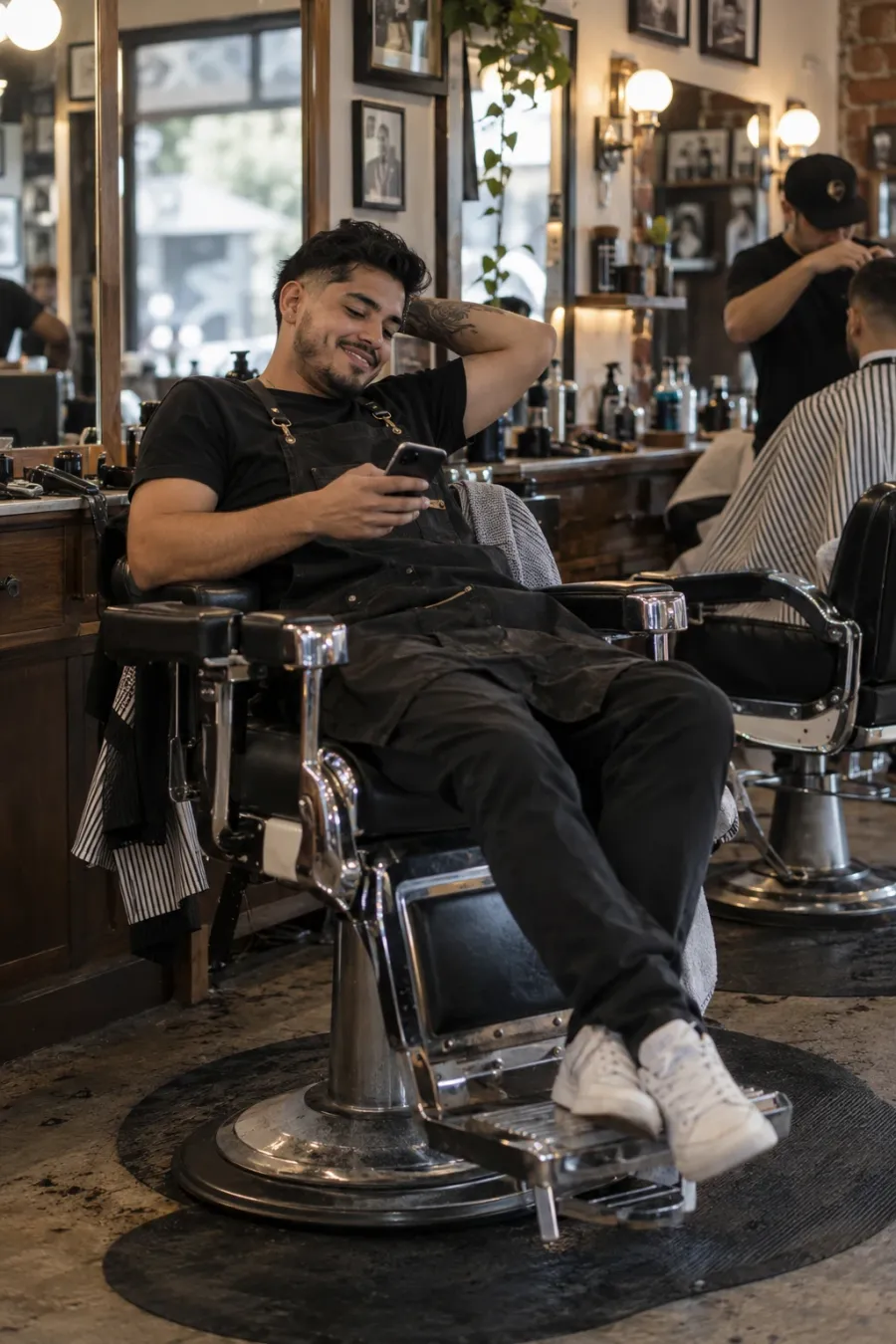
Before sending your link, SocialMaker invites the person to follow you. And if they don't open it, it sends a friendly reminder.
- An invite to follow you before the delivery
- Up to 3 reminders in 24 hours if they don't open your link
- They stop on their own if the person replies
- Turns itself off on the date you choose: perfect for promos

Book appointments right from the DM
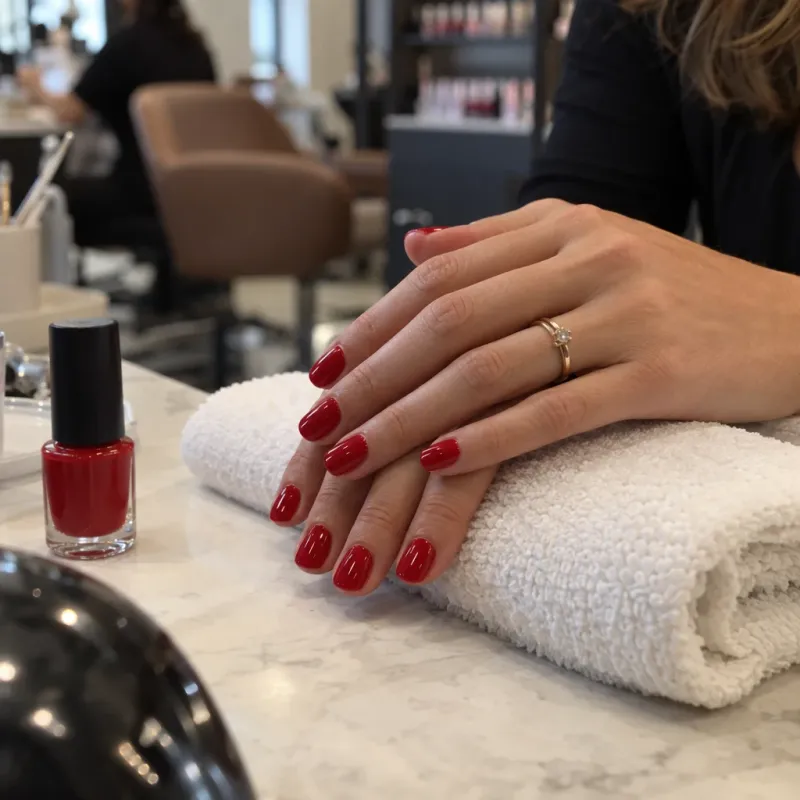
Your customer taps “Book now”, picks the service, day and time on your booking page and gets the confirmation by email and by DM.
- “Book your appointment” card or a carousel of services
- Automatic confirmation by DM
- Carousel of up to 10 products with their prices
More people message you, you pay the same
Other tools charge for every person who messages you: the better you do, the more you pay. With SocialMaker the price is flat, whether 100 or 10,000 people message you.
If 1,000 people message you this month
- Charge by how many people message you
- Your bill goes up when things go well
- AI or follow-ups cost extra
- One flat monthly plan
- Reply to everyone from Starter
- Follow-ups included from Starter
ManyChat prices taken from manychat.com/pricing on October 23, 2026. See the full comparison
Over 12,000 people answered in 3 days
A Facebook account on the Starter plan turned on a comment-to-DM automation. This is what happened from October 20 to 23, 2026.
On a plan that charges per contact, those 12,500 people cost more: on ManyChat, from $199 a month (its Advanced plan) and over $1,200 if you stay on the $17 one.
Real data from a SocialMaker account, rounded. We don't show the account to protect its privacy. ManyChat prices taken from manychat.com/pricing on October 23, 2026.
Messages that look professional
Build your replies with buttons, photos and files, no design or coding skills needed.
How accounts like yours use it
An automation for every kind of content. Pick one and make it yours.
 Travel creatorThey comment “ITINERARY”
They get the 5-day itinerary as a PDF and the link to book tours.
 Real estate agentThey comment “TOUR”
They get the home video, the listing sheet and a button to book a showing.
 Online language tutorThey reply to her story
They get the link to book a free trial class.
 Fitness coachAny comment on her reel
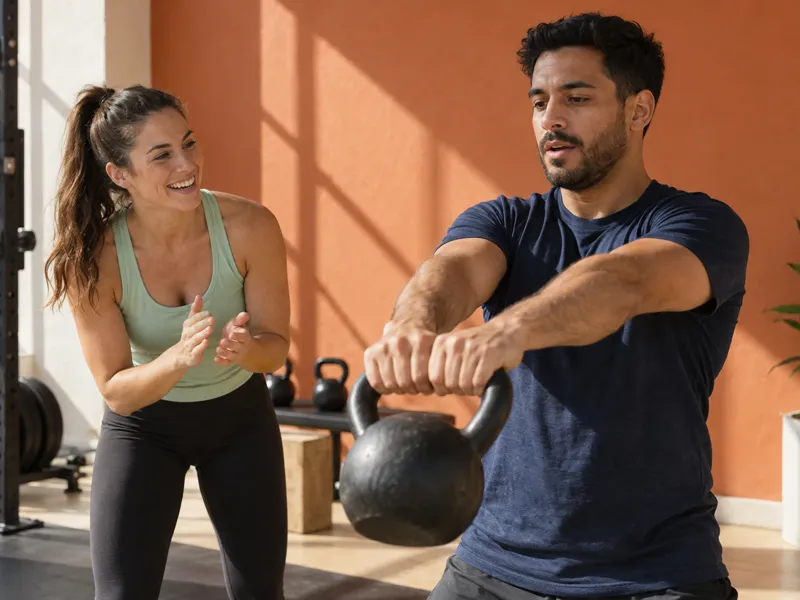
They get the 4-week workout plan, with an invite to follow her.
 Online storeThey DM “CATALOG”
They get a carousel with the products, their prices and a buy button.
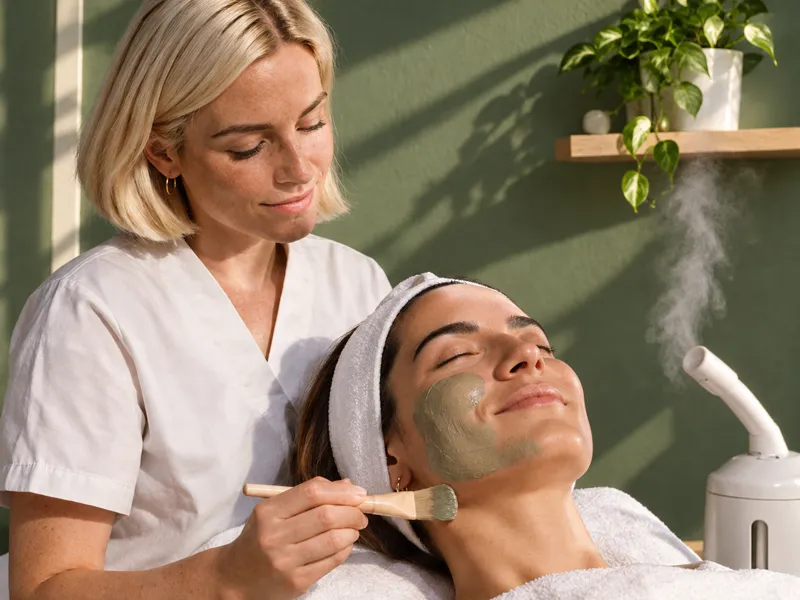 Skincare specialistThey mention her in their story
They get a thank-you and a coupon for their next facial.
Know what brings you customers
Every automation shows its real numbers so you can repeat what works.
How many messages went out and how many people tapped your link, day by day.
Everyone who messages you is saved with tags and a cold, warm or hot meter. Download them anytime.
On Pro you see the full path, from comment to click to booking, plus A/B tests that pick the winning message.
An official, secure connection to Instagram and Facebook
Your account is your business’s most valuable asset. That’s why SocialMaker connects to Instagram and Facebook the official way and follows their rules.
We’re registered with Meta as a tech provider, and our company is verified.
We only reply to people who comment on your posts or message you, and anyone can stop receiving messages whenever they want.
Questions about Instagram automation
How do I automate Instagram replies?
Can I auto-reply to every comment, without a keyword?
Does it work with reels and older posts?
Can I automate story replies and mentions?
Can Instagram block me for auto-replying?
Do I need a professional Instagram account?
How much does Instagram automation cost?
How is it different from ManyChat?
Can I turn off an automation on a set date?
Guides to automate your Instagram
Step by step, in the help center and on the blog.
Read the free step-by-step guide
- How automations workWhat an automation is, what triggers it and what your customer receives, explained with a real example.
- Keywords: how to choose themHow SocialMaker recognizes keywords, when to use more than one, and when to reply to any comment.
- Reply to DMs, story replies, mentions and MessengerThe other triggers: words sent by direct message, replies to your stories, mentions, and messages to your Facebook page.
- Ask people to follow you before deliveringHow to gain followers with every automation, and why Instagram requires delivering anyway to people who don't follow you.
- Automatic follow-upsUp to three more messages, within 24 hours, for anyone who didn't reply or tap your link. They stop on their own.
- Appointments, services and products by DMSend your booking page, a carousel with your services, or your products right inside the chat, and see how many bookings each automation brings in.
- Meta's rules you should knowThe 24-hour window, who you're allowed to message, and why some messages don't get sent.
Learn it step by step
Guides with examples to copy, written for businesses like yours.
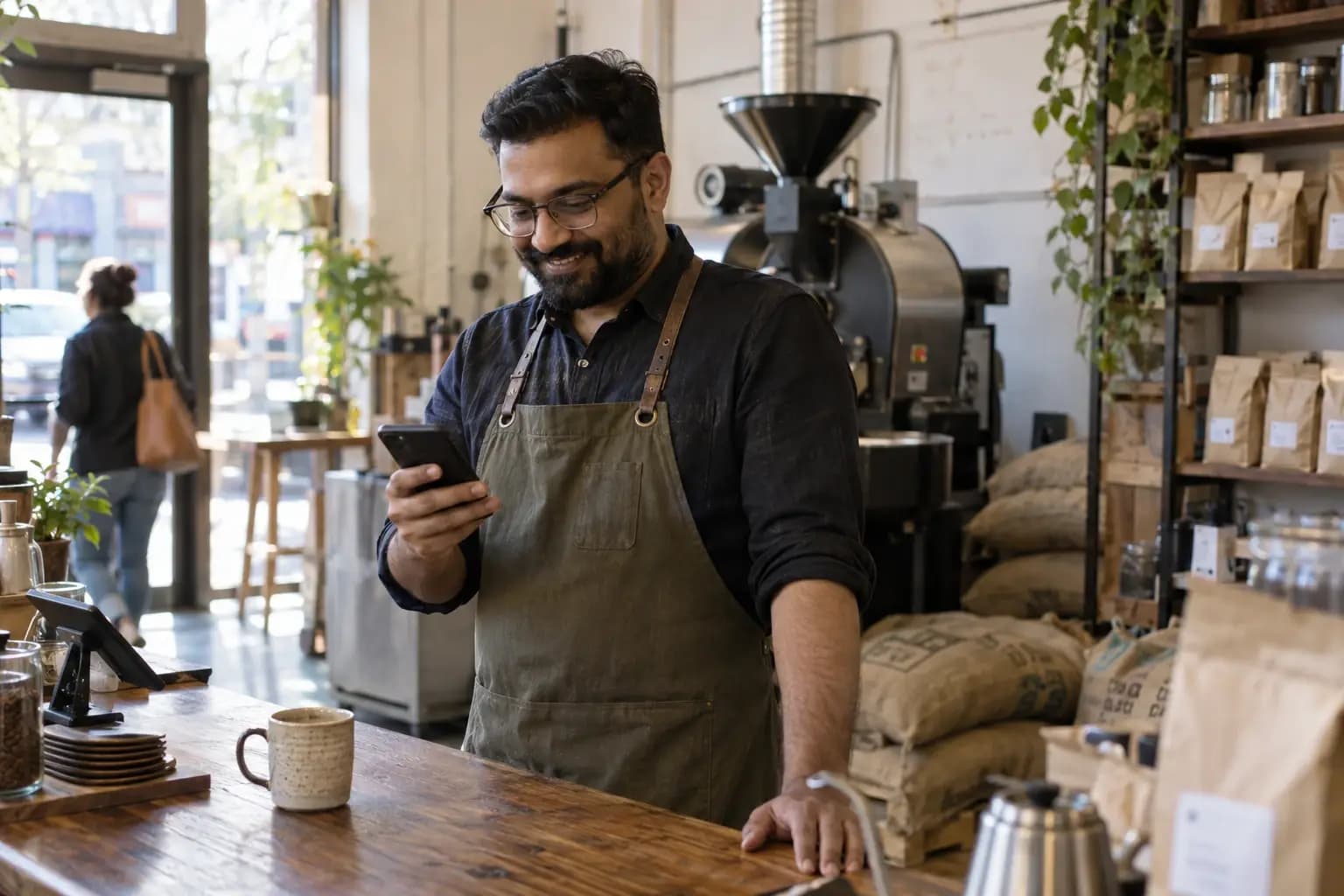 How to automate Instagram: 5 DM automations your business needsLearn how to automate Instagram messages: reply to comments and DMs, book appointments and win back customers without living on your phone.Read the guide
 Instagram auto-reply messages: how to set them up + 40 examples to copyHow to set up automatic replies on Instagram, what you get for free, what can't be automated and 40 ready-to-paste messages for your business.Read the guide
 Instagram auto-replies: how to avoid getting blocked for repeating the same commentWhy replying with the same comment every time or using apps Meta hasn't approved puts your Instagram account at risk, and how to automate without that risk.Read the guide
 Your post went viral: how to answer 10,000 comments without losing salesA real case: over 12,000 people answered in 3 days on the Starter plan. What to set up before a post goes viral, Meta's limits and what it costs.Read the guide
 Instagram lead magnet: how to give away your PDF guide with “comment GUIDE” and have it delivered automaticallyGive away a PDF guide to everyone who comments GUIDE: delivered by DM on its own, with their email. Plus how to do it all with Claude in one chat.Read the guide
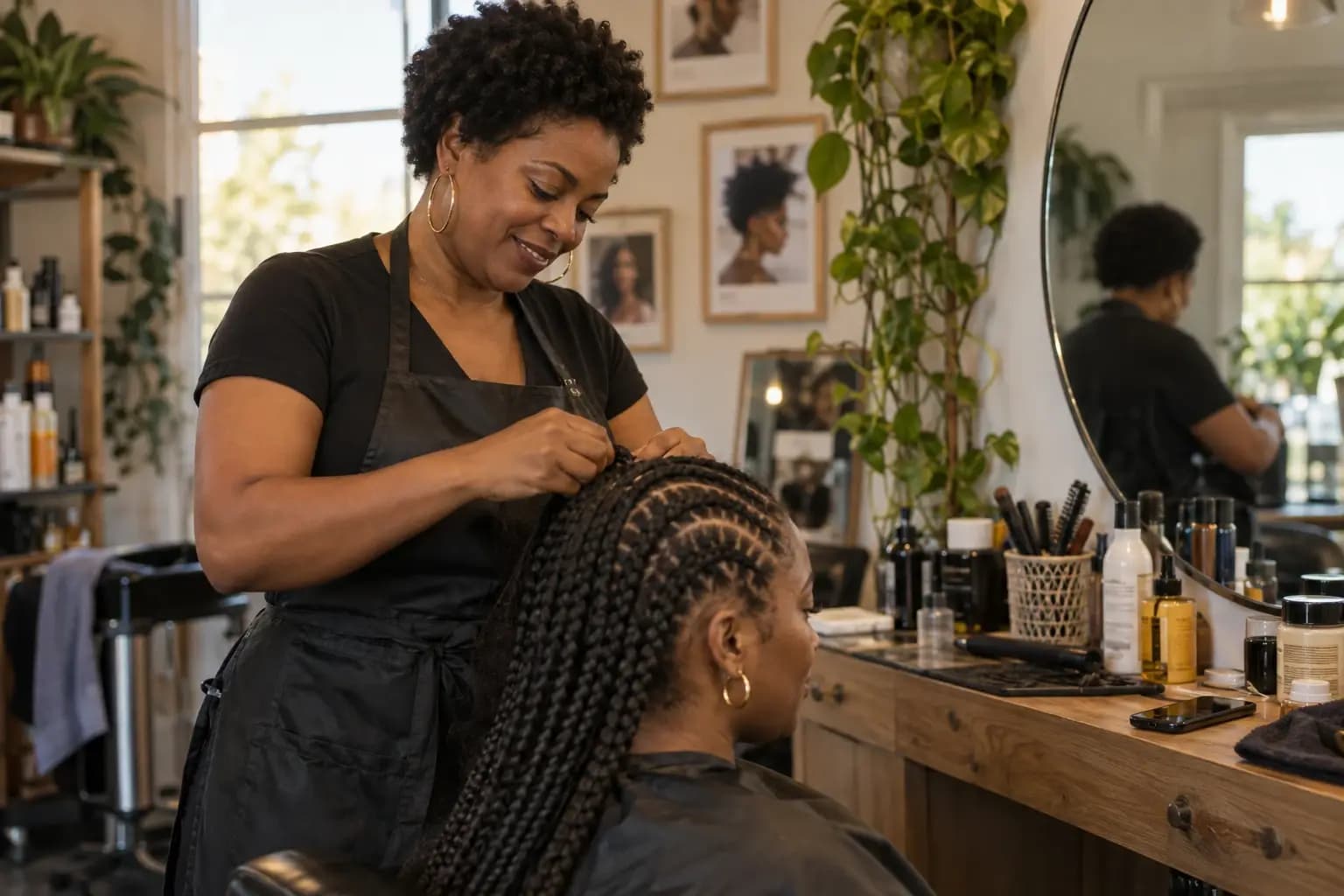 How to take bookings on Instagram without losing them in your DMsA guide to taking bookings on Instagram: the “Book” button, a calendar in your bio, automatic replies, messages to copy and reminders.Read the guide
Your next customer is already commenting.
Let SocialMaker reply while you do what you love.
No credit card · Ready in minutes